Ah ok, I didn’t know that you ran through the game twice. The idea of two transcripts makes sense and sounds doable. I thought that you make ultracomplicated source code analysis or something.
BTW: Updated version will be available after the next weekend. There were and still are a lot of corrections to do. Including a list of all score you received (but surprisingly no list of scores you didn’t receive yet).
Git is telling me that replacing every ' and " with ‘ ’ “ ” involved changing 4,323 lines of code. But it’s a small price to pay for good typography! (And the Dialog compiler ensures that this won’t lose Z-machine compatibility.)
A late addition to the teaser thread – here’s some code from my ‘still trying to finish before the deadline’ entry!
'datapad': {
name: "Datapad",
description: "A portable screen. This one contains some
company information about a new fabrication unit: 'At
Rainforest™, we hate waste™. Now you can recycle anything
into its basic components – use these in the fabricator
to make new things (schematics required). Upgrade the
fabricator to make even better items. Upgrade the recycler
for greater efficiency. (Note: upgrades will be deducted
from crew wages at the end of the assignment).",
resources: [0,5,0,2,4] },
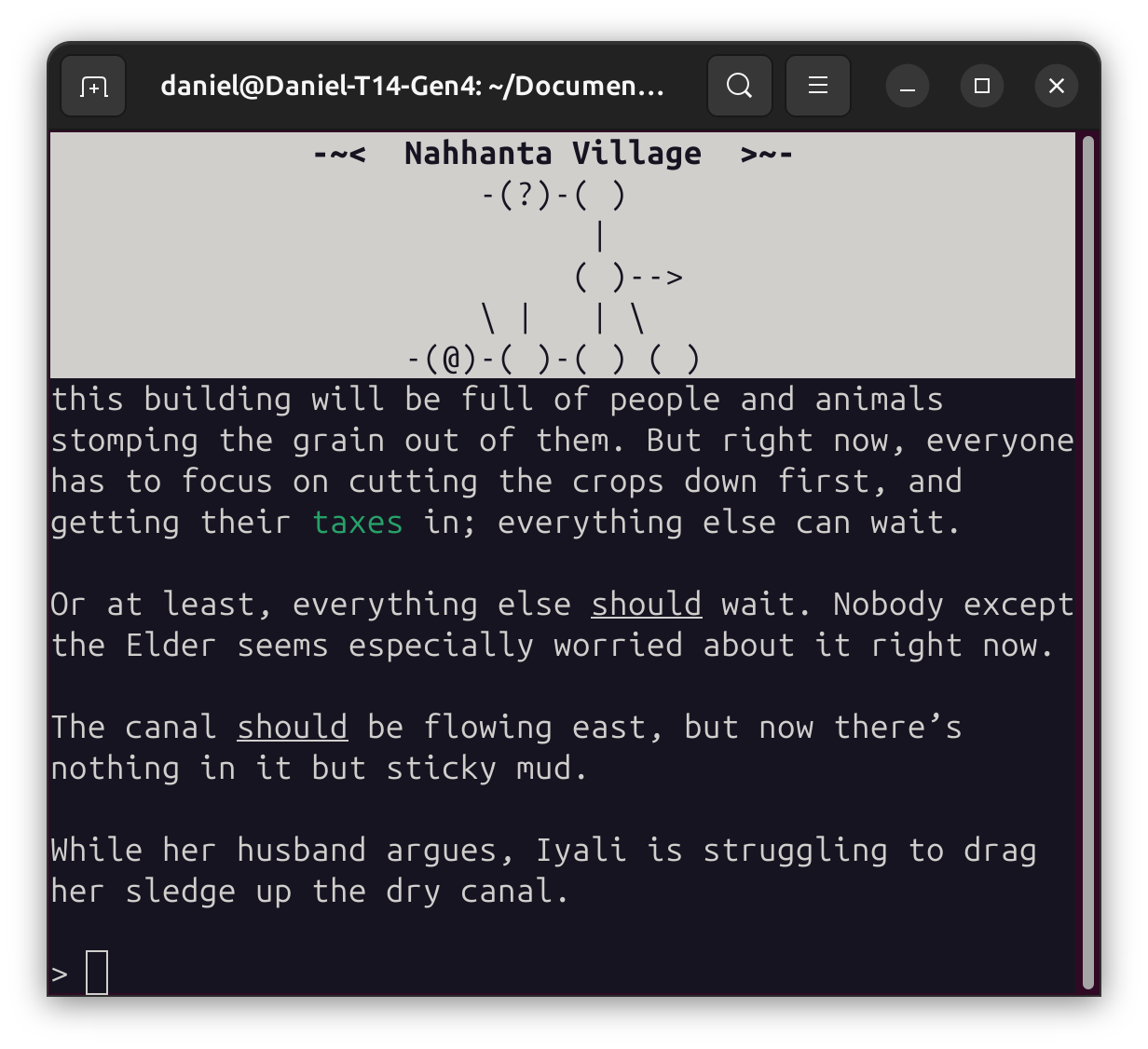
Behold! Something that has, as far as I know, never before been done in Dialog! This is certain to revolutionize gaming—centered text in the status bar!
Wait, what do you mean ZIL was doing this back in the 1970s?
(This is one of the places where Dialog’s insistence on platform-independence hurts it—there’s no real way to handle centering in a platform-independent way. So I hacked the compiler and added some special predicates giving me the information I need to do manual centering on Z-machine, while letting the Å-machine do it in the standard way.)
One of my testers just played through the entirety of the game, requesting a context-sensitive hint after every single thing, to make sure it was always suggesting something appropriate. (And in many cases, it was not.) I’m more than impressed by the dedication—I’d never thought to do that myself! So, shout out to all the testers out there, ensuring our games are the best they can be!
Seconding this. I’ve been reading through my testers’ transcripts closely and they’ve tried some very unlikely (as in “almost certainly not a serious attempt at making progress with the game”) commands that have revealed bugs I doubt I ever would have spotted myself (but might have tripped up a typical player under the right circumstances).
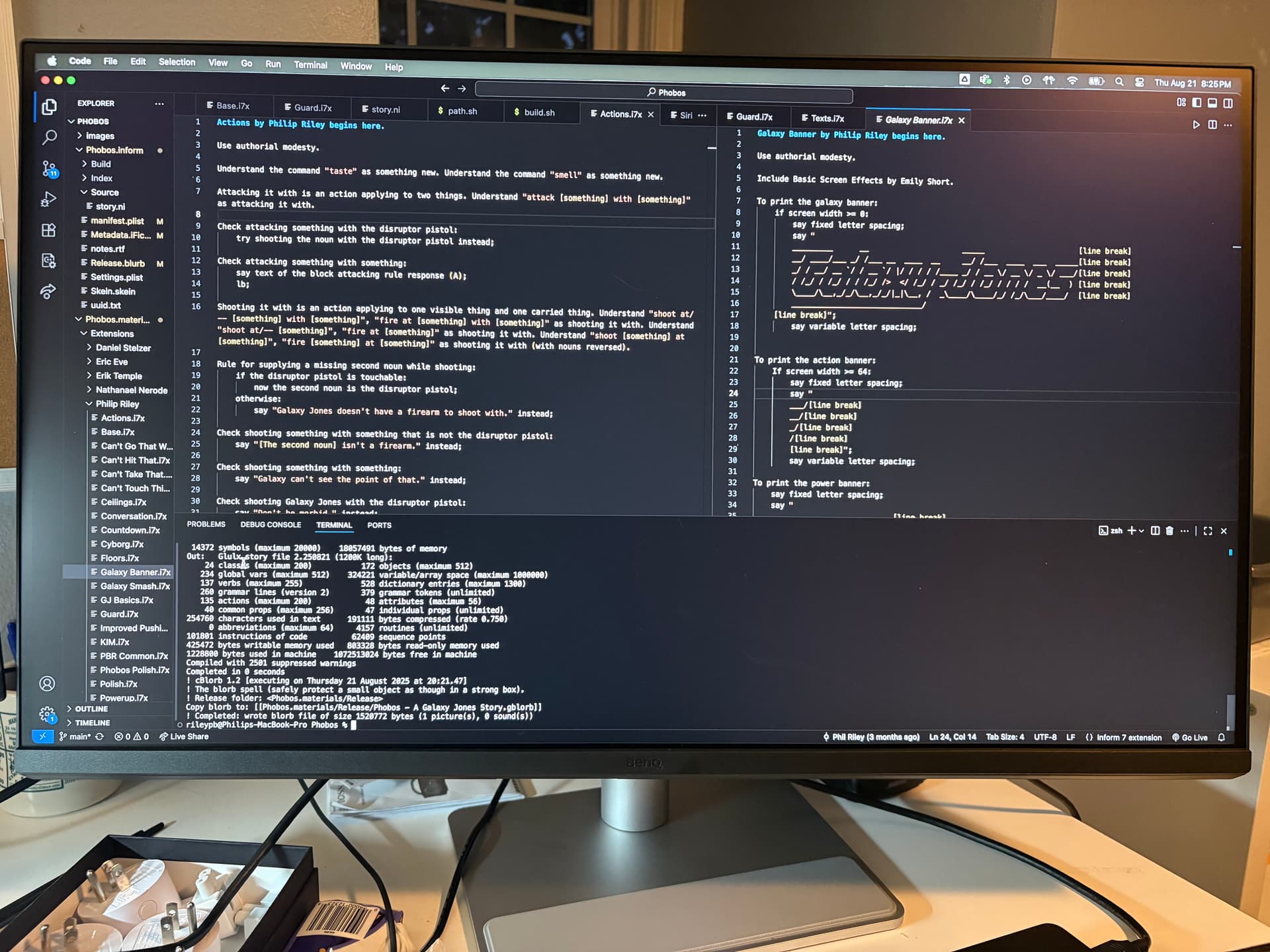
How easy/convenient is that to set up and use? I’ve been finding the Inform IDE tends to crash on my machine so I’ve been writing my entry entirely in Borogove, but at 50,000+ words it would be nice to be able to split the thing into multiple files.
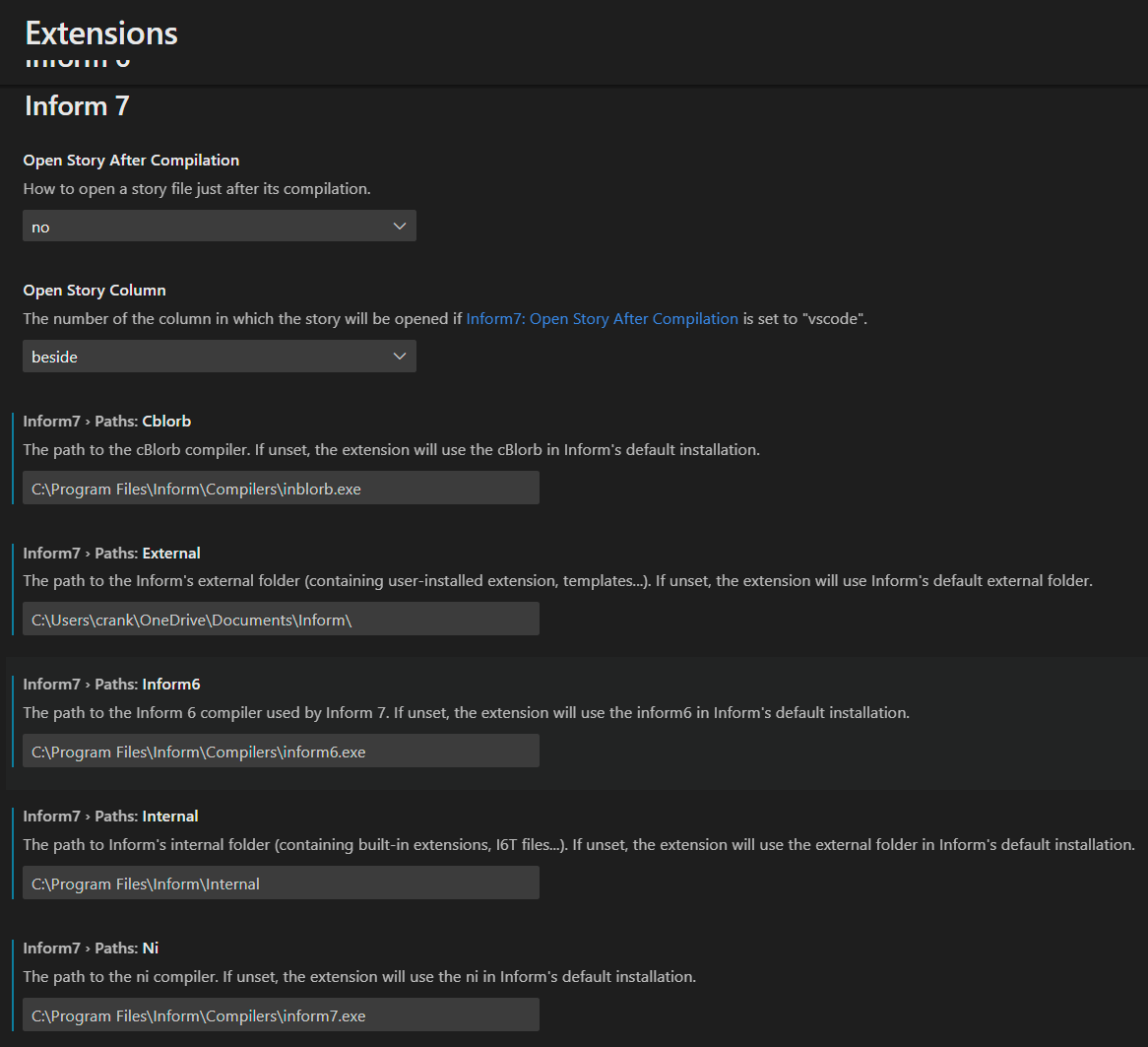
You can do everything but “release” with VSCode and Inform 10. There is a player extension, so you can test within the interface. Here is a screenshot of my v10 settings. The available extensions are Inform 6, Inform 7, and IF Player.
Today I added extra hieroglyphs. I tested another comp game with ancient Egyptian puzzles in it, and now I’m determined to have the most hieroglyphs of any entry this year!
Two days before the deadline, I’ve added a vital feature: the ability to spend in-game currency on cosmetic items and equip them to your player character. (And spent way too many hours trying to draw the damn things so you can see the results. I’m a much better writer than artist! But it worked out in the end.)