I’m about halfway through generating what I suspect is my biggest animation to date… it’s so big I’m having to pause the generation every couple hundred frames and convert the ppms my code is generating into pngs in batches because I don’t have the harddrive space to generate it all in one go and converting at the end… I really need to figure out a more space efficient way of generating animations… I went with ASCII format portable pixelmap because it’s a format that’s easy to write, but the large file size really is a hindrance for making longer, higher-res animations… the largest individual files for the current animation are only 79 MB, but when you’re generating a few thousand frames, it adds up. Based on the figures for how much space the batches I’ve already converted to PNG took up, I would need like 400 GB of free space to store all the .ppms, and I have less than 100 GB free on my main data drive. Needing to generate and convert in batches also means I can’t just let the conversion run over night after generating and have to actually wait for a conversion batch to finish so I can delete some ppms to make room for the next generation batch… Fortunately, if this animation goes well, the next two I have planned should be much smaller, about half the height, width, and frame count.
Right now I’m beta testing my Superhero Who-done-it mystery. I should be finished in a few months.
After that, I have an early prototype for a TWINE game that runs two frames side by side, representing the perspectives of two different characters who both can potentially affect the view of the other. There are probably some trendy modern stories I could tell with that, wrenching great emotion from my reader, however what I have in mind is an old-school D&D style treasure hunt with a series of collaboration puzzles (I love the Fireboy and Watergirl games).
And then you spend a week alternately staring at or avoiding the problem until finally you find a moment of focus and realize you just neglected to add one line when you refactored a bunch of stuff.
All right, I’ll bite. Not meaning to be indelicate, but I believe you are unsighted, no? What kind of animations are you making and how do you interact with them?
I’ll let him speak for himself but they’re pretty cool~
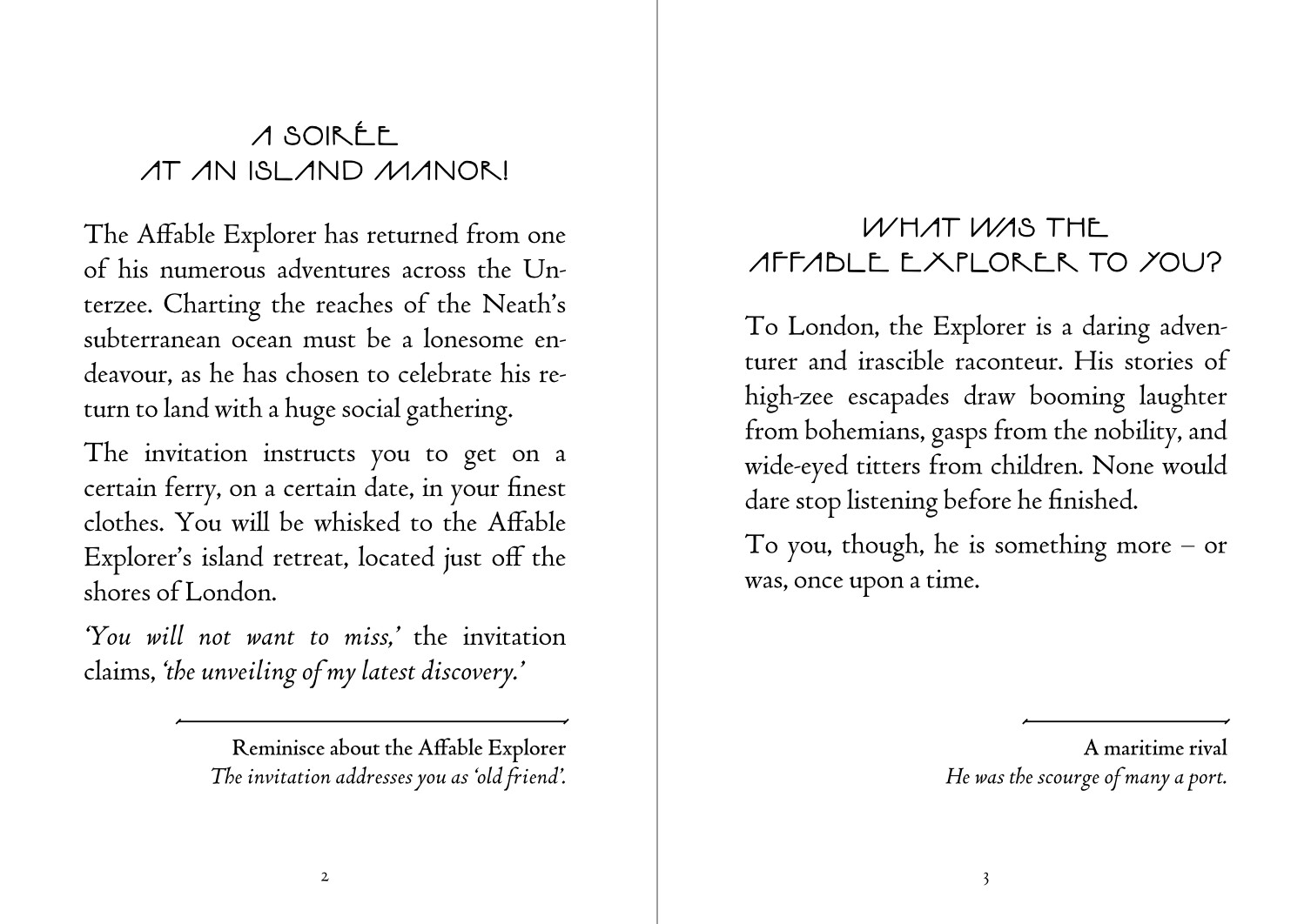
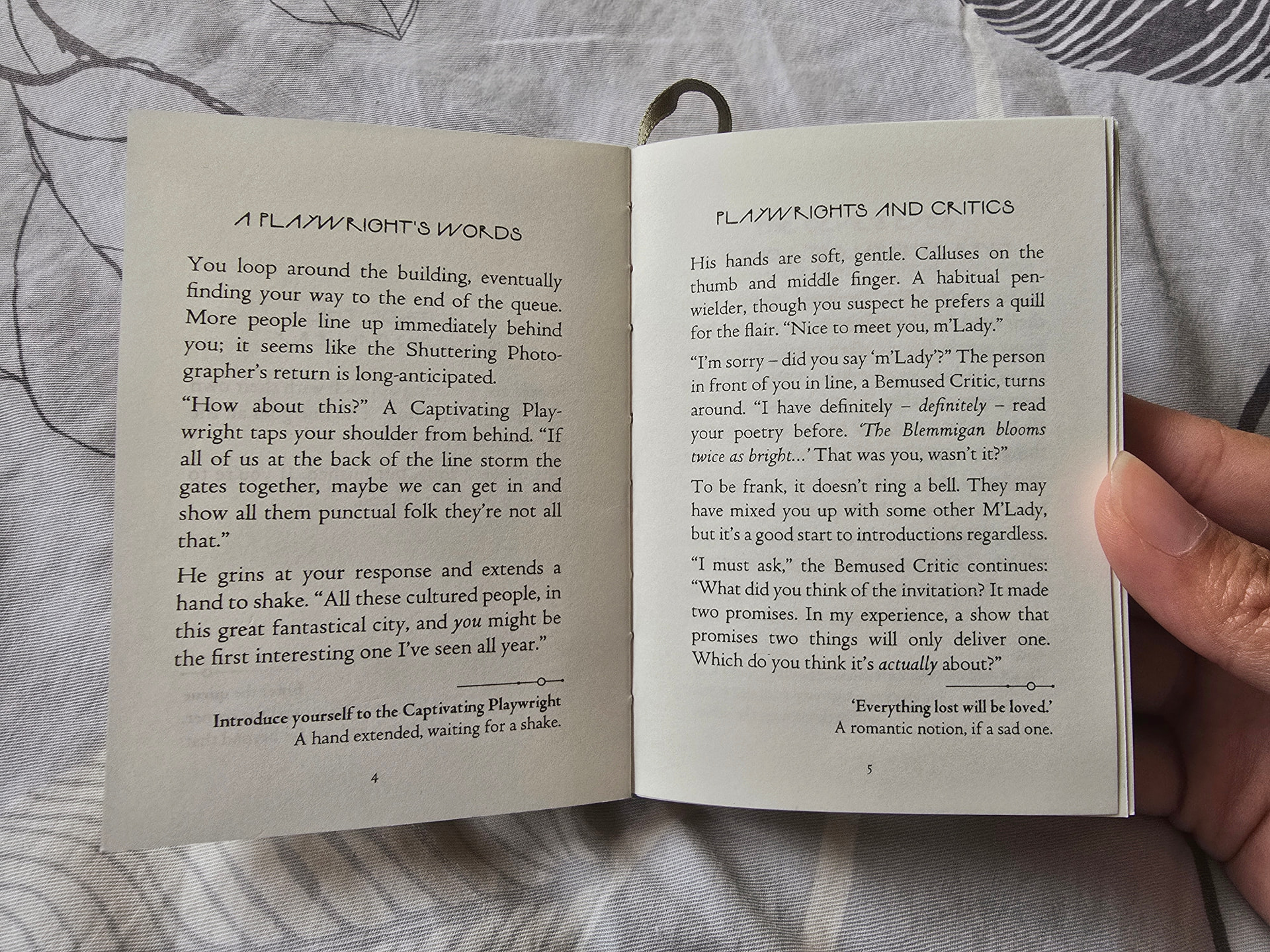
I’m in the process of printing and binding some Fallen London Exceptional Stories into mini books. They will be A7 sized and perfectly pocket sized.
As a bit of background, back in highschool(I went blind in my mid-20s) I was the kid who would spend downtime during the school day "doodling on a TI-83, seeing what pretty patterns I could create with whatever concepts I had learned from HS maths to that point and I’ve long been a fan of fractal and geometric art and doodled with PC graphing calculators, vector graphics, 3-d modeling, compass-and-straightedge constructions, etc. At some point, I learned about the portable pixel map format and its relatives, particularly the versions that are written in plain ASCII encoded text and decided, “Hey, that’s simple enough I could write some Java code to generate an image”. I think the only thing I made using this technique while I still had a working eye was a 4096*4096 image consisting of all 16,777,216 colors of the 24-bit RGB colorspace, arranged into swatches 256 pixels wide by 16 pixels high, and I learned C++ while I was making the transition from sighted to blind and ported the code from Java to C++. Going blind rendered most drawing programs unusable(and the few drawing programs for the blind(and sorry, but I have no clue how they work) I’ve heard of are all Windows-only and I’ve been using Linux longer than I’ve been blind), and while I’ve made heavy use of construction toys like Zome Tool and Polydron, there are limits to how much one can do in meatspace when space for builds is limited and money for parts is limited, but if I can tell the computer how to color each pixel, I can write a program to do it… naturally, this lends itself to stuff where I can input x, y, and z coordinates into a mathematical formula and get r, g, and b values out the other side, so what I’ve done with it leans towards the mathematically abstract and the geometric. Sometimes, I just do an experiment and try to figure out what’s going on from sighted feedback, other times I try for a specific effect and judge whether I hit the mark by sighted feedback. For still images, I loop through x and y coordinates and use those as input variables to determine how to color the pixel at that point, for animations, I add a z coordinate(I suppose it should really be t, but I’m as likely to think of each frame as a z-slice of space as a moment in time) and generate a new image for each iteration of the z-loop, and then use a command-line utility to assemblle the individual frames into an animation… and recently, I’ve been using another command-line utility to convert the animated pngs to animated gif since animated pngs apparently don’t work everywhere. I’ve also made it standard practice to generate 4 images per frame, a full color version and separate red, green, and blue color channel images, both because the idea of comparing a full image to its components sounds interesting, especially for pieces where I’m doing completely different things with each color channel and because I’m better at predicting what individual color channels will do than I am at predicting how they’ll interact and feedback on separate color channel images provides some extra debugging information.
Admittedly, I’m utterly incapable of properly appreciating the final product, but I enjoy the underlying programming and figuring out the connection between code and what sighted people report seeing enough to keep me doodling.
As for the animation I mentioned a few posts ago, generation and conversion to optimized pngs finished last night and the final of the four animations(the full color version) is compiling as I type. Conversion to gif is next and then I’ll upload the final animated PNGs and GIFs to share.
This is awesome, thanks for sharing this.
This all sounds very interesting.
Tangentially related to what you’re doing… I have a minor fascination with the old color cycling animation technique that was used in games in the 80s and 90s. There’s an artist named Mark Ferrari who used this technique to great effect, and some of his work is on display here. It’s gorgeous stuff. None of the technology that Mark was working with or building for is extant anymore, but another guy, Joseph Huckaby, wrote a simple engine to display Mark’s work in a browser, available here. They talk about the technique here. Mark had a bunch of old Amiga LBM files made in Deluxe Paint, which supported palette cycling, and Joseph wrote a C++ app to convert them into JSON data, where each pixel is an object with rgb values. Joseph’s display engine uses the resulting JSON data to display the LBM files in a web browser.
I’ve visited those pages several times over the years, and a couple of months ago I got it in my head to extend Joseph’s display engine into an editing tool for making new color shift animations. True Confession: I relied heavily on Codex and basically vibe coded the thing over a weekend. Anyhow, I wound up making a color cycling editor that ingests a PNG image, converts it to JSON data, lets you create new palette cycles with it, much in the style of Deluxe Paint, then lets you export the JSON data into a standalone self-executing javascript that you can place on a page like an embedded image.
I haven’t done anything useful with it yet, but I’ve played around with it and made some very poor quality color cycling tests. Though AI helped me make the tool in a weekend, the actual artistry of the technique is much more involved. My hope is to eventually make some animations to use to illustrate a text game.
Cycle8, as I call it, is privately available here if anyone wants to check it out. I imagine putting it on a dedicated domain if anyone shows any interest, though right now it contains Mark’s example files under File > Open Sample, which I deconstructed so I could see how they’re made, and I don’t have rights to distribute those, so I’ll need to pull them out before publishing it.
That waterfall graphic is really nice.
The Apple IIGS also had scanline palettes and Deluxe Paint II. Once I got some access to the palette tech via BASIC in the early 90s, I started a game with colour cycling on the cutscenes, and then totally regressive game-and-watch style pre-‘etched’ sprites in the action scene 
I wrote about it here: Wade-Memoir - Alien Exodus The link also has a video.
Wade
Okay, ran into some issues with apngasm and apng2gif eating up all my ram and swap and crashing as a result, so apparently 1531 frames at 3061*3061 resolution is too much for my existing tool chain and hardware specs. As a result, I ended up splitting the full color version into three animations of 500, 500, and 531 frames and was unable to convert the separate color channel versions to gif… and honestly, I find myself wondering if the conversion to gif is even worth it… sure I’ve gotten reports that the animated pngs don’t play for everyone, but not only does gif have a limit of 256 colors, even with the color reduction, converting to gif seems to consistantly bloat file size by a significant margin.
Anyways, this was intended mainly as a test for a trio of functions that take a value in the range 0-1529 and return appropriate r, g, or b values for a pure hue… 0 is red, 255 is yellow, 510 is green, 765 is Cyan, 1020 is blue, and 1275 is magenta with smooth gradients between them. My original intention was to use the taxicab distance from the origin to generate a diagonal square rainbow gradient, taking mod 1530 to avoid overflow and adding the frame number to have the gradient move out from the origin… though partway through the generation, I realized I forgot to take the absolute value of x and y, and while my z domain for this one was 0-1530, x and y went from -1530 to 1530 for this one and I’m not sure how C++ handles -a mod b, though optipng didn’t report any malformed .ppms during the conversion to png. The most boring out come is I just end up with a diagonal rainbow gradient, but I honestly don’t know what happened where x+y+z < 0. The component versions should have alternating bands of color and black with gradients between them.
Since these are larger than most of my pieces(taking up most of the width of a 4K display and probably too tall for 4K), I think I’ll refrain from direct embedding, but the folder containing them on my website is:
My planned next step is to experiment with the min/max values for each color channel, try to make a dark rainbow or a pastel rainbow.
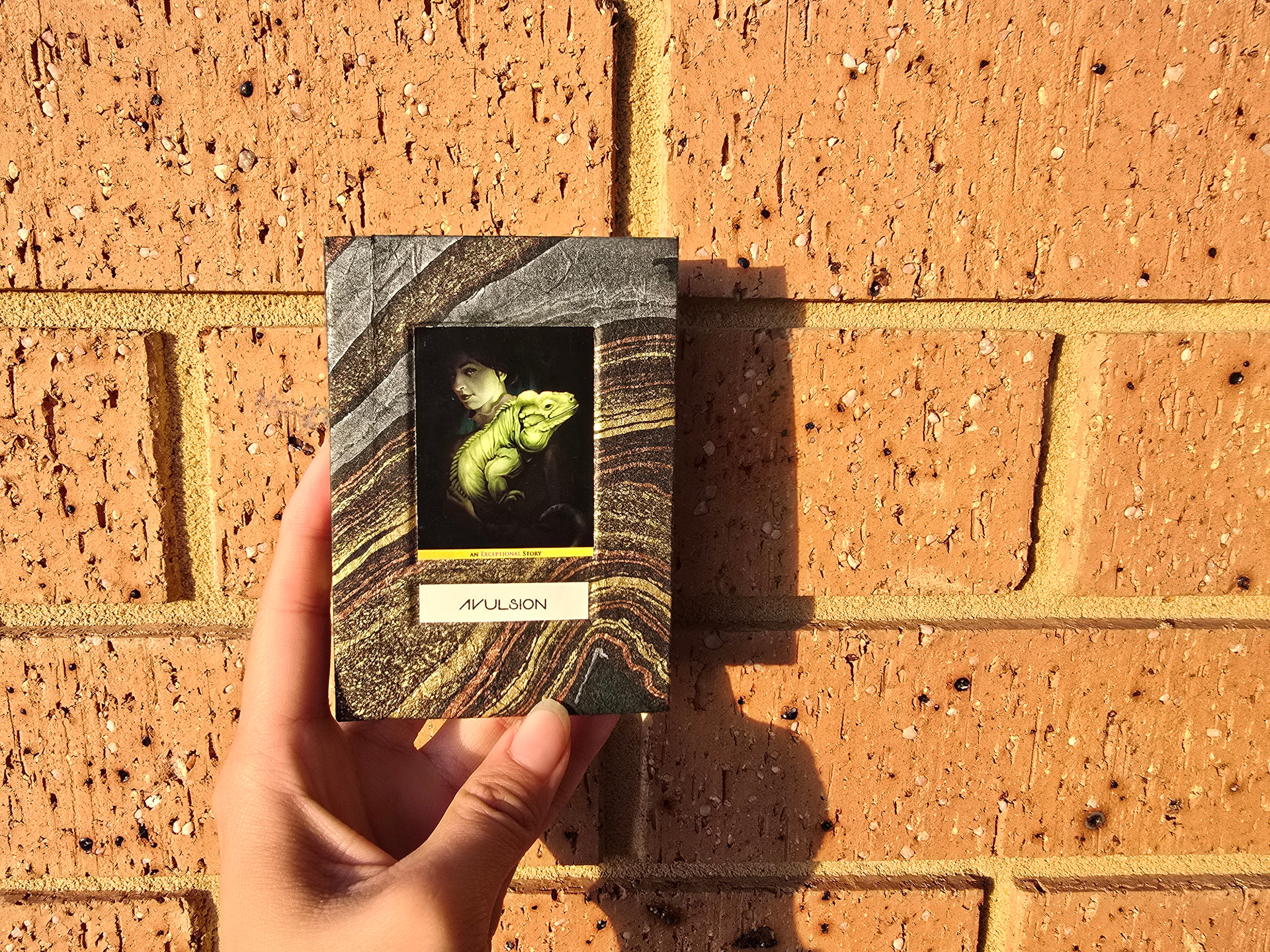
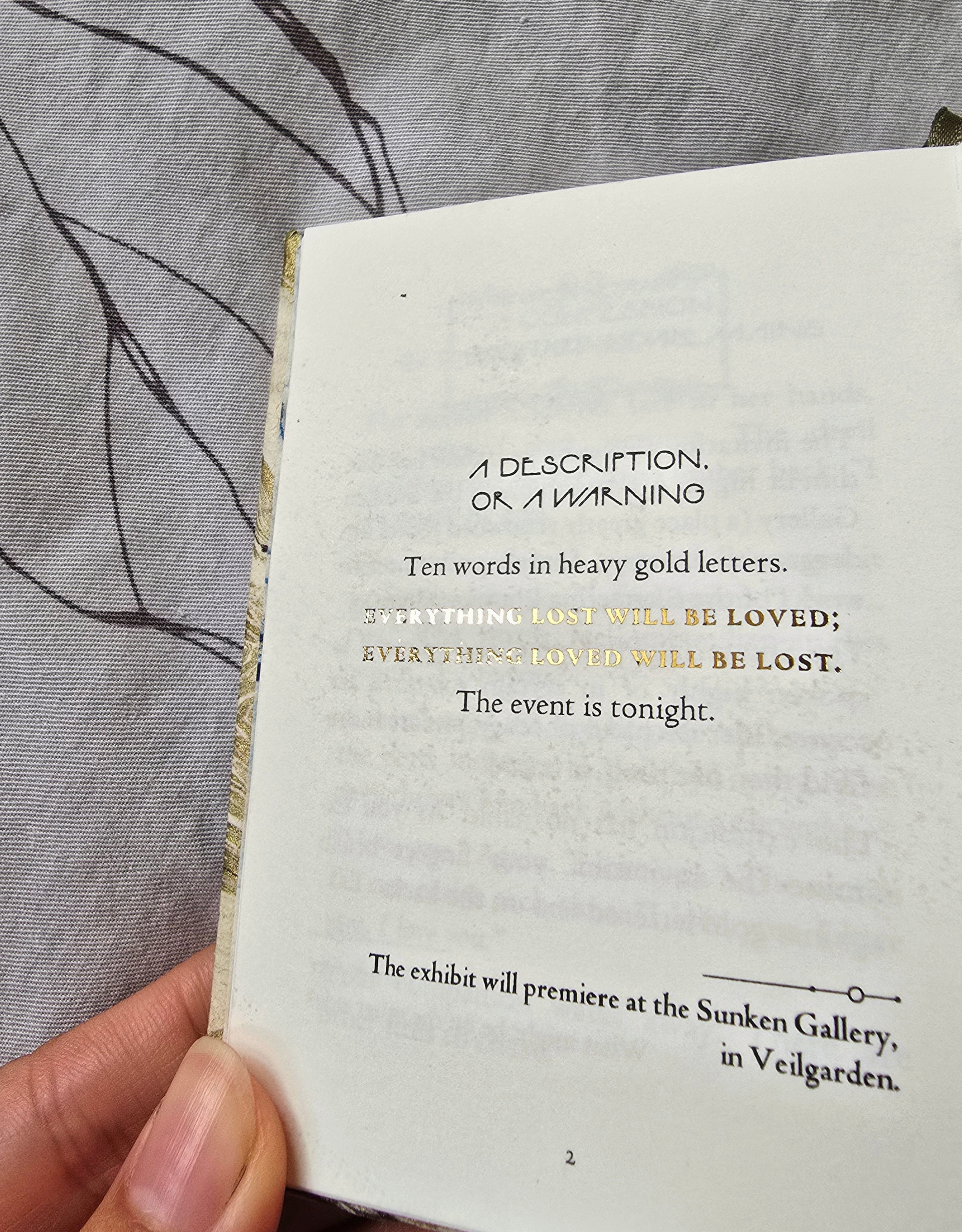
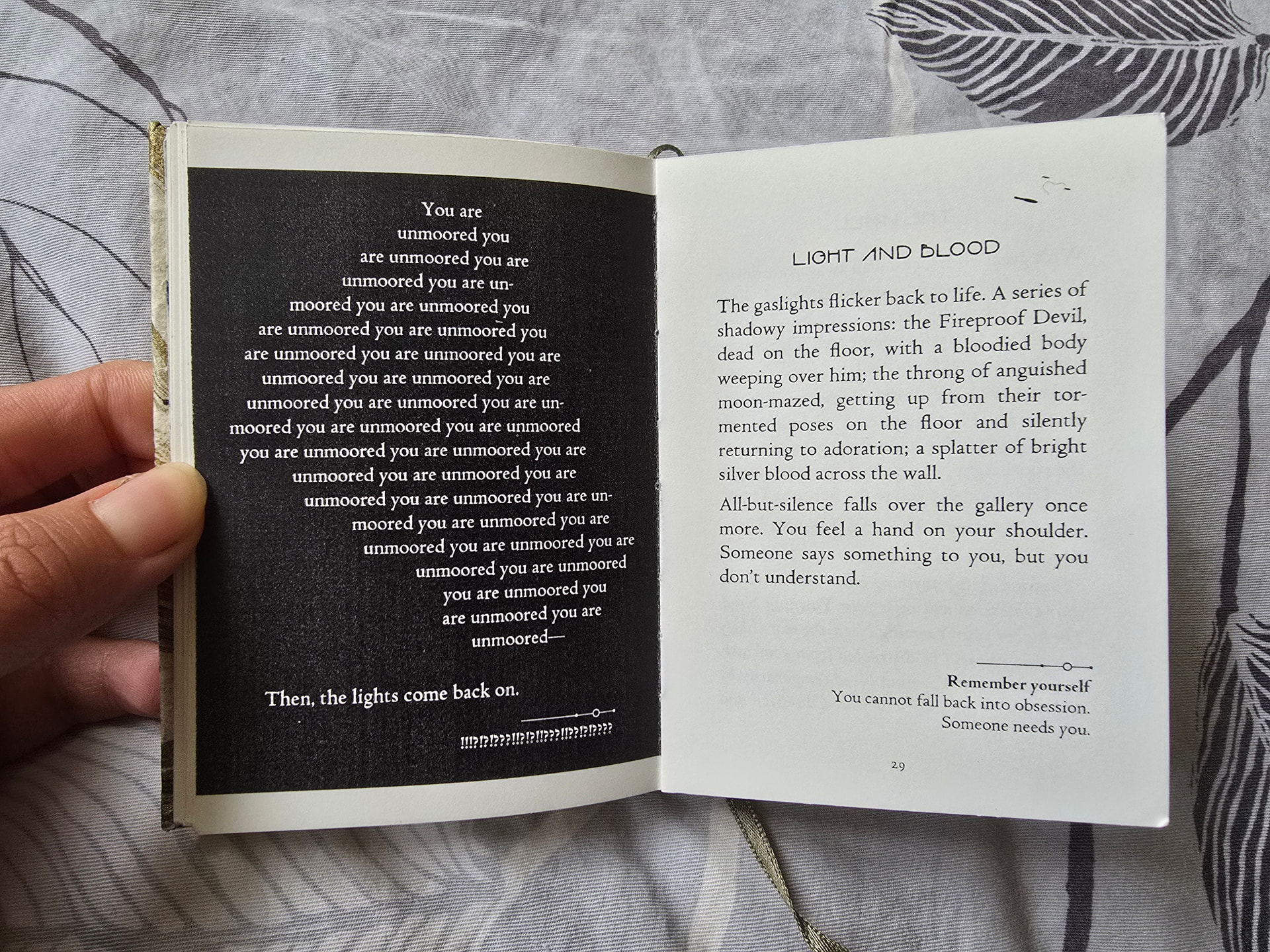
behold: Avulsion by Heather Flowers (Fallen London April 26 ES) as a A7 book!
Are you familiar with Eric Wenger’s ArtMatic?
I’ve never heard of ArtMatic or Eric Wenger.
I’m writing a comedy Western adventure game I’ve carried around in my head for a while. I’m also creating a custom parser and interface for it so it has lots of modern little bells and whistles, hopefully to enable the player to interact intelligently with as few keystrokes as possible.
I might make it into Parsercomp 2027, but real life often insists on interrupting. Really, I have so many game ideas, life responsibilities are often too inconvenient.
I’m going to play around with this. I should be able to take your idea and build it into my fractal system as a new function. That system is C++ using a framework called MFC with a MDI windowing interface for multiple windows of stuff happening all at once if you wish.
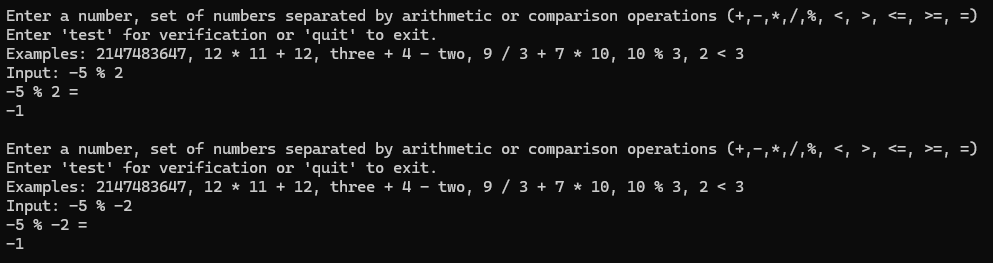
In C++ the sign is always what a’s sign is. So in your question it is negative. My Math Library console test harness also mimics it.
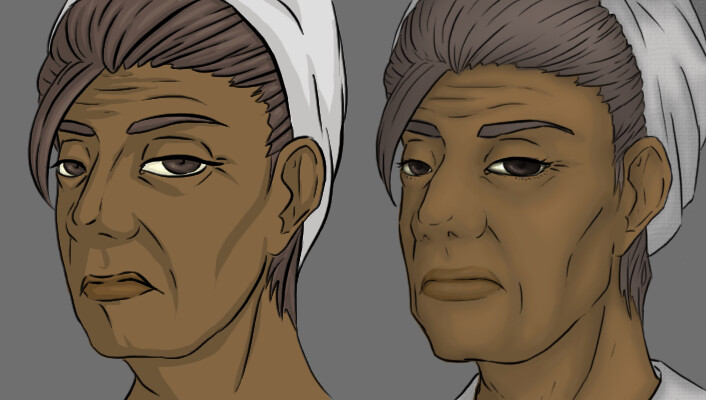
Today I’ve actually been productive and worked on refining some text in my interactive novel as well as worked on updating the art for the character portraits. It will probably take a few more days to finish both of these, and then I hope to continue the story once the text revision is complete. The old portrait is the left, and the unfinished update the right:
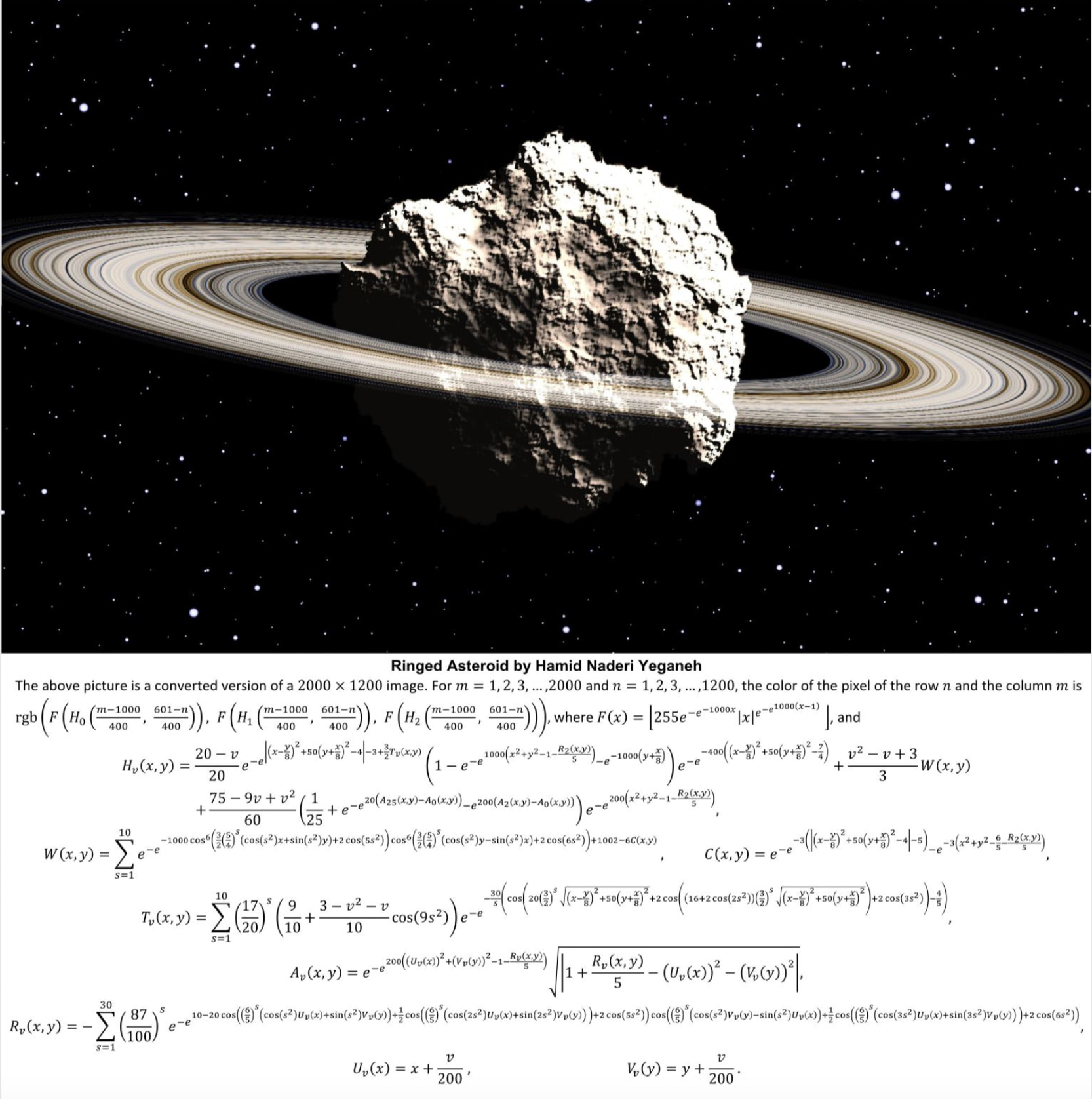
Continuing the mathematical art thread: one of the most astonishing things I’ve seen in recent history is a guy on LinkedIn drawing photorealistic art where every x/y pixel is computed from the same incredibly complex mathematical function. I would never have conceived that it was even possible to do, and looking at the formula I don’t have the least grasp of how a human mind could ever arrive at that solution.