(My reply assumes that you are using the browser to present your game, but the same still applies for screen readers with custom applications.)
I looked into making a blind-friendly interface for an IF-RPG game recently. When using a browser, it’s tempting to let the player use their own screen reader. (They have a favourite voice, pitch and rate already setup.) However, screen readers do not have a listener API open so that a browser (or any other program) can access it. Meaning, if you want a truly customized playing experience, you’re out of luck. Try cancelling the message that a screen reader is speaking to prompt a new message to replace it… and you can’t; and that was non-negotiable for me.
Currently, I have a satisfying navigation menu that softly dings and speaks the options, but they can be interrupted. The thought was about traversing familiar menus, so you could press down, down, down and hear ding, ding, ding then hear the menu option read aloud, press accept to go forward or cancel to go back. (Since I’m making an RPG, there will be a few menus that become familiar enough to remember the placement/pattern of options.) My intention is to have the game work with a gamepad, so tabbing around and navigating a webpage is not what I wanted.
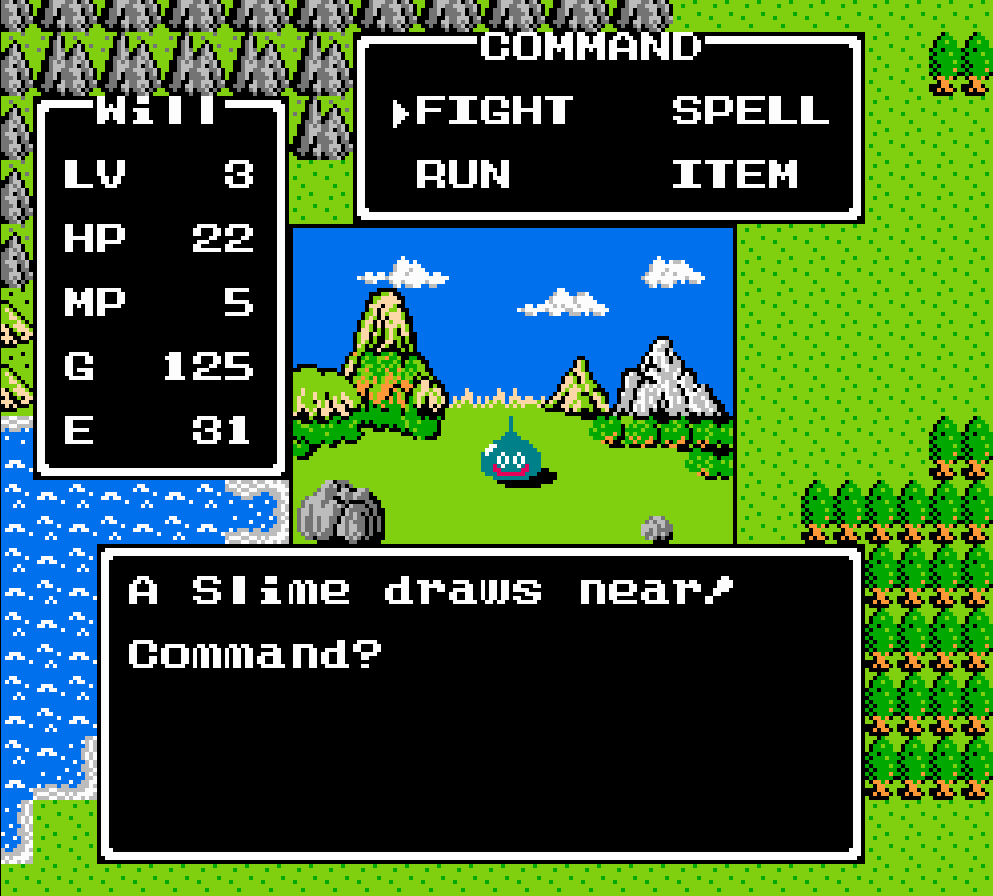
I used JavaScript’s speech API and embraced the built-in OS voices. They are not pretty, but they are very effective and once you get used to them, they are usually preferred at faster-than-natural reading speeds. (A beautiful, natural voice sounds weird at higher rates, but a slightly robotic one sounds more acceptable to me – the uncanny valley of voice audio, perhaps.) Interestingly enough, after playing around, my main “verbs” were better suited by sound effects. Attack became a sword unsheathing. Using Magic became a swirling, twinkling noise. This felt better than a robotic voice for common actions. Speech was still used for targets and such, but sound effects become your “graphics”.
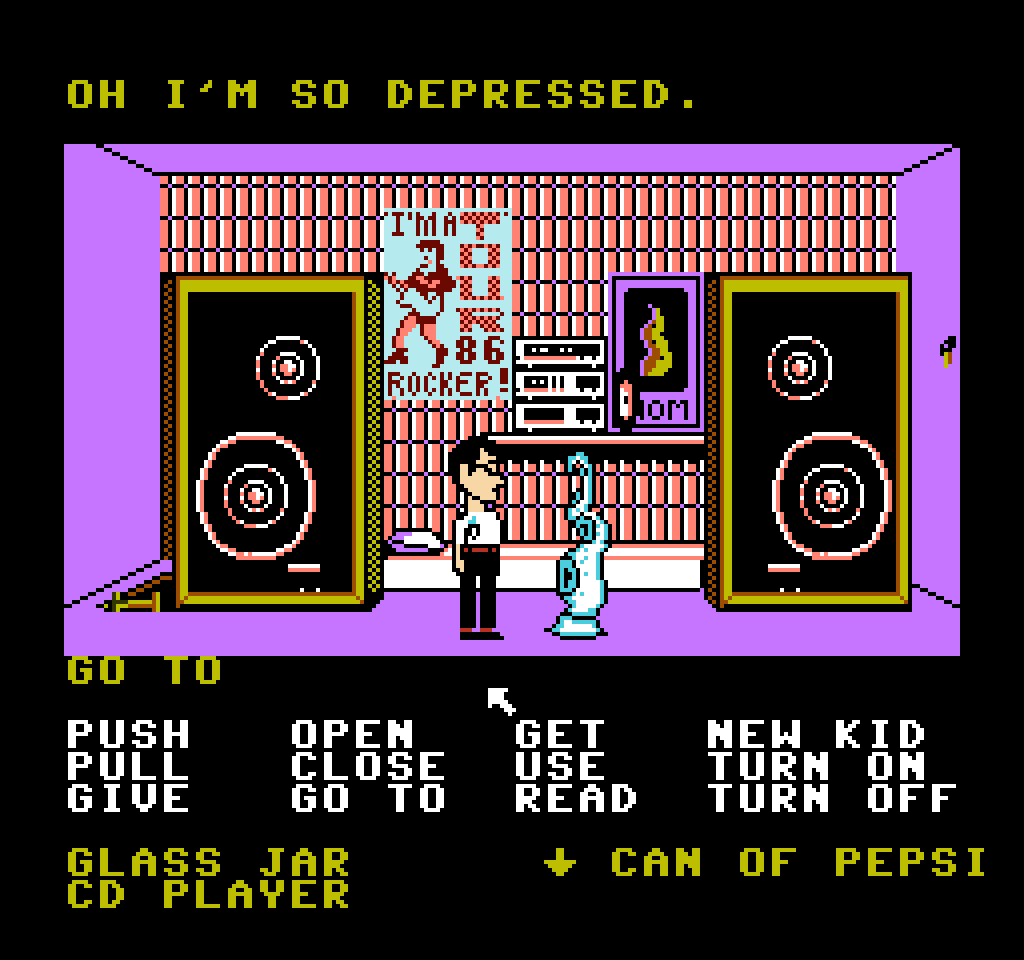
When you mentioned verb tokens, maybe a gamepad interface is a good start for exploring possibilities. (Remember to not use any browser-reserved keys for your game pad keyboard mappings.)
My recommendation is to build the accessible, audio-only interface as the primary interface. Ignore the visual output altogether until you have your game working (aside from an on-screen log for testing and debugging). Then construct a visual interface as a new mode of play afterwards. In researching blind accessible interface design, I concluded that visual and auditory sensibilities do not jive seamlessly. Having an interface that is audio only is ideal for blind players and you’ll soon learn where friction occurs as you test it. Describing an interface with speech is not the same as operating an interface with only sound.
If visual feedback is 2D, audio feedback is 1D. Yeah… my mind was blown too at this realization! All audio output is a linear stream of information that can only be cancelled or interrupted with a new stream. Text adventures feel like a stream of only text (1D), but our eyes reread things, glance at the status bar, see the exits list and items dropped on the floor, reread that specific sentence in the description… but audio-only output is pure 1D with the player’s attention. This realization can change game play design as well; just putting that out there.
Hopefully some of this resonates with you, but ultimately you have to decide, am I making a blind-accessible game or a game for blind people? Two significantly different answers emerge from that question.
I love interface design and I’m not apologizing for my preachiness. 
 Verb coins can also work really well in touchscreens.