Thank you! I appreciate the kind words.
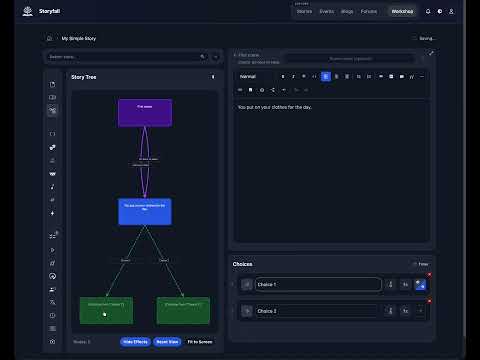
I’m pretty excited to announce I just released a code editor for Storyfall! You can click the “Code Editor” button in the bottom right of a scene and you end up in an IDE.
I’ve changed my mind on this - I used to think needing a code editor was a sign that Storyfall’s UI wasn’t intuitive enough, but I think past a certain level of scale and complexity this isn’t true. For instance, one writer is currently making a game with a complicated combat system with chance-based events, rolls, etc. with 10+ effects on some choices. There’s only so much I can do to optimize the UI, at some point it’s just hard to manage and there’s a lot of clicking involved.
With the code editor it’s easy to write or change these, or even copy & paste them into other choices, quickly moving things around, something you would have had to manually re-create in the UI.
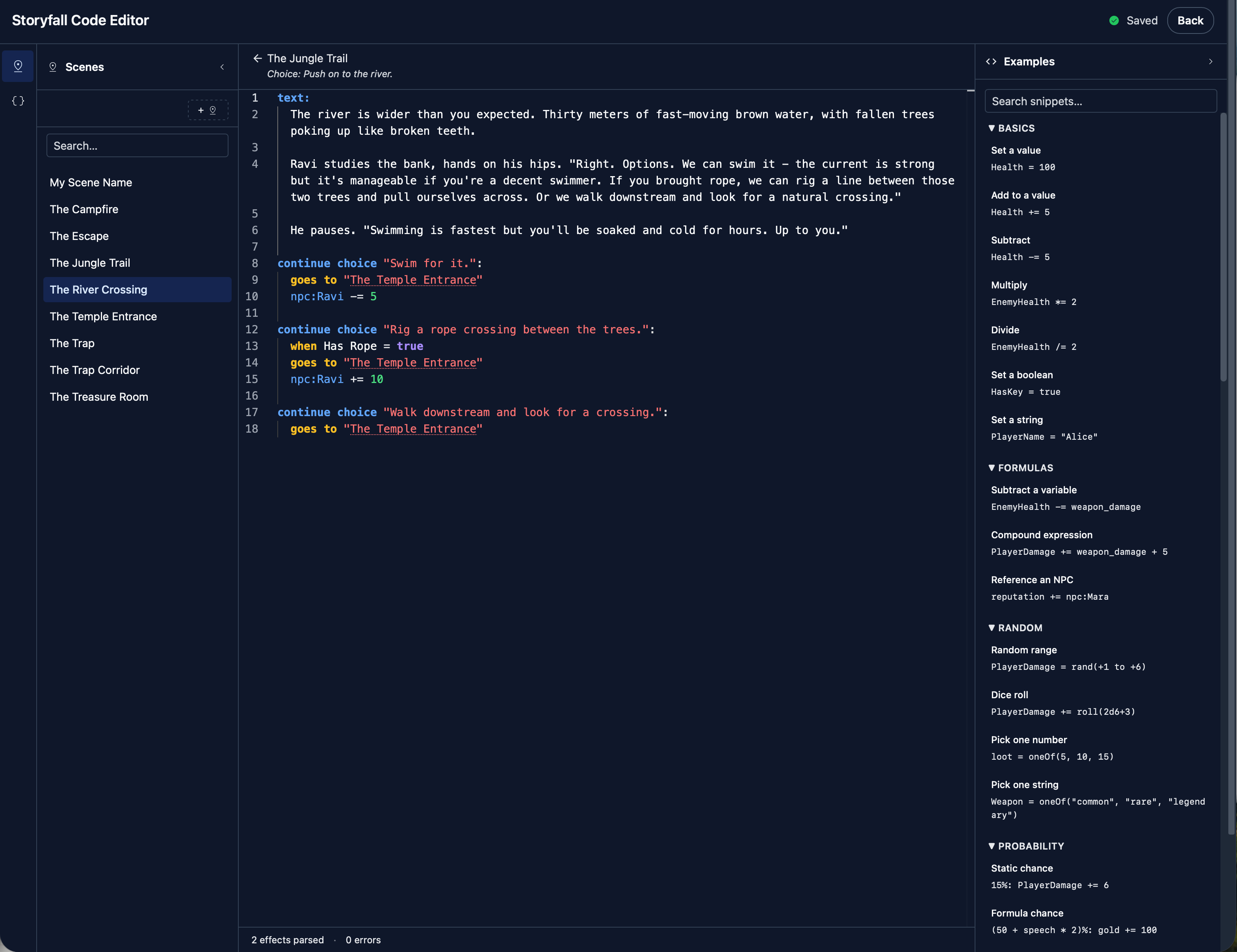
In the IDE you get syntax highlighting, errors if your code is invalid, as well as an examples panel on the right with various snippets (which you can collapse).
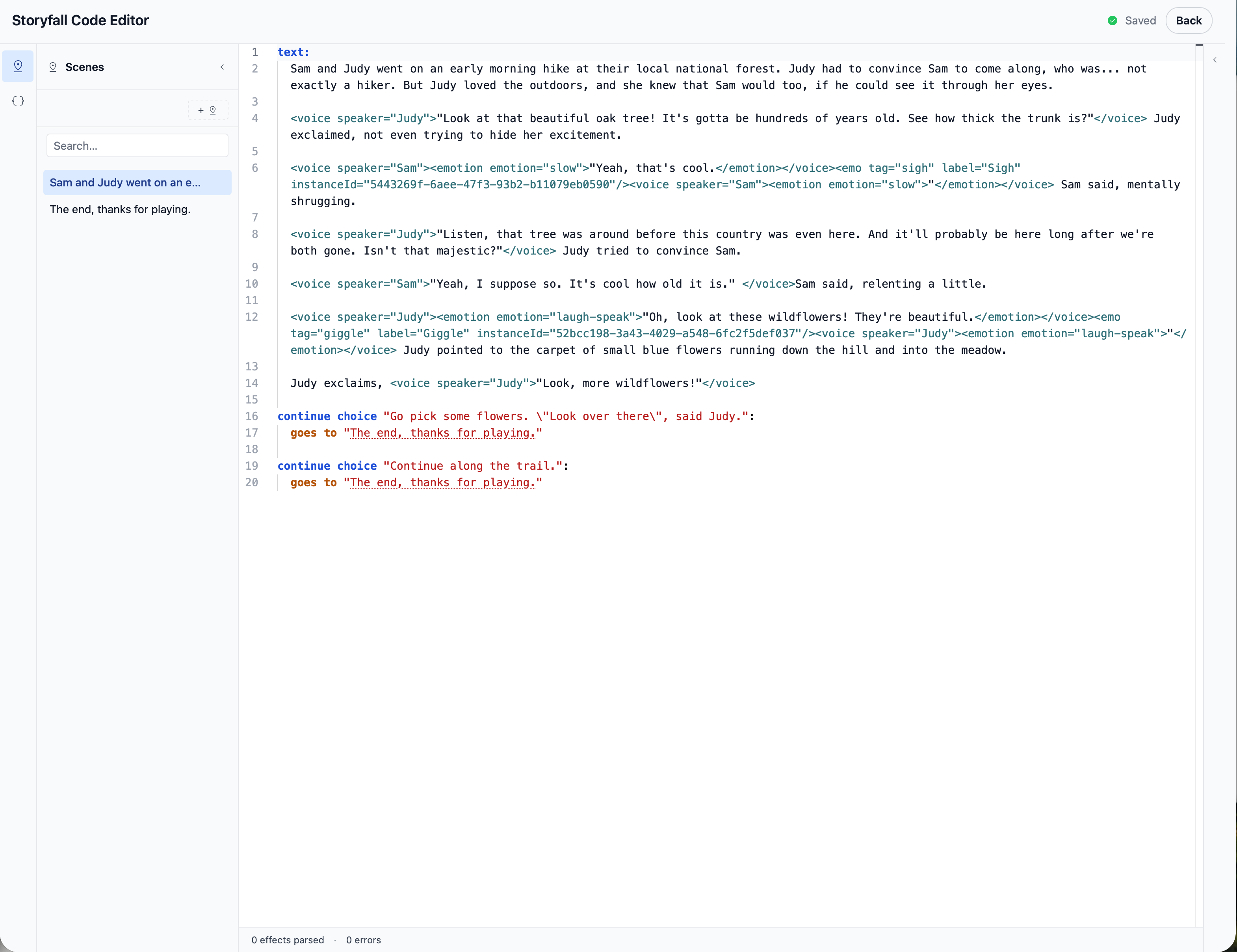
Of course, the editor will respect your dark/light and theme preferences from the main site, so there’s several theme variations.
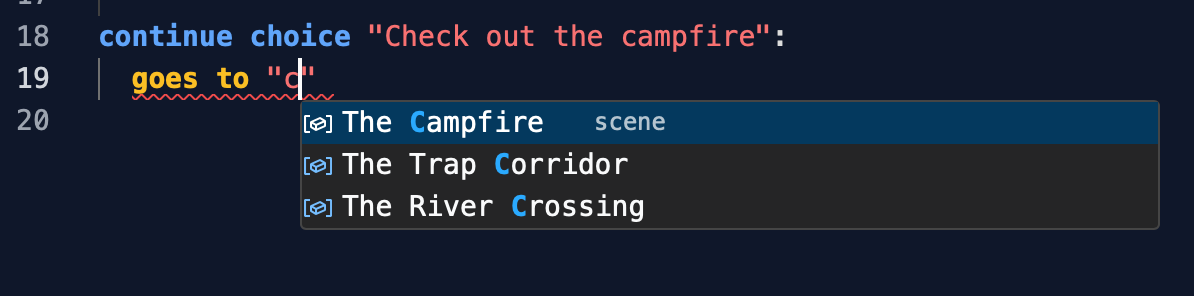
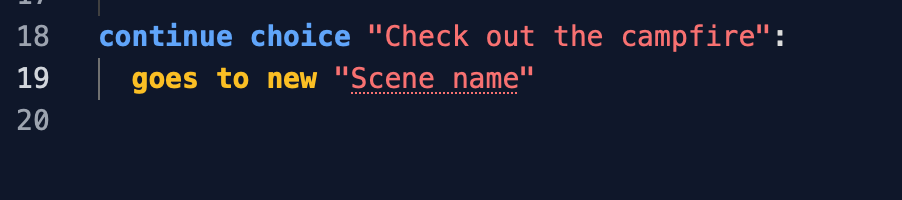
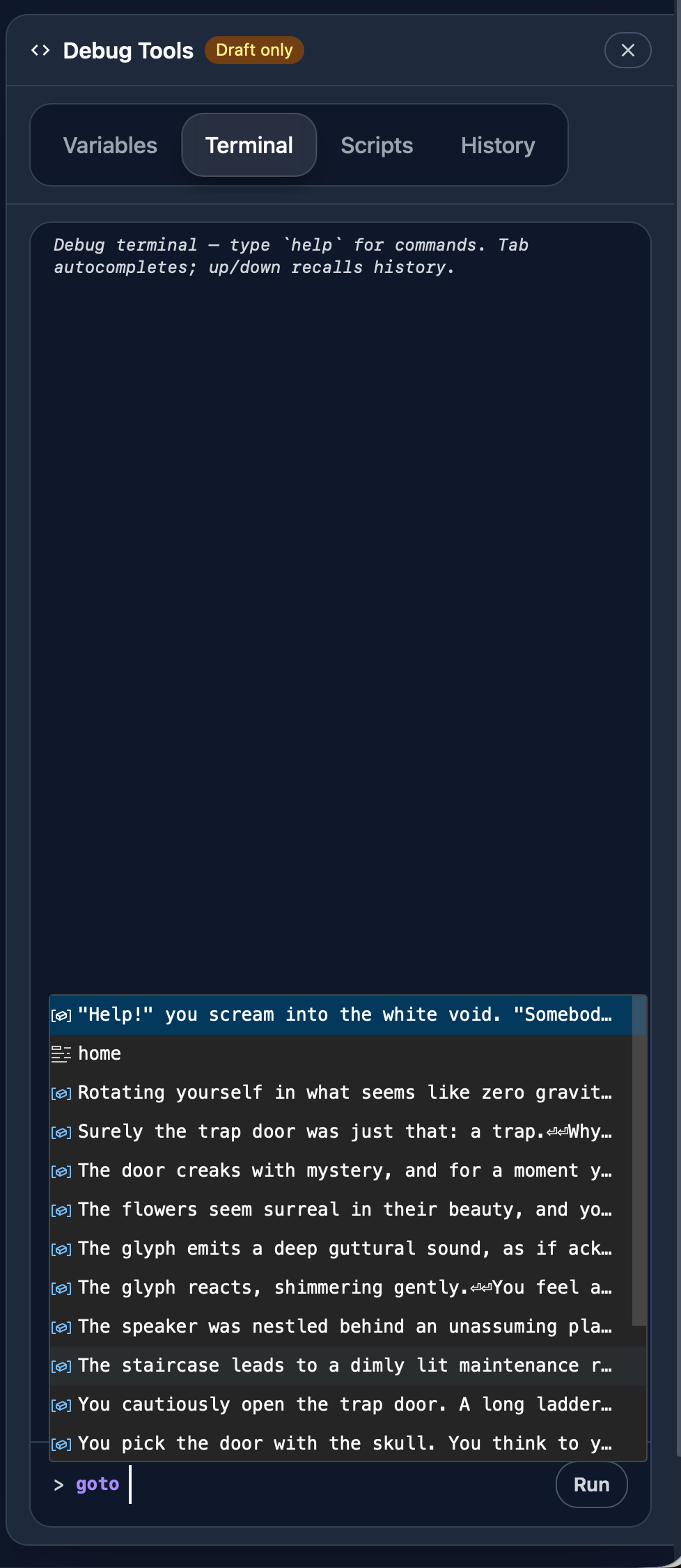
If you start typing, you’ll get auto-suggestions of what goes next. For instance, if you’re defining where a choice goes and you type goes to “ you’ll see a list of all your scenes. Just start typing to narrow it down. If you haven’t named a scene, you’ll see the first few words truncated from it.
Type goes to new and it will auto-create a new scene for you. From here you can name and rename it, and the scene becomes clickable. Click it and you go to that scene in the code editor.
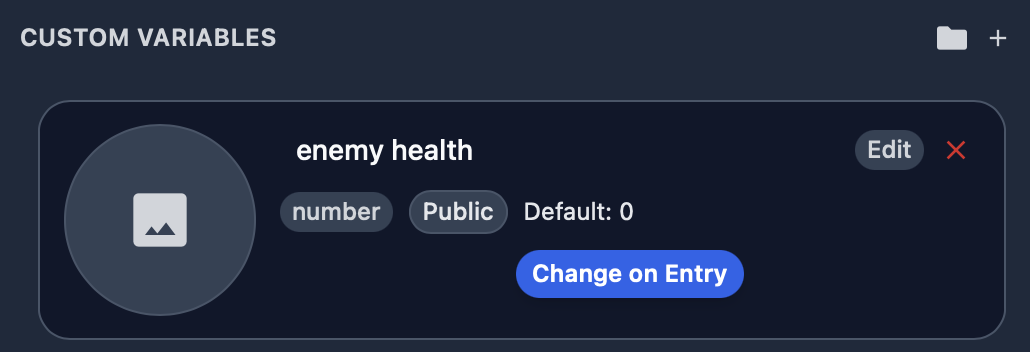
On the left there’s a sidebar reminiscent of a file explorer, only you click between scenes, not files. From here you can also rename scenes and create new scenes. There’s also a variables definitions panel where you can add, delete, modify variables, or drag them into folders for organization (just like in the UI). Eventually I’ll extend that to where you can modify global triggers, NPC and faction definitions, etc.
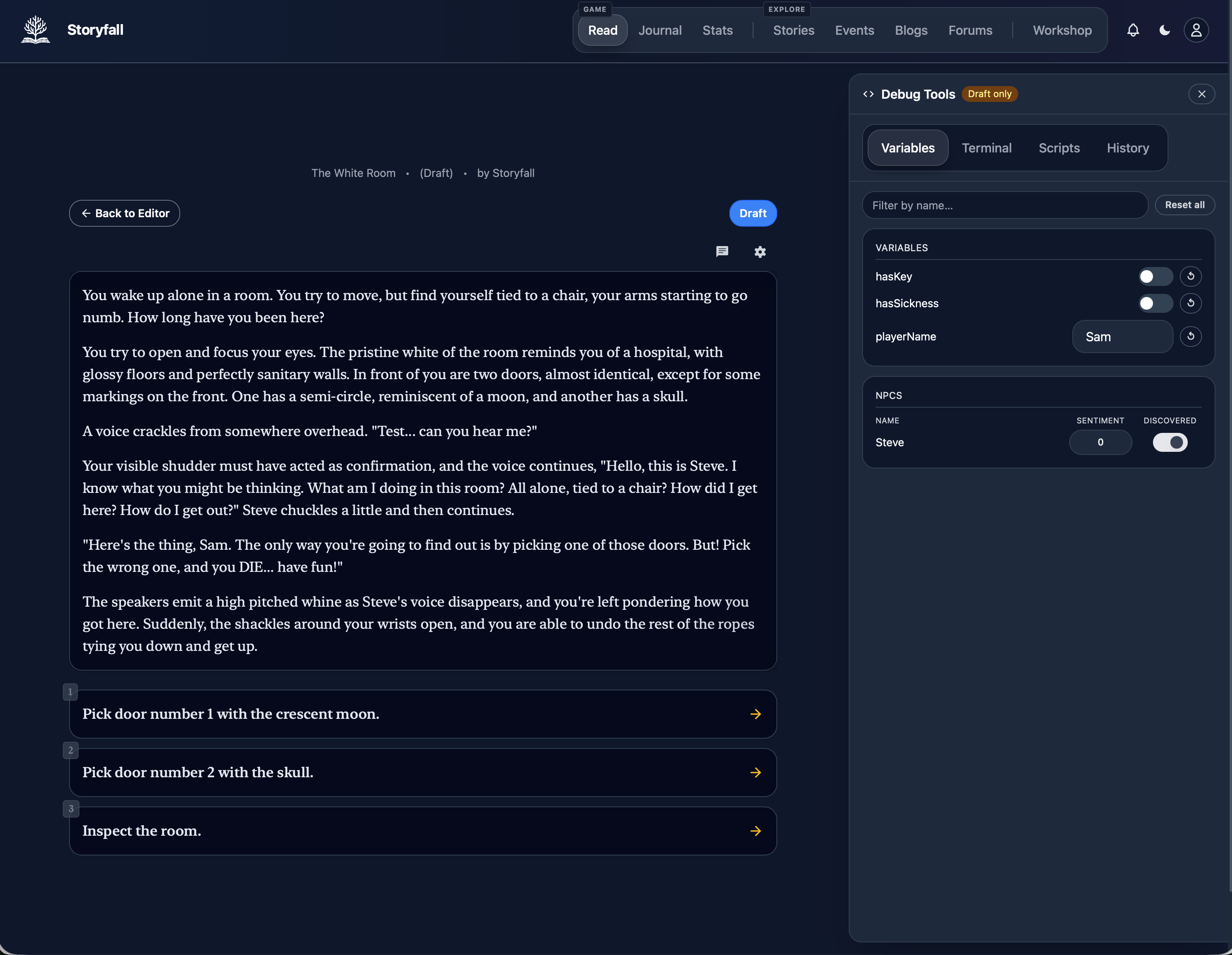
At any point you can exit out of the code editor and you’ll end up on the same scene in the visual editor - the two stay in sync as you move around and make changes.
If you want to edit just a choice in the code editor, you can get to there from the choice effects menu, in which case the code editor will be narrowly scoped to just altering that choice and not the entire scene.
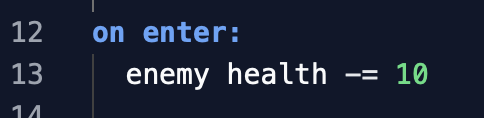
Note that the code editor is still in somewhat of a beta - Storyfall has a lot of features that the visual editor supports so building up full feature parity and ironing out the bugs in the code editor will take a while. The syntax is also subject to change. Right now it’s a combination of markdown, HTML-esque nodes, and some custom syntax to handle conditional variables, choices, etc.
Curious on any feedback folks have!