Can anybody here recommend a good way to get a basic Linux VM running on my (Apple Silicon) Mac?
I don’t want to mess with bootcamp or anything crazy like that. Ideally I don’t want to have to install some massive distribution I only need 1% of.
I pretty much need vi and a recent version of clang++ (or g++) and bison. Well, and a way to either communicate with the parent OS, or the ability to connect to my GitHub.
The only parts of my code that are platform-dependent are some memory leak tracking code in the compiler (already marked up with #ifdef APPLE and the terminal handling code in the interpreter (even that is mostly VT-100 escape sequences).
UTM is good for this as well. It is a wrapper for qemu with a management interface. For best performance you should install the ARM version of a recent Linux distro.
To test Mac builds of Dialog, we currently use Github’s automated build tools. It’s free for open-source projects and means that, no matter which platforms we’re developing on, we can run all the test cases on both Mac and Linux machines before accepting a pull request. (Not Windows currently because its terminal equivalent is so different, so translating the testing pipelines is agony.)
The same system compiles the binaries for each platform when we release. I’d never used this system before Dialog, but it’s so convenient, I’ve set it up for the Å-machine project as well.
VMware Fusion is now free. There’s also VirtualBox, but it’s slower. Either way, I’d recommend something like Fedora for the install — it’s pretty easy to install. Normally I’d recommend Debian, but Debian’s currently a pain to install in VMware on ARM. Ubuntu is increasingly weird as they move to using Snap for everything.
Make sure you download the ARM64 / aarch64 install image for whatever Linux you pick.
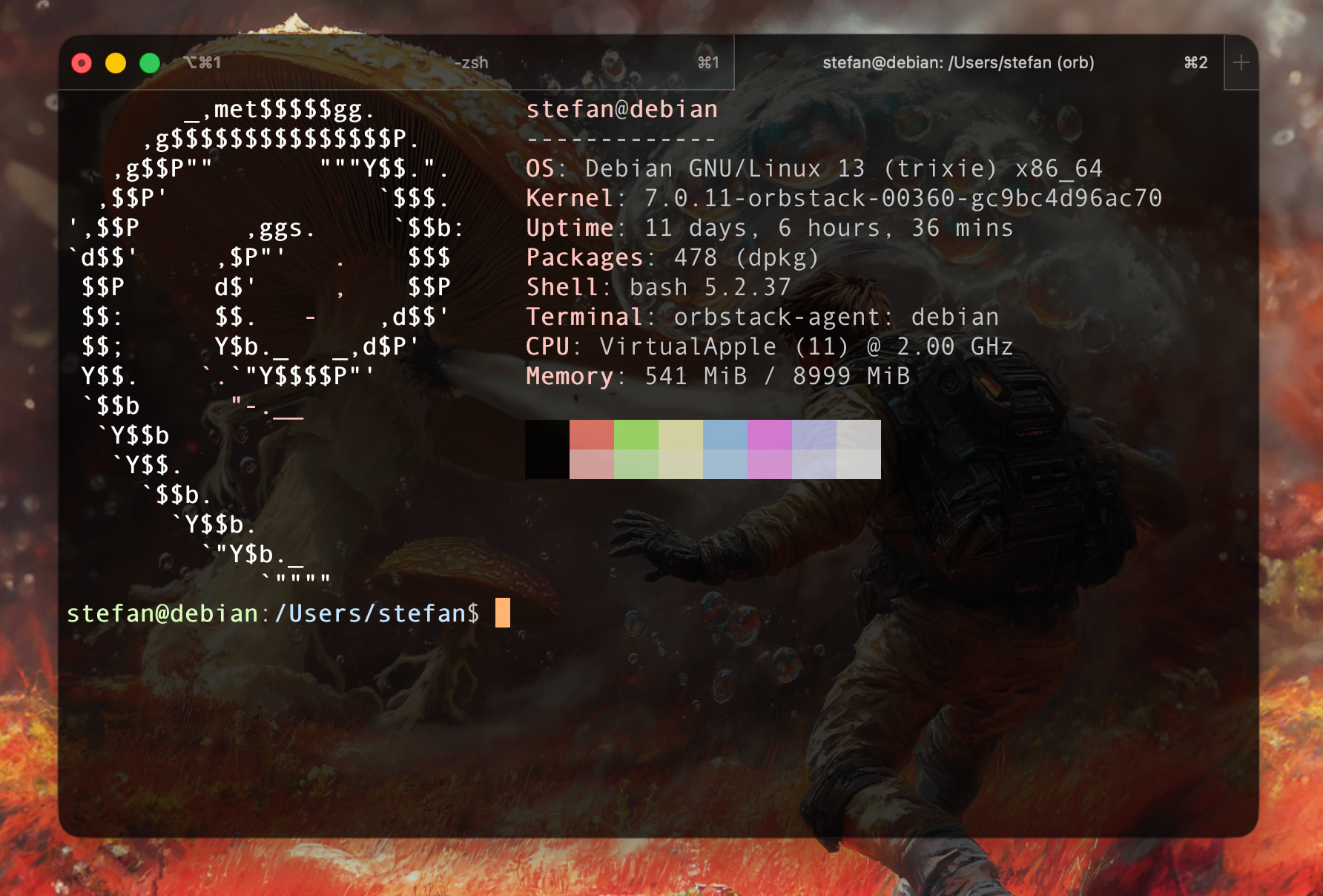
Late to the party, but I can highly recommend OrbStack.
Super easy to install. When you want to access a Linux Terminal you do that by typing orb in your Terminal application and when you decide that’s enough you just quit with exit. Three things I want to highlight:
Boots up in seconds. And yes, it’s a real Linux booting on your Mac.
If you have Rosetta installed, you can run the AMD64 architecture as well, works fine.
It has full access to your Mac filesystem. So you can e.g. boot into Debian and delete files for example in your Downloads folder or on your Desktop.
FWIW, I set up UTM on my Mac a few weeks ago (running an Ubuntu/ARM64 VM), and I’ve been pretty pleased with it. Unlike what @8bit_era describes, I have it set so that the VM can only reach the ~/Downloads folder in the outer system, and even that requires root/sudo privileges inside the VM. I wanted it like that because the point of the VM is to be a cage for an AI agent that I trust not at all. So that might or might not be your desire, and if not you can probably configure it more loosely. But it boots really quickly (a few seconds), and is easy to use, and you can install any system image that qemu will support, and as many of them as you have disk space for.