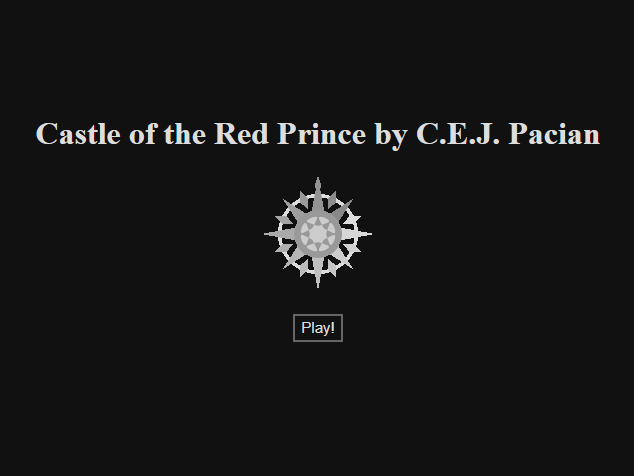
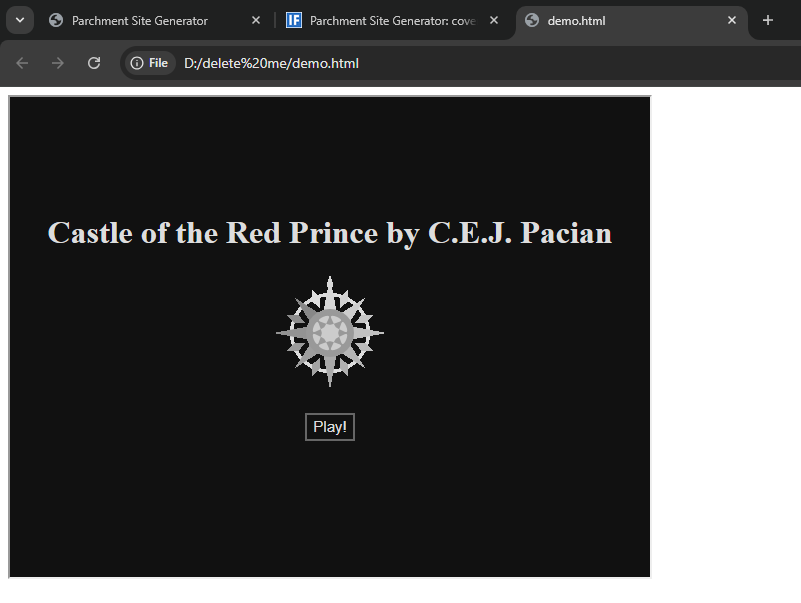
If I chuck a zblorb or gblorb into the Parchment Site Generator and then put the resulting page in an iframe (e.g. as happens via itch.io), we now get this extra loading page:
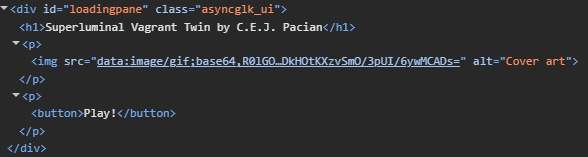
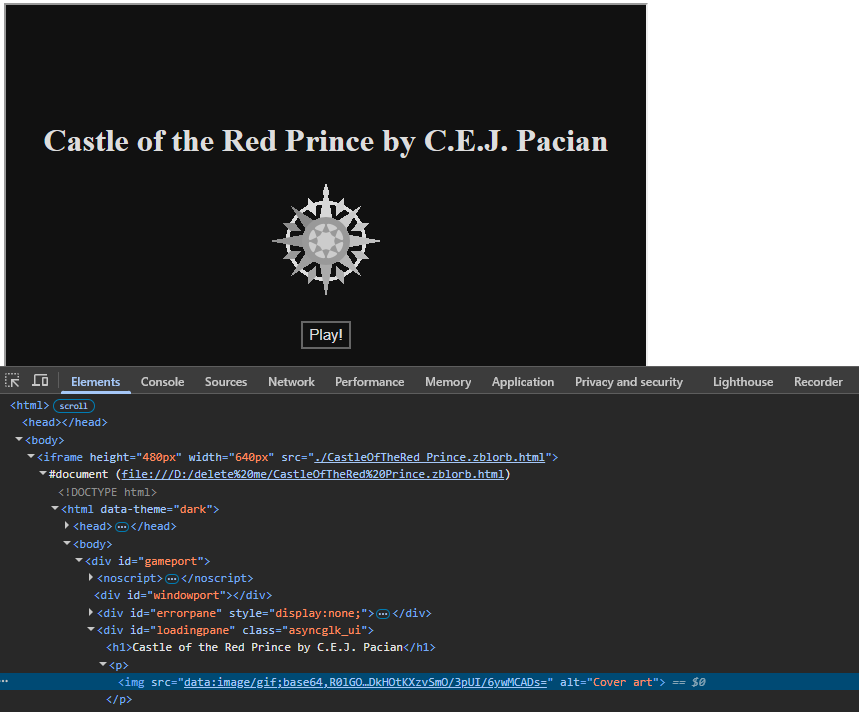
This is probably a good thing in a lot of situations, but not really for itch, which gives you a play button for free anyway. While trying to work out if I could turn off this behaviour, I noticed that the loading spinner in the middle of the page has an alt of “Cover art”.
I don’t remember if cover art used to work and broke or if I never added it, but it shouldn’t be too tricky to add. (The underlying code is the same as for iplayif.com which does have cover art, so I probably just forgot a variable to send the cover art in the sitegen tool.)
The idea of the play button was so that it wouldn’t autoplay if Parchment is loaded in an iframe. But does Itch use a whole-window iframe? That’s not ideal. I could change it to autoplay if it detects the iframe takes up the whole window.
So the two clicks in a row feel a bit much here. But I’m sure it’s a good idea in general, and I was able to figure out how to turn this behaviour off.
Although I will confess that the first time I saw the new page I did spend too long waiting for it to load (due to the spinner) before I realised that the “Play” button was there.
Separate from the cover art, could the loading spinner just get hidden when the game is ready to play?
The thing in the middle spins like a loading spinner and has alt text “Cover art”. (If it’s not a loading spinner, could it perhaps be a static image instead of animated?)
Not sure how important it is, but since you asked, I’ll quickly explain what itch.io does here.
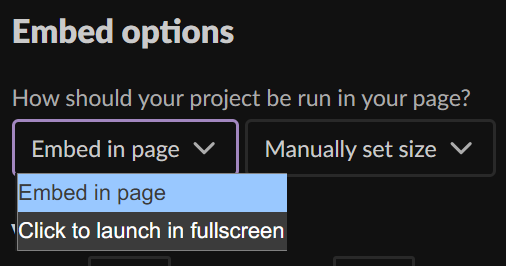
First of all, the iframe can either be embedded in the page (ie. not a whole-window iframe), or it can have a “Play” button which does launch a whole-window, fullscreen iframe:
If you choose “Embed in page”, you have two additional options. You can have the embedded game start automatically in its small iframe; if this is deactivated, the embed will have a “Play” button as well. You can also add a fullscreen button so the player can turn the iframe into a whole-window iframe at any time.
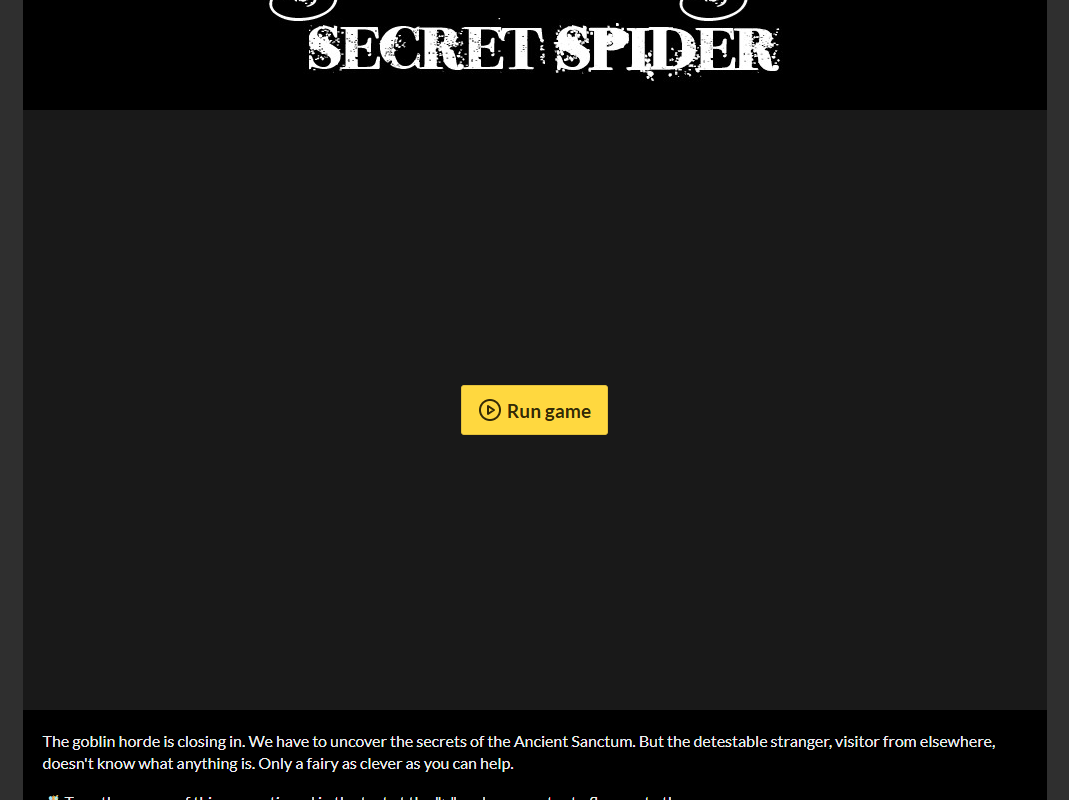
So there are two scenarios where itch presents its own “Play” button before loading the game: If you want the game to launch directly into fullscreen, and if you don’t want that but want a “Play” button anyway (to allow it to autoplay sound, for example, which browsers usually require interactivity to do). The latter probably serves a similar purpose as the sitegen’s “Play” button?
I wouldn’t have thought Itch’s play button would work for solving the sound autoplaying issue because it’s a separate HTML page, but if that’s what other non-IF games use I guess it must. Though I haven’t added sound support to the sitegen tool yet so we couldn’t test it. I’ll try to get to these things soon!