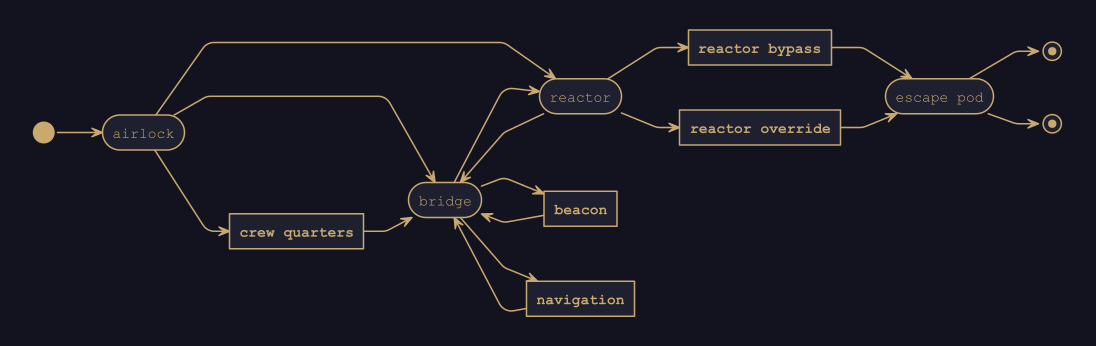
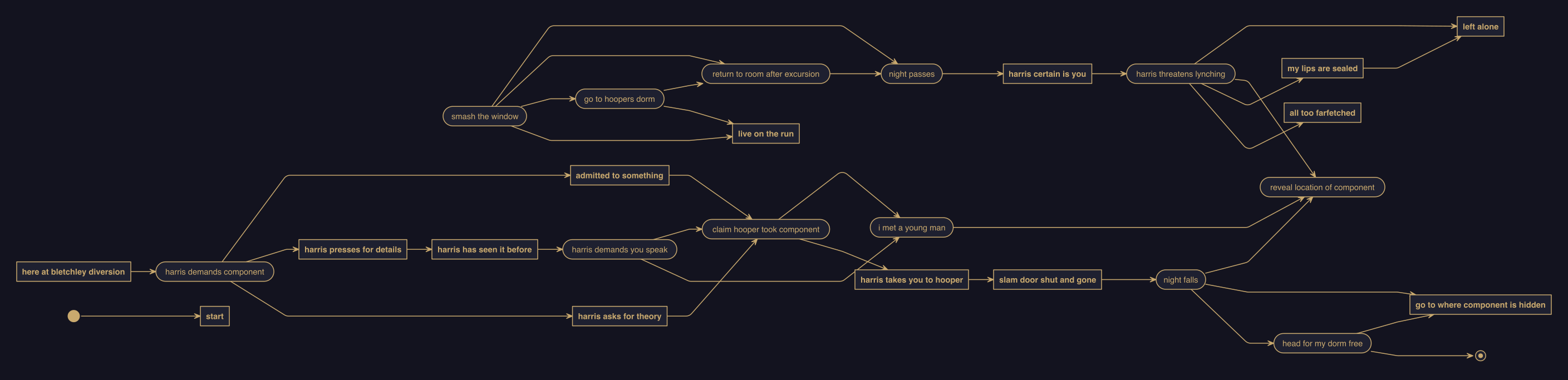
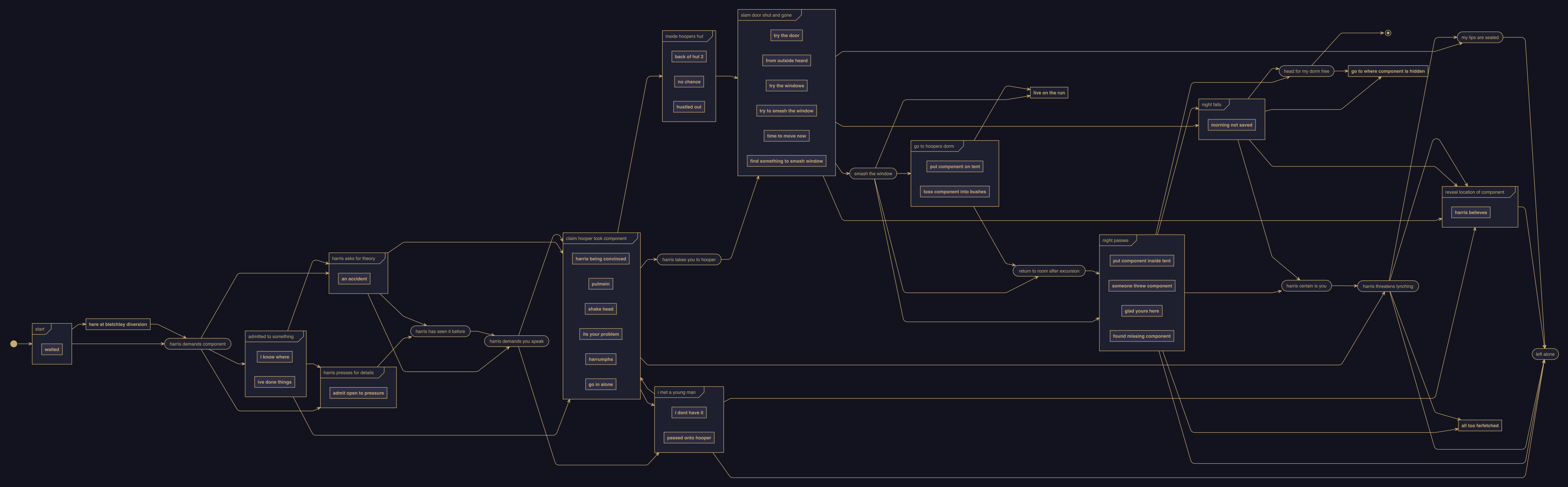
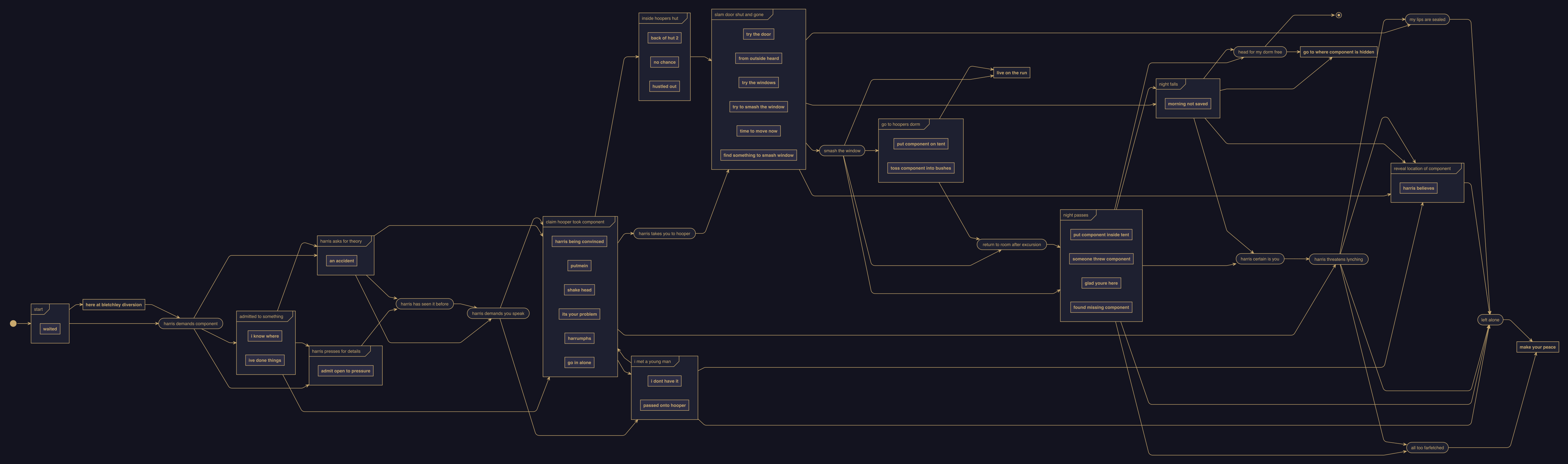
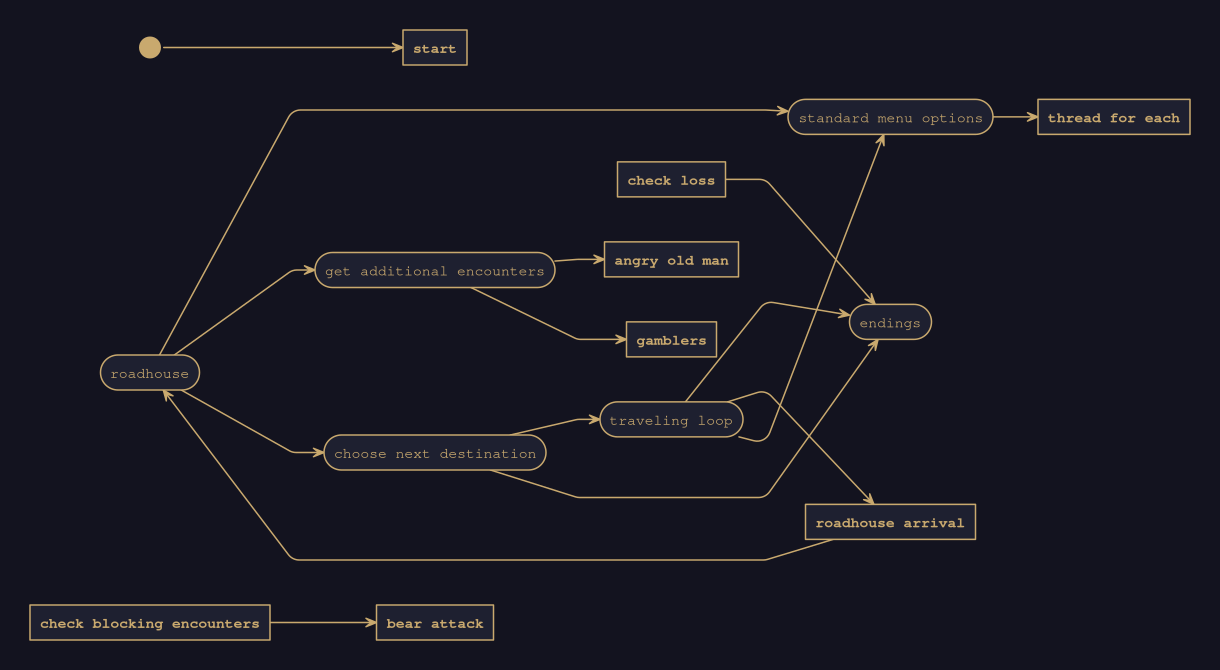
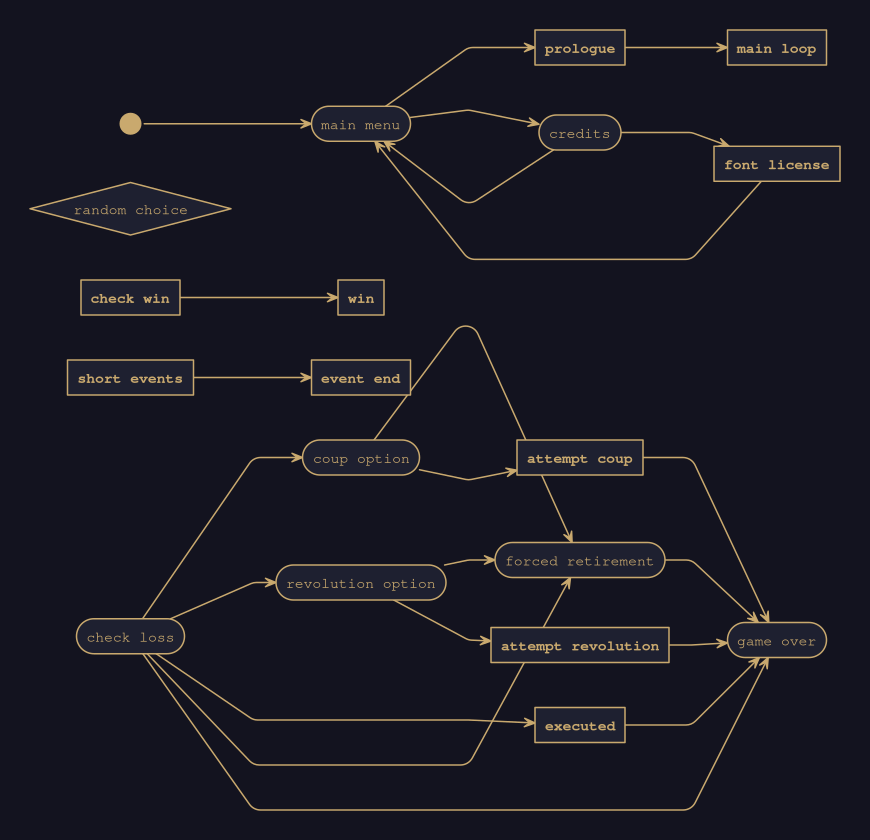
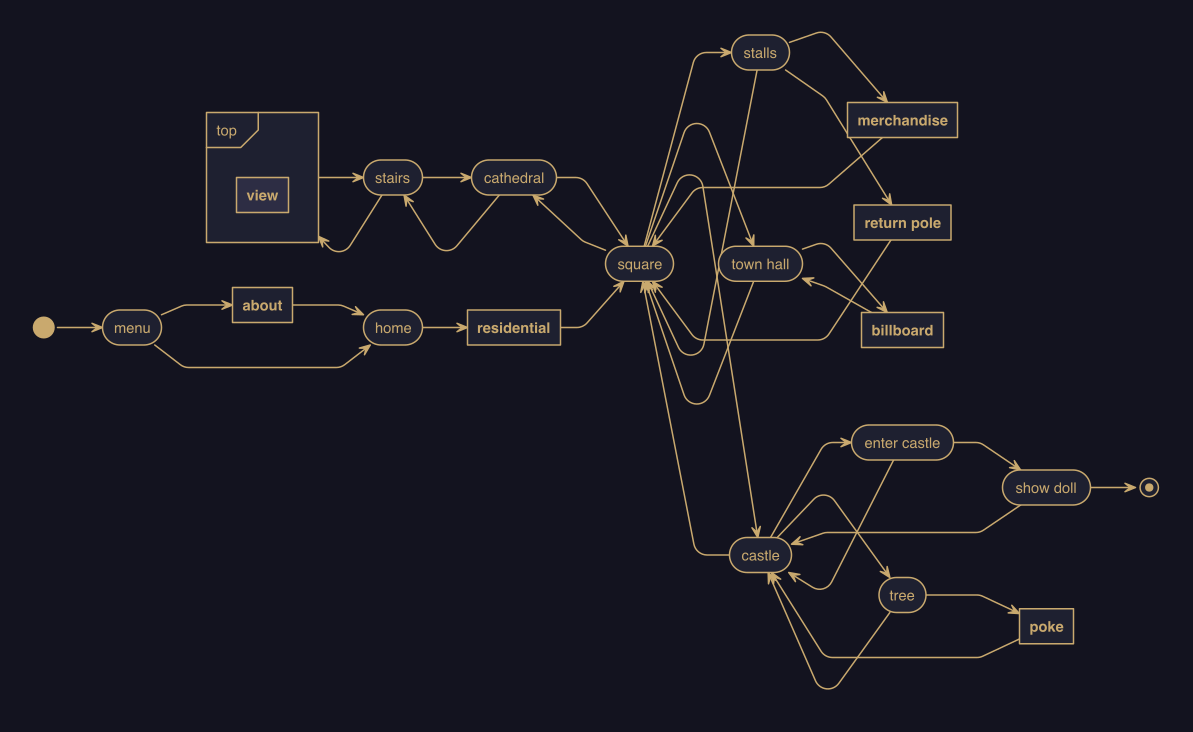
I built a small command-line tool that converts compiled Ink story JSON into flow diagrams. It uses the nomnoml renderer to generate SVG, PNG, or .noml files right from your terminal. I created this to help visualizing my project and I thought I would make it open source and I didn’t really research much on the topic, so maybe there are better tools out there.
It supports both named-knot and pure-weave structures while allowing for automatic node styling based on naming patterns, such as rendering hubs as rounded boxes or choices as diamonds. While the tool functions well within these boundaries, the layout engine may struggle with dense diagrams, occasionally causing connection lines to route out of bounds, and it currently collapses stitches into parent knots while displaying all possible paths for conditional choices.
Thank you!
No idea, my story is 67 nodes and has 138 edges (connections). It would be great to be able to test on a large story. Is there any way to access an “open source” game made with ink?
M
There are definitely some out there! I need to check if we ever released the source for Loose Ends; that one I suspect is big enough to end up an unmanageable tangle.
EDIT: Trying to make an actually “nice” diagram for the point & click game, my main thought is that the styling & utility filtering would be more usable if they checked for knot-level tags like #HUB or #UTIL, rather than relying on naming conventions.
For this particular game, all of my “hub” nodes were already indicated with a tag #WORLD for engine reasons, and the main utility functions that I need to filter out are named “back_button”, “menu”, and “use_item,” none of which match the existing UTIL_PATTERNS. I think conveying this sort of metadata is basically an intended use for knot-level tags in Ink.
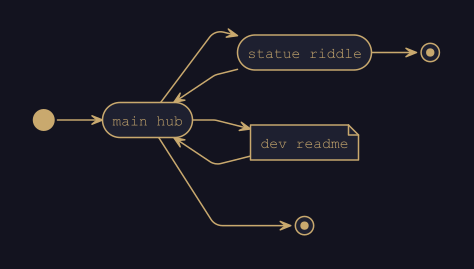
I just pushed an update : “Knots and stitches are automatically styled using explicit inline Ink tags or fallback name patterns. Tags take absolute precedence over naming conventions, allowing you to flag nodes for game engine reasons (like #WORLD or #UTIL) and have them accurately visualized without changing your code architecture.”
this is from the tags.ink in the resources’ folder.