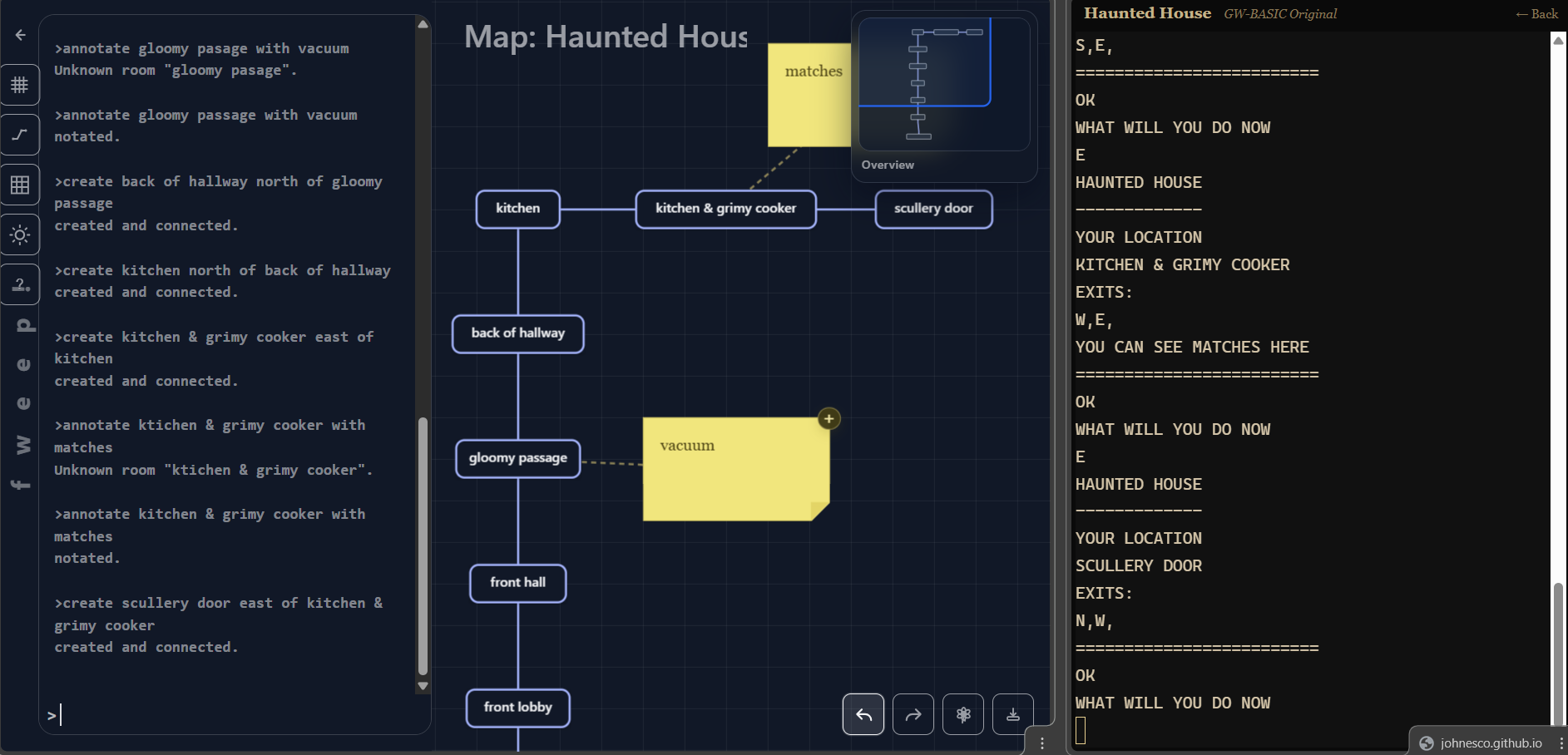
Okay, first a disclaimer. Yes, I created this with the help of an AI agent. It’s my job, whatever. However, there are no AI generated text or images and you do not need to have a connection with an AI server!
Anyway, fweep is a map creation tool that I created because it works the way I want it to. I have a Mac, so I can only dream of the plethora of software options you Windows users have. I only had Trizbort.io, the online version of Trizbort. Which is fine, but wasn’t friendly to my way of working.
fweep is a map creator that feels like a text adventure. Yes! It’s got a visual editor, but the fastest way to edit the map is via the keyboard, so when you’re switching between Enchanter and your mapping software, you don’t have to stop to pick up the mouse!
Try it, and don’t forget to type help. (Yes, I know. No connection.)
Edit: fweep is run entirely in your browser and stores no information on the server. All your maps are stored in your own browser so don’t clear all your browsing data!
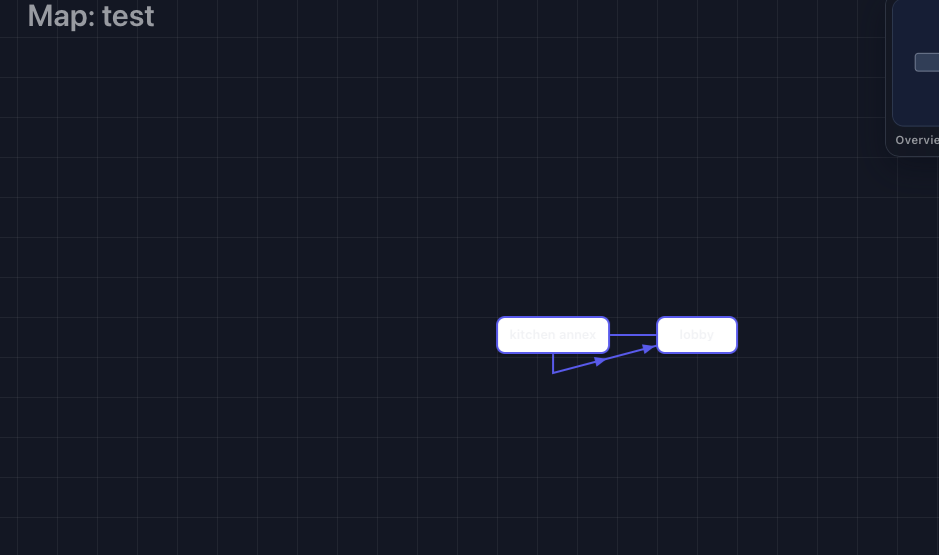
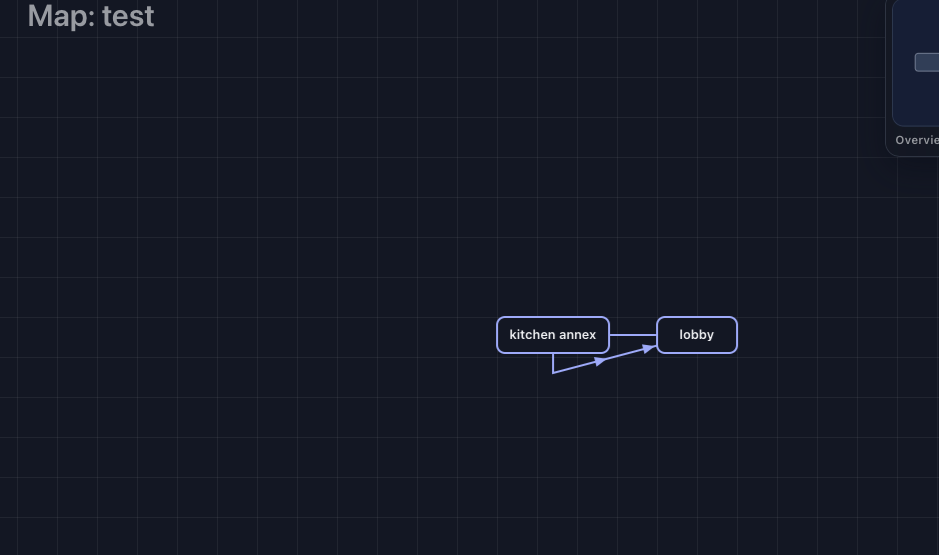
It seems like either the compass is oriented the wrong direction or creating a room to the north creates a room to the south?
Never mind. create and connect <x> <dir> to <y> and create <x> <dir> of <y> are different. Maybe if you ever consider editing it (I know its intended audience is mostly you), put the latter command first.
The up/down arrows seem to be the wrong direction, though.
Issue #1: While making the map I made a room called “path through iron gate” but then later in the game is a room called “path”. When I try to connect any room to path or create connections I get…
>connect clifftop north to path
The name “path” is ambiguous. It could match “path through iron gate” or “path”.
But doesn’t give me a way to resolve that other than changing the room names.
One question: Does anyone think being able to draw on the background would be useful? I have it done but not activated. Kind of a MSPaint kind of vibe.
[!bug] Minor bug
If you start in dark mode (usually from system settings - I’m on a Mac) the text is the wrong color. Switching to light and back to dark does fix it.
Free-draw might be useful. Even better if you can import a map image as a background and create your map over it - either to match an in-game map image/feelie, or to upload your scribbling on a napkin as a starting point to “trace” over.
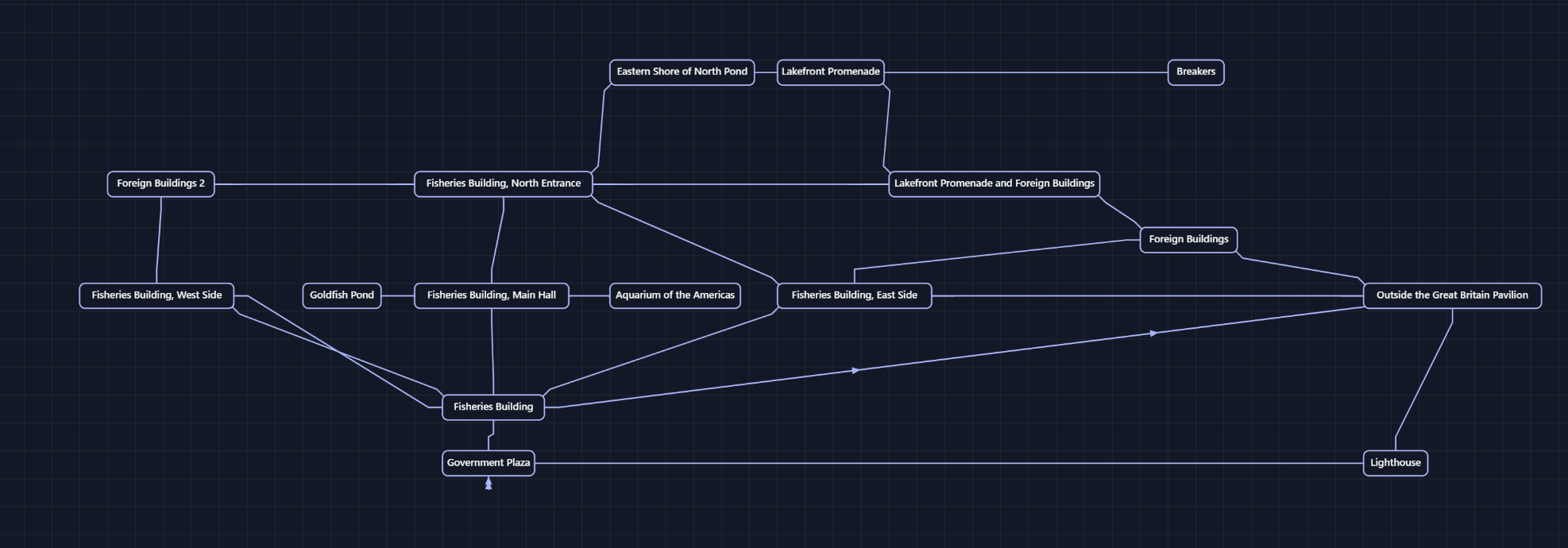
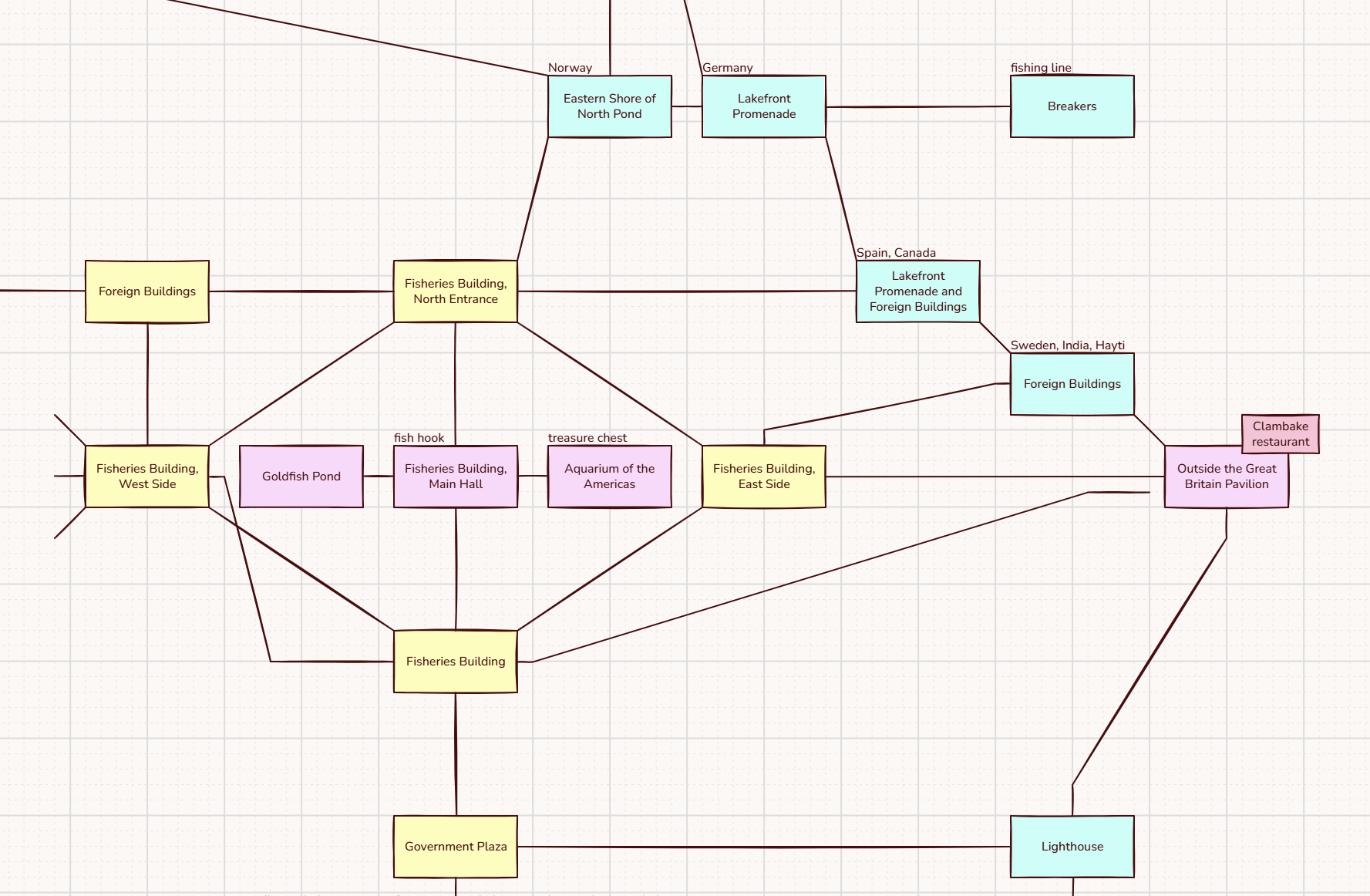
This is very cool! Feels very snappy. Did run into a few issues though. I tested it out with a bit of 1893: A World’s Fairy mystery, this is the result of the prettify command. It seems it doesn’t handle long room names too well? Though to be fair I chose this section especially because it has weird connections and was particularly tricky to map.
(This was an unfortunate choice of test game. Several room names being similar to each meant the keyword matching usually didn’t work, and I had to type out the entire long names in quotes, which is more tedious than connecting rooms visually)
I was able to manually rearrange it into a neater configuration, but the really long rooms made that difficult. Some way of making the boxes uniform in size would be very useful.
Also, I couldn’t find a way to draw a room that’s only connected by in/out?
I’m planning on doing in/out in a more standard way, as well as custom directions (because some wiseguy decided to put “back” and “forth” in their game).