Hi Seth,
I took a look at this, and I apologize, because I have a bunch of feedback based not on your tool, but on the presentation of the tool and the survey.
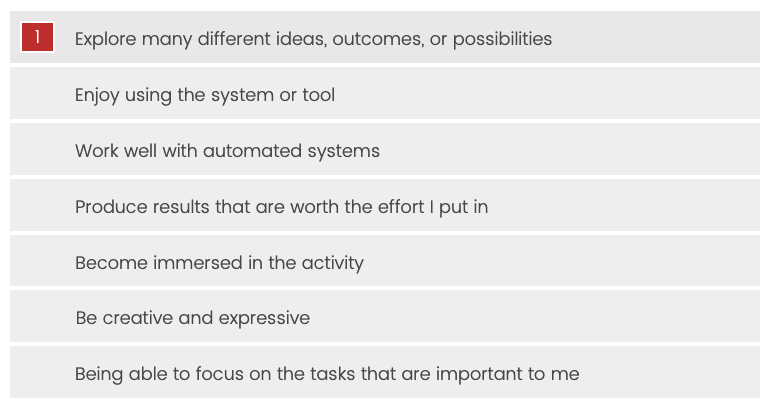
I wonder about the methodology of this question. I didn’t really relate to the answers as phrased and might not have chosen any of them, but as the question works, a user only has to click any item to satisfy the question, which seems like it’s going to report back data biased toward the original order. Maybe it needs checkboxes to enable/disable answers, or drag answers from an inactive area to an active area?
In the survey, I went from a screen asking me preliminary questions straight to a screen asking me questions about my use of the tool, but no tool was presented. And this is my bad, because I was skimming and totally missed the importance of this text because it’s not a live link:
So instead I went on the next screen and couldn’t figure out why it was asking questions about the tool I hadn’t seen, and I didn’t see a BACK button to go back and see what I had missed. Can you make that text a live link? Or at least, instead of “The link can be found here”, use bolded text that says something like “TRY IT OUT HERE”. And can you add a BACK button to the survey?
I tried again and found the link. I read the home page and reached the bottom where I expected to find some kind of START button. There isn’t one, and it took me a moment to understand that the Generate Puzzles button in the header was the next step. Can you add a button to the bottom of your home page that says something like START or START GENERATING PUZZLES?
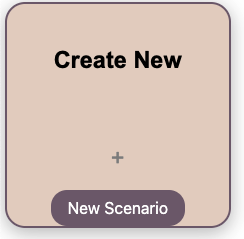
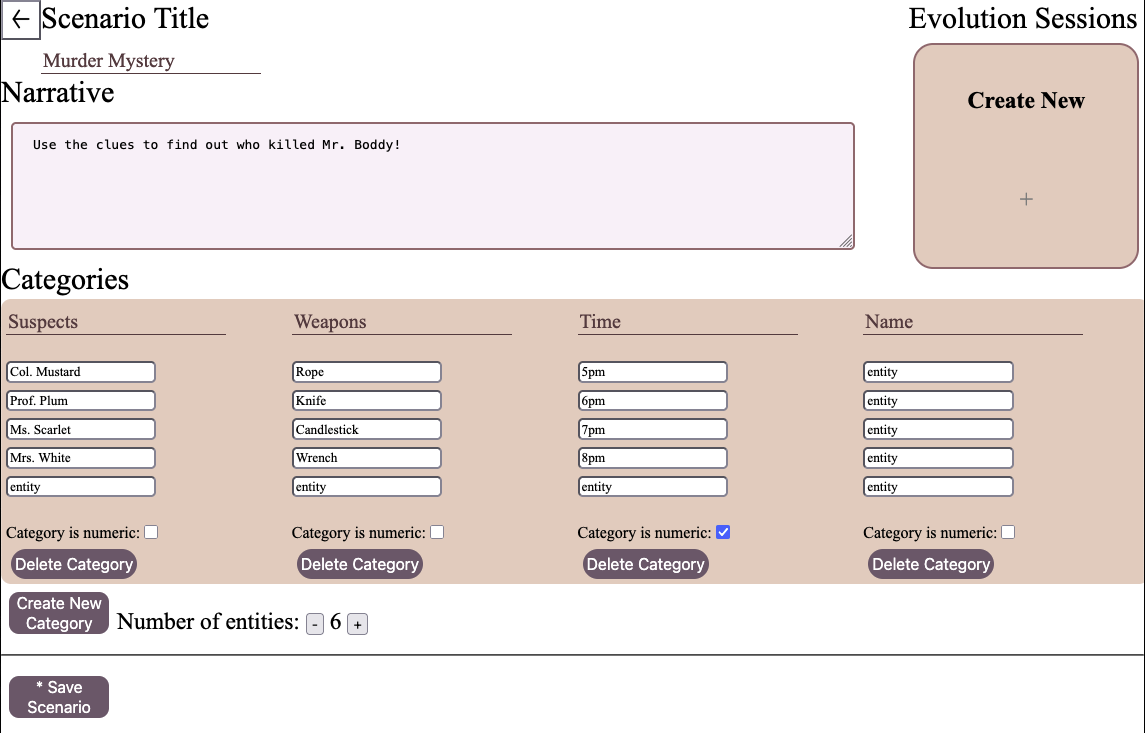
This panel looks like the entire panel should be clickable, and it isn’t. It took me a moment to figure out that I had to click the New Scenario button. Can you make the entire panel clickable?
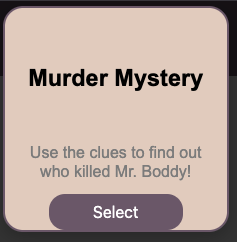
Relatedly - these select buttons in the next view are hidden until the user hovers over the main pane, and then hide again on mouseout. This is bad UX. Can you fix these buttons in place so that they are always present? They should also have be set to cursor:pointer to indicate to users that they are clickable.
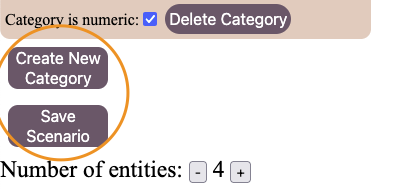
The relationships between the content and buttons in this section is confusing.
Though it was not obvious, I figured out that “Create New Category” applies to the content inside the Categories panel, and that Save Secnario applies to (I think) the entire page, and Number of entities applies back to the Categories panel. Further, it’s not clear what clicking “Create New Category” does. Eventually I figured out that it was creating new content inside the categories panel, but because that panel is set to a max width / height and auto-scroll, the newly created content is hidden.
I would recommend that you re-order the page something like this, and make the Categories panel a flexbox or grid, so that all categories are visible at all times, and then move Save Scenario apart from Categories to help emphasize its relationship to the entire page.
The Number of entities buttons have the same problem with updating content that is hidden, but additionally they are also broken. Click + : another entity is created. Then click - : the first time you click it, another entity is created. Click - again and it removes an entity. Click + again and it removes an entity.
It’s also confusing that adding an entity adds an entity to every category. It seems like I should be able to add / delete entities per category.
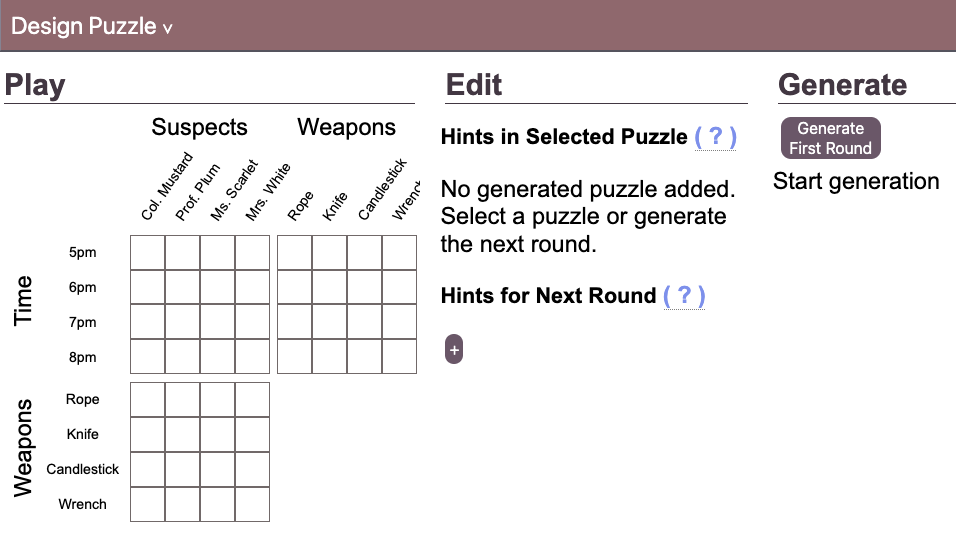
I moved on to this screen.
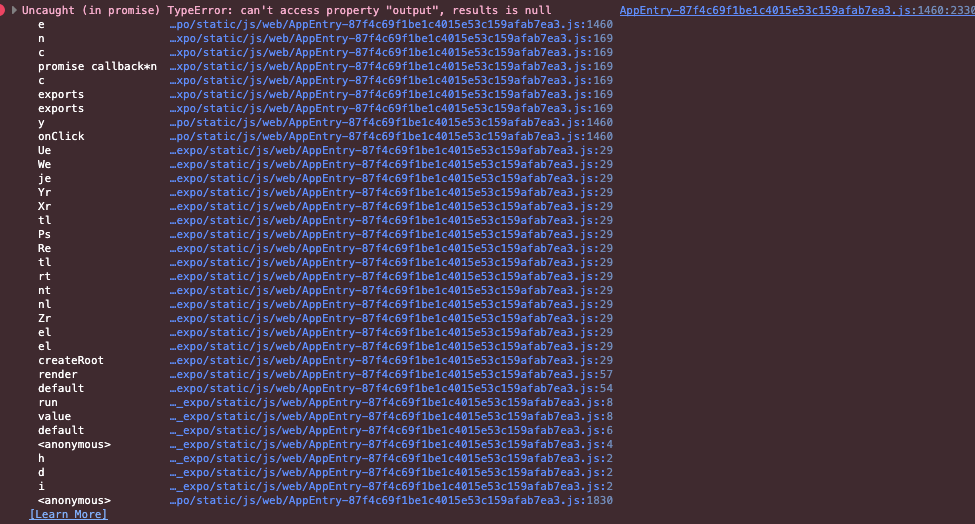
I tried the Generate First Round button. It throws a client-side script error.
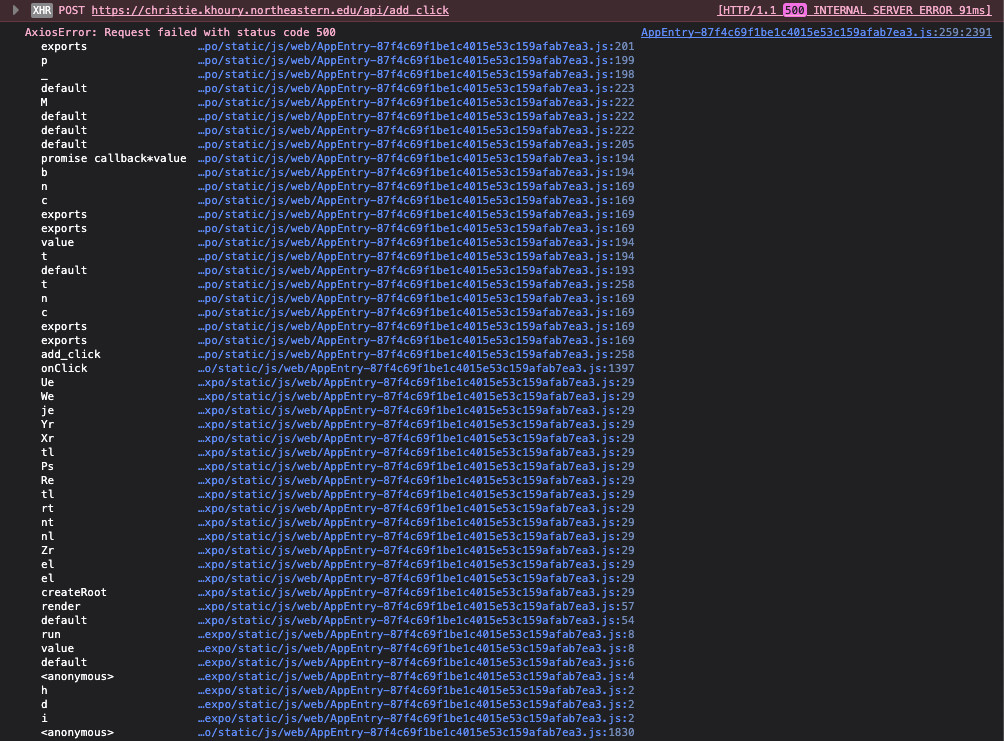
While I was looking I also saw this 500 server-side error thrown by the server script, but I’m not sure what action I took that caused it.
Finally, I looked at the tutorial page a little bit. It might have explained some of the things I was looking at, and it should have been placed first. Where I suggested adding a START button to your home page - now I suggest adding both TUTORIAL and START buttons there, and move Tutorial before Generate Puzzles in your main nav bar.
I hope you find that helpful. Good luck with the project.