Does the player start out in the kitchen in your example?
If so, then there seems to be something in the interplay of Vorple with Inform’s turn sequence at startup (I don’t know what exactly) which prevents the image from being displayed. The scene begins before the title banner is shown, since the player is already in the kitchen, and the image won’t show up then for some reason. (Vorple might not be fully initialized yet in some form, because the description/alt text for the image is printed, similar to what would happen when running in a non-Vorple interpreter.)
Depending on when you want to show the image, you could either use “when play begins” like this:
Include Vorple Multimedia by Juhana Leinonen.
Release along with the "Vorple" interpreter.

Release along with the file "placeholder.png".

The Kitchen is a room. "A tidy kitchen."

When play begins:
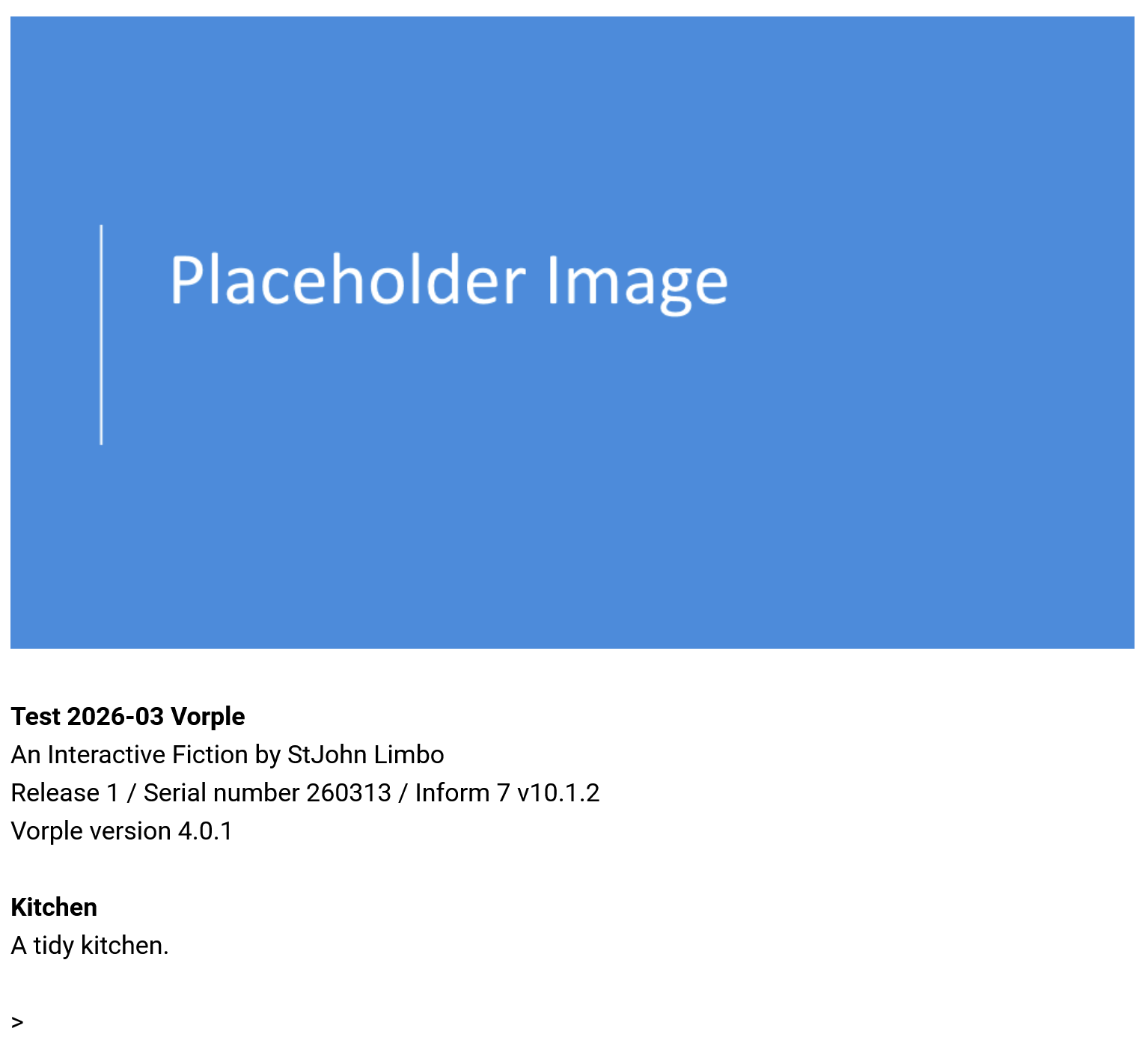
	place an image "placeholder.png" with the description "a placeholder image", centered.
… which will show the image before the banner:
… or you could use something like this:
Include Vorple Multimedia by Juhana Leinonen.
Release along with the "Vorple" interpreter.

Release along with the file "placeholder.png".

The Kitchen is a room. "A tidy kitchen."

After looking in the Kitchen for the first time:
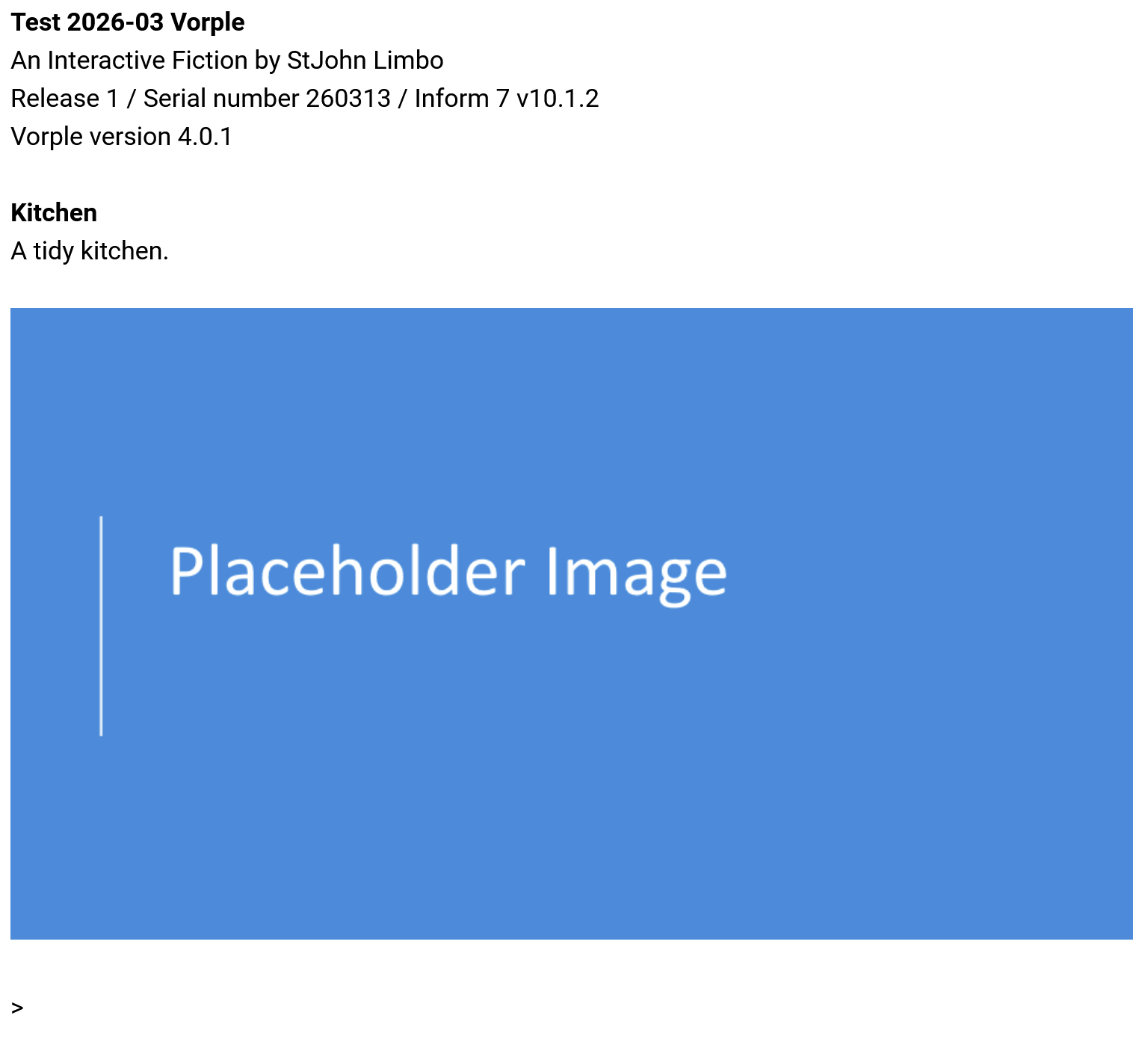
	place an image "placeholder.png" with the description "a placeholder image", centered.
… which will show the image after the room description:
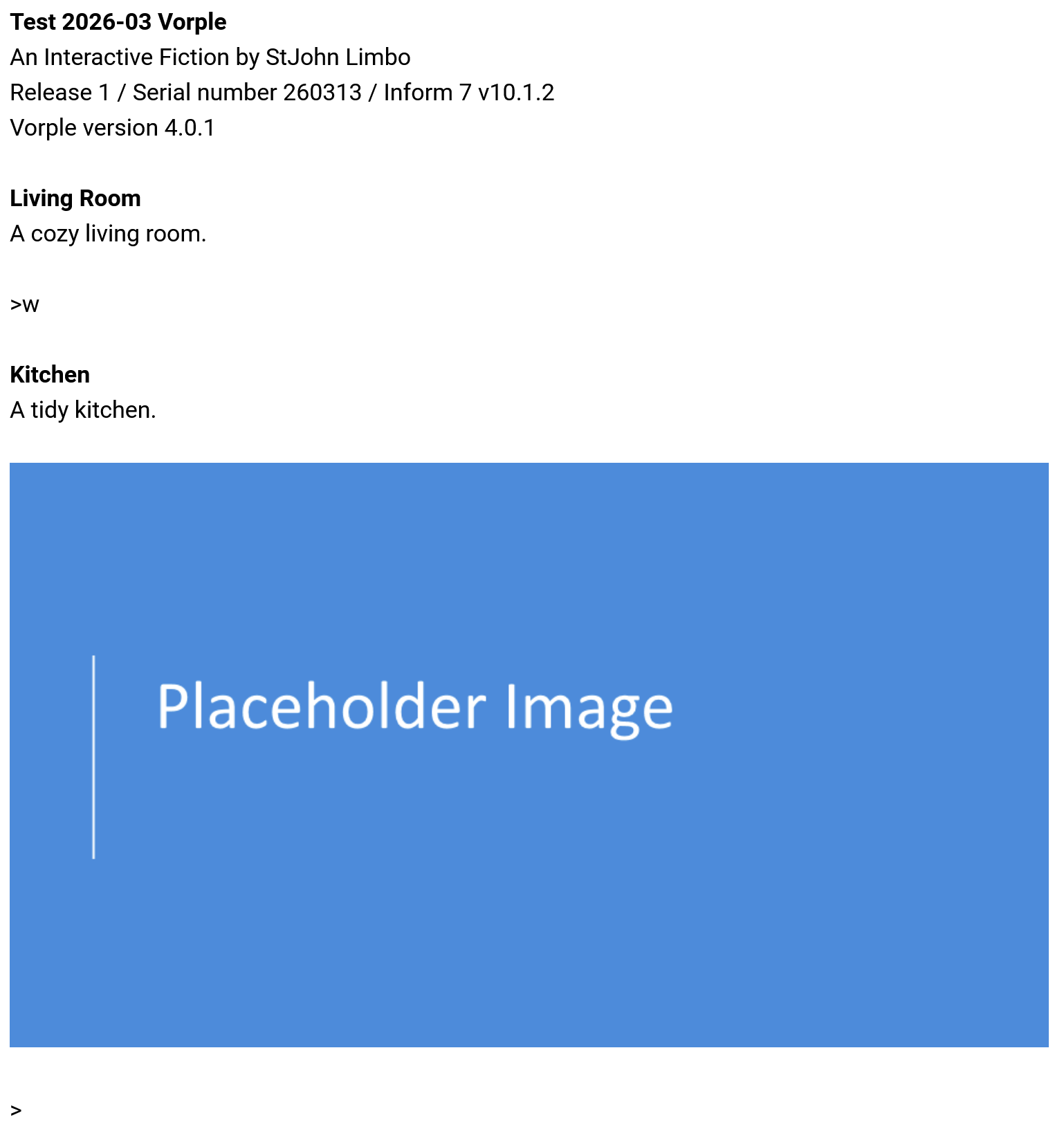
If the player does not start out in the kitchen, but in another room, then the show-pic scene from your example seems to work as intended after going to the kitchen:
Include Vorple Multimedia by Juhana Leinonen.
Release along with the "Vorple" interpreter.

Release along with the file "placeholder.png".

The Living Room is a room. "A cozy living room."

The Kitchen is west of the living room. "A tidy kitchen."

When play begins:
	preload image "placeholder.png".

Show-Pic is a scene.
Show-Pic begins when the player is in the Kitchen for the first turn.
When Show-Pic begins:
	place an image "placeholder.png" with the description "a placeholder image", centered.
Result:
Other than that, I’d double-check whether, during the Release process, the image file was correctly copied over from the “[…].materials” folder into the “Release” subfolder, and also whether it’s displayed on its own when you just enter its URL directly into the address bar, so instead of (for example) “http://localhost/Test%202026-03%20Vorple.materials/Release/play.html”, enter “http://localhost/Test%202026-03%20Vorple.materials/Release/placeholder.png”.