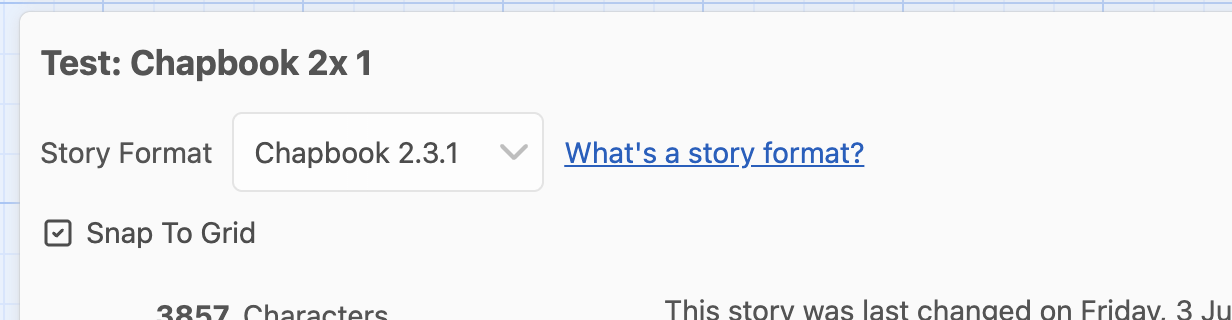
Hi! I’m trying to write my game on iOS because my ipad + its keyboard is my only way to write anywhere without being tethered to my desk. Unfortunately, whenever I publish to file, it keeps reverting back to Harlowe. Why does this happen? I keep changing story formats in the story itself and in the twine settings. I don’t get why this happens constantly on iOS.
I really wish Twine had a native iOS app already (why hasn’t anyone made one yet?)
I take it you are using the twinery.org website directly?
I’ve tried to test this on my iPhone (my lord, the website is almost impossible to use on the phone) and I can’t even tell whether the published file is SugarCube or not, because when I open the published file it’s just black. How are you testing this?
Yep I went to twinery .org and added it to my Home Screen so it could be a web app. When I publish to file, I open the file in Documents by Readdle. That app has a built in web browser for viewing downloaded web pages.
I figured out what my issue was! Apparently it was set to Harlow and I thought I could change it back, but you can’t do that. You have to start fresh. Makes sense.
You can’t change it by changing the default, but you can change any individual story by opening the details pane on that story and then choosing the format there.