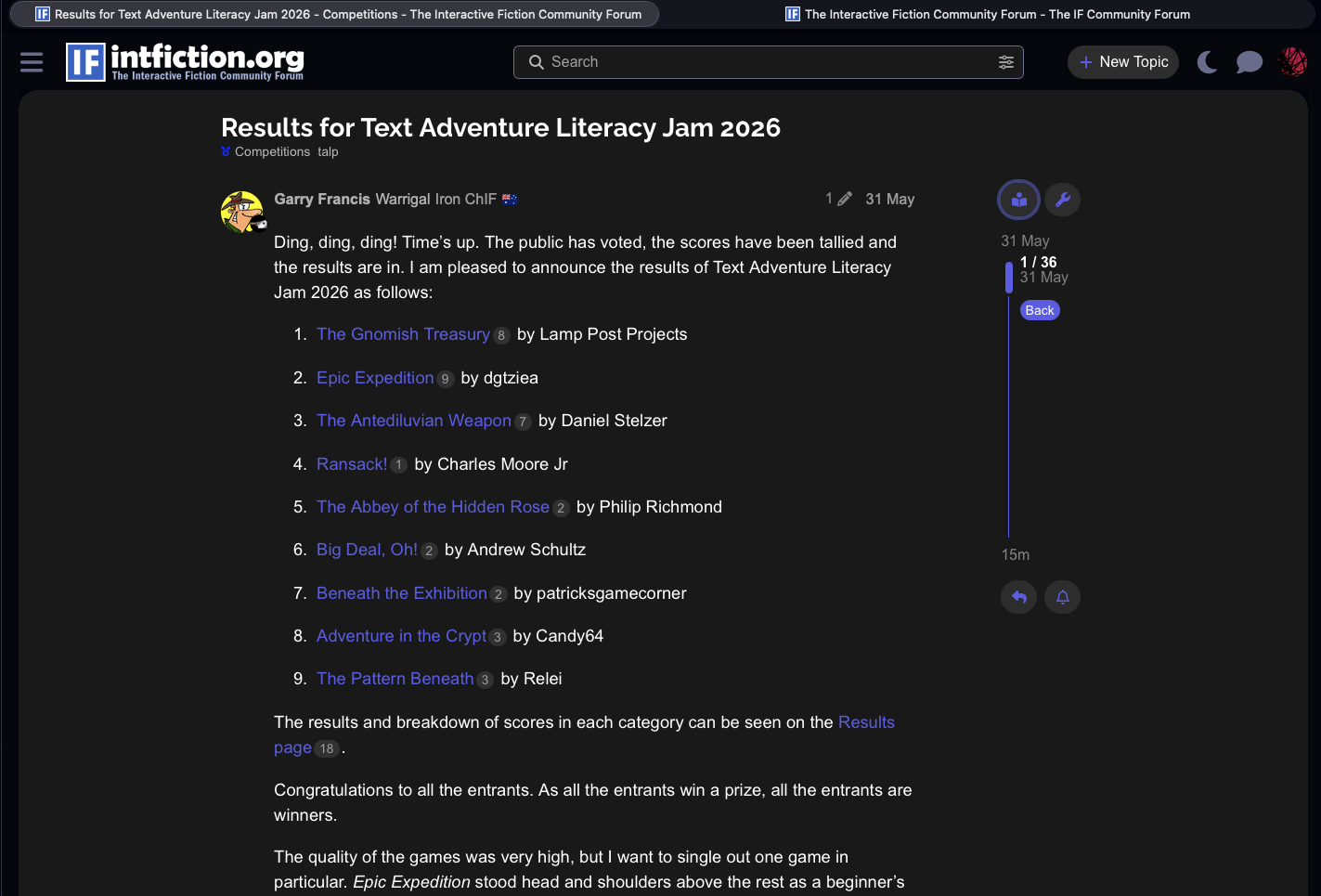
- This does not appear outside of a topic. When reading a topic you’ll see the reader button on the right.
- The Reader Mode button is a sticky toggle - if you jump back to categories and into a new topic, Reader Mode will remain on or off.
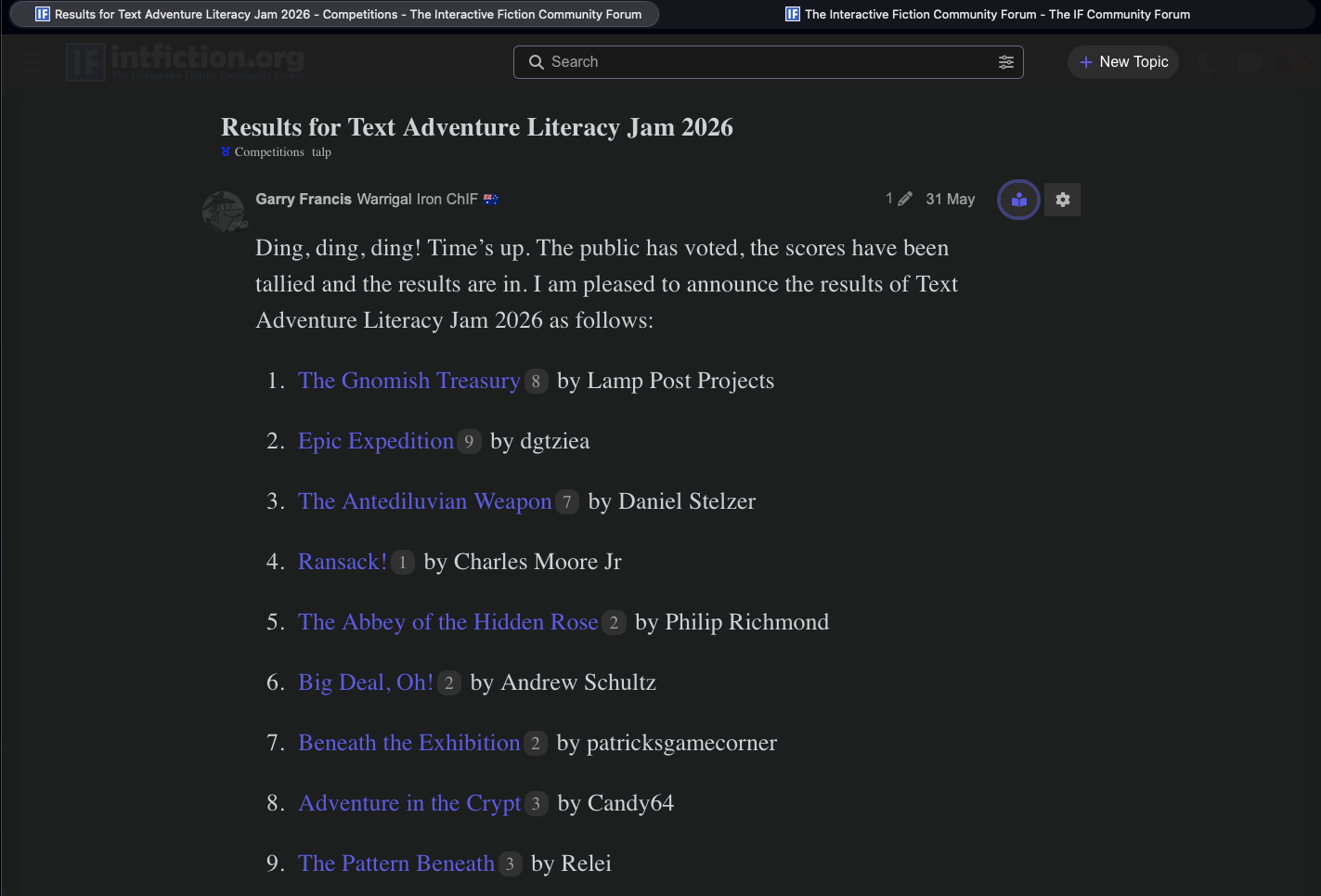
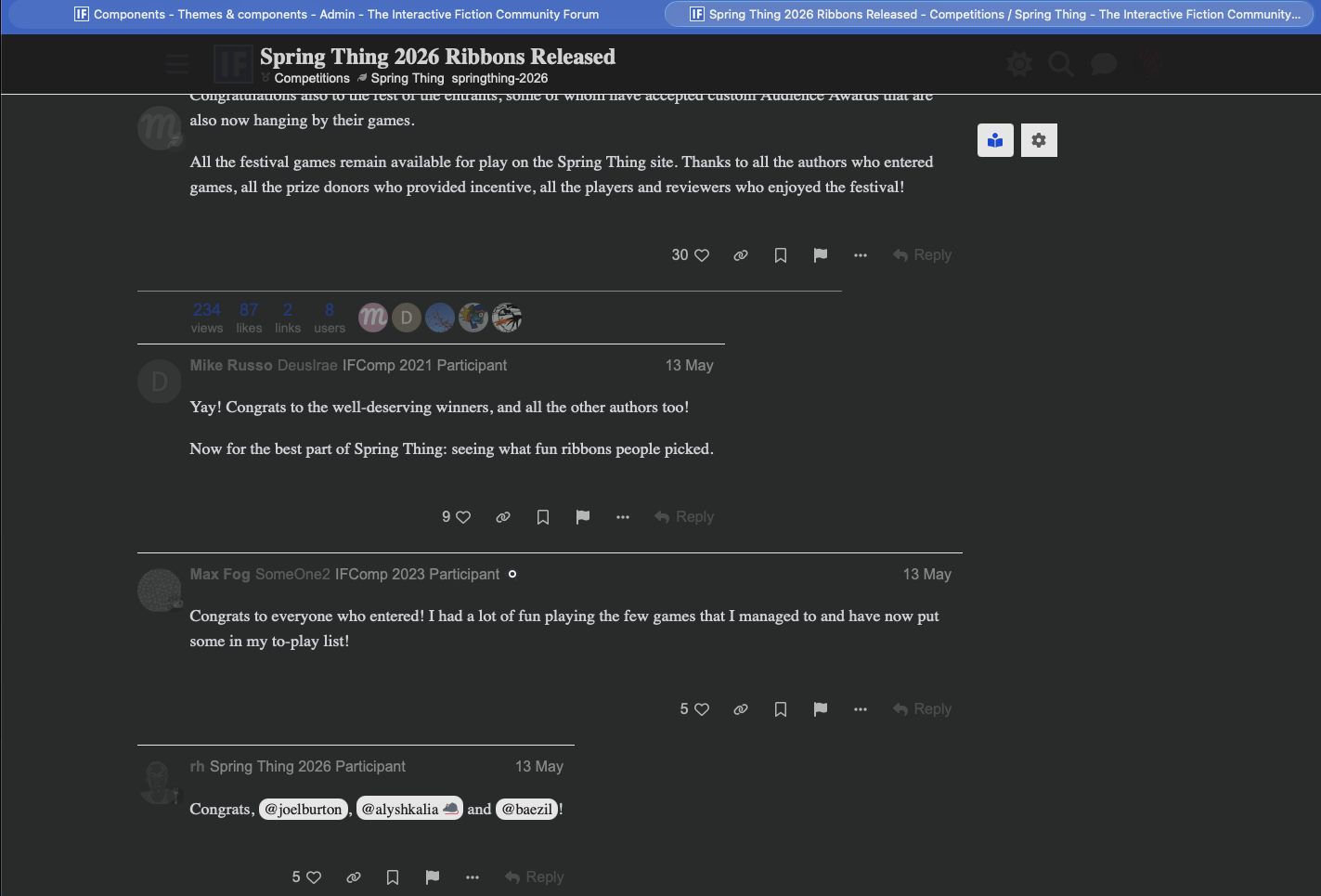
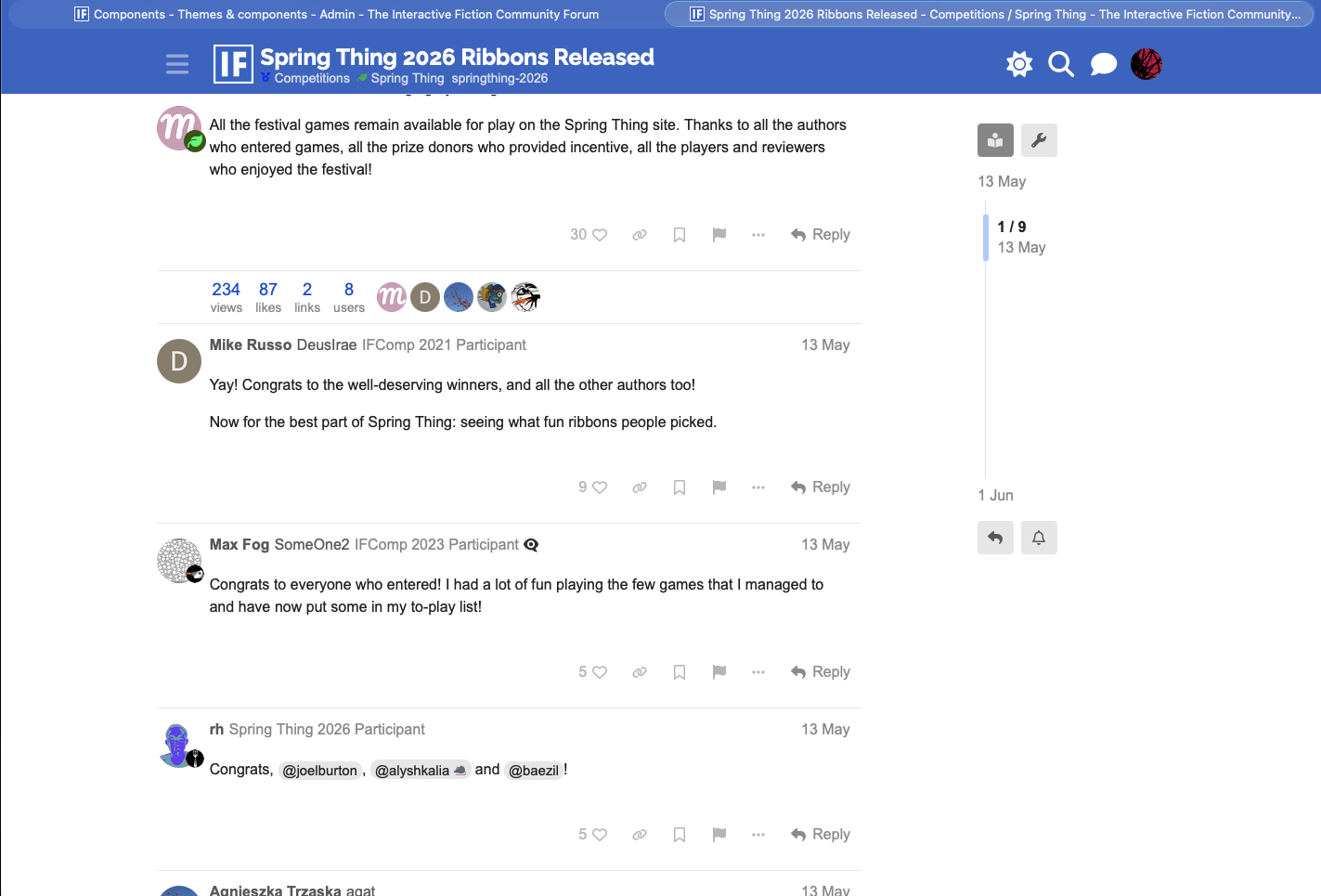
- The gear icon allows you to choose serif or non-serif fonts, increase and decrease text size, light, dark, and parchment modes independent of theme, and you can nudge the text wider or narrower.
- Many of the graphical/avatar elements will fade for less clutter.
- Note that some quote windows will have similar text and background colors - you can play with the settings to make everything readable.

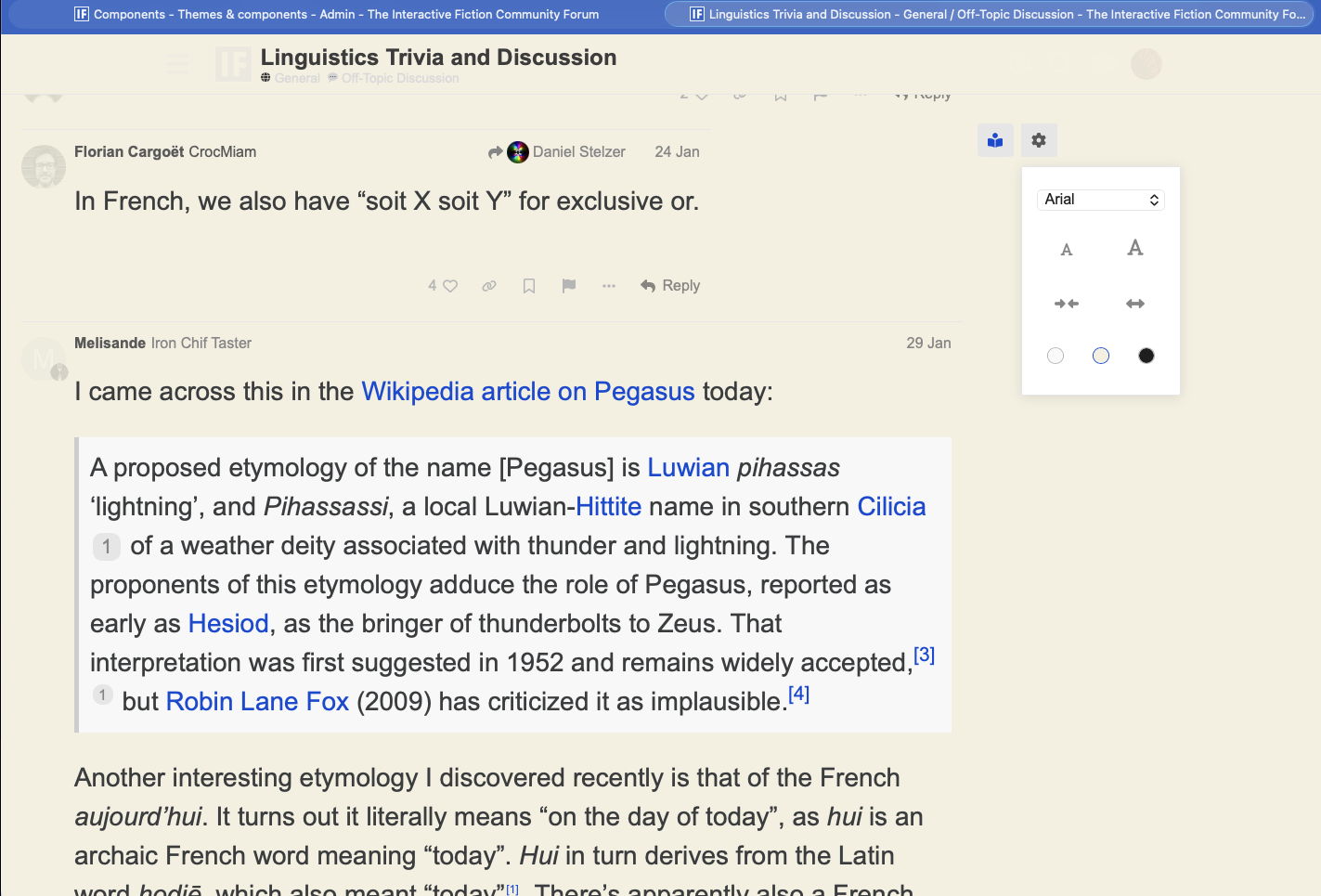
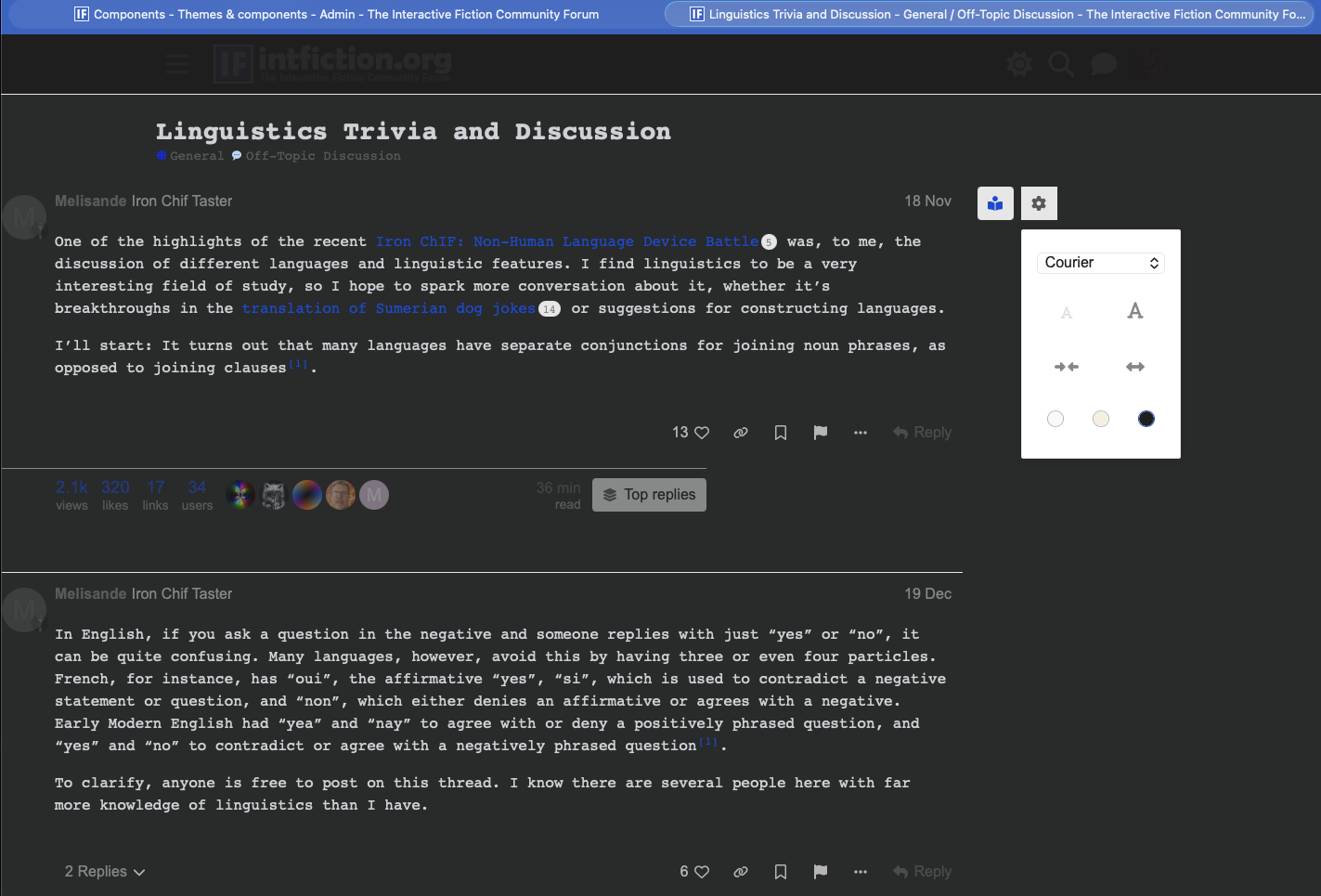
Remember the Reader Mode button doesn’t appear outside of a topic. If you don’t see it, you may need to refresh your browser or log out and back in.
Reader mode does not affect mobile browsing.