Switch to open links in new tabs by default?

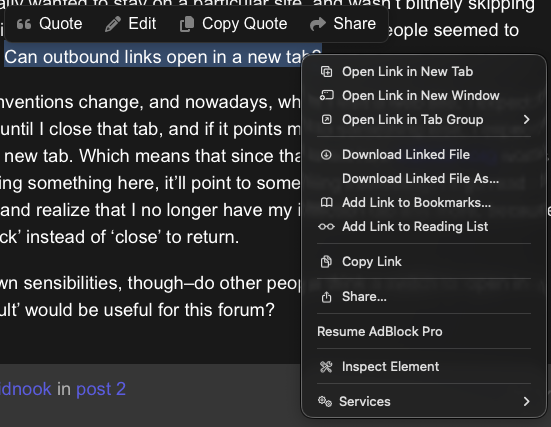
Back in the day, I used to hate websites that insisted on opening all links in new tabs, as if I actually wanted to stay on a particular site, and wasn’t blithely skipping across the web like a flat rock on a river. And indeed, in 2012, people seemed to generally agree: Can outbound links open in a new tab?

But time and conventions change, and nowadays, when I visit a web site, I expect it to stay in its tab until I close that tab, and if it points me to something else, I expect that to open in a new tab. Which means that since that’s not how intfiction.org works, I’ll often be reading something here, it’ll point to something interesting, I’ll go read it, close that tab… and realize that I no longer have my intfiction tab any more, because I had to click ‘back’ instead of ‘close’ to return.

Those are my own sensibilities, though–do other people think a switch to ‘open in a new tab by default’ would be useful for this forum?
1 Like
  1. Click your profile picture in the top right corner
  2. Click the person icon (the last one) in the right column
  3. “Preferences” (gear icon)
  4. “Interface” (monitor icon) in the second row of options
  5. Scroll to the “Other” section
  6. Toggle “Open all external links in a new tab”
4 Likes

I’m so in the habit of middle-clicking links that it never occurred to me to look at per-site settings.

2 Likes

I hold down control while left-clicking when I want a new tab because I do that everywhere else. Was never aware that there was a setting for this.

4 Likes

Wow, that’s excellent! Thank you.

1 Like

Hidnook got you, but I use this really obscure browser called Safari and right click is magical.

Oh, yeah, I can right-click-and-open-in-new-tab everywhere, I’ve just been trained on every other web site I visit to not need it for ‘these kinds’ of links.

1 Like

I wonder if it’s because some browsers alert on a link opening a new tab as a potential pop-up?