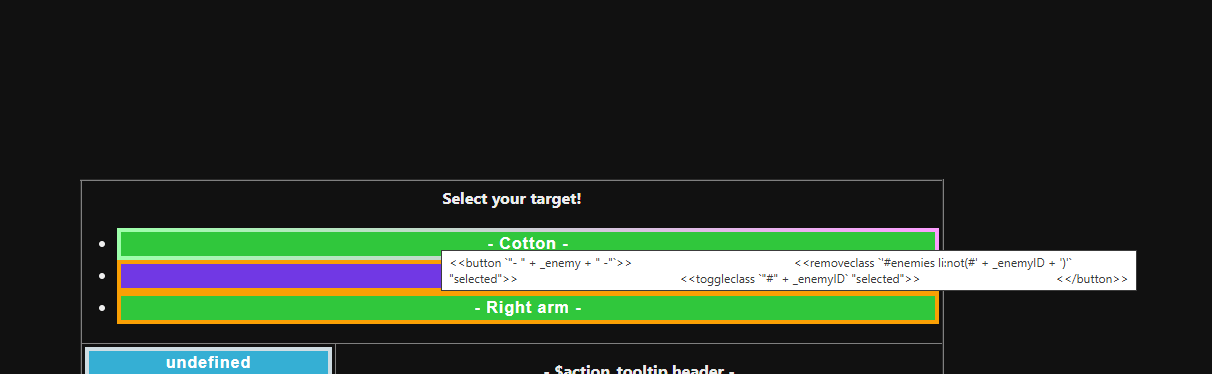
longstory short, i cant figure out how to implement code for my combat system to change the class of my buttons for the sake of making them change color when clicked. I’m having them change classes because i know that CSS has the “:active” thing i can put on the end of it, but i want to allow multiple buttons to be active in different menus so im doing it this way.
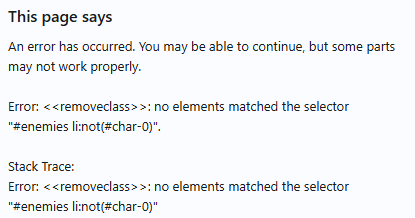
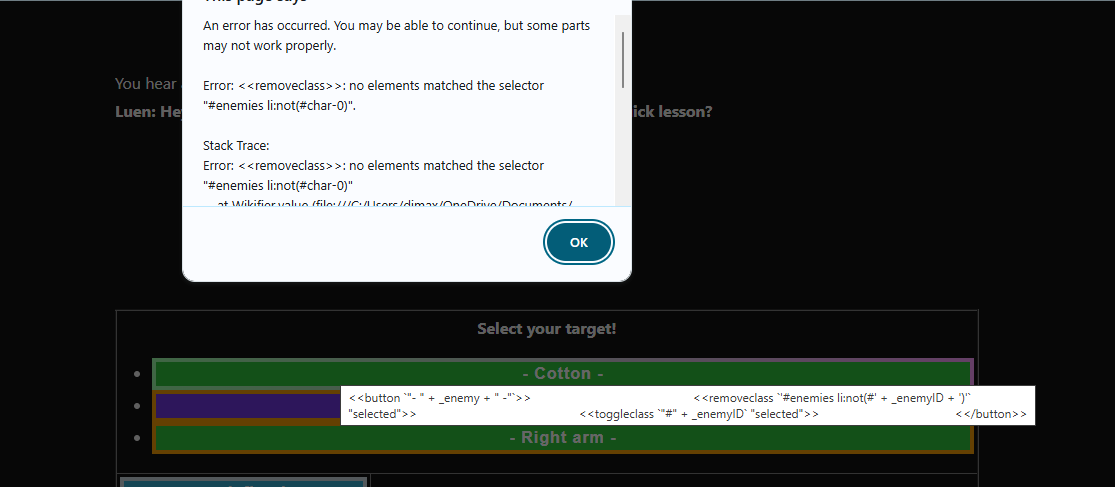
Anyways getting back on topic, ive been able to get everything else in the code to work except for my second for loop. What im trying to do is each button be able to have the buttons remove the “selected” class from any other button made within that for loop, however when i do so, only the first one ends up being changed and i get an error message saying “char-1” couldnt be found or “char-0” for any button that isnt the first one.
<<set _enemies to ["Cotton", "Left arm", "Right arm"]>>
(the idea is that its a giant sheep looking boss named cotton, and you’re able to attack the body or any of the limbs sprouting from it. I wanted to make the code this way for each enemy option so id have an easy way to program future encounters simply by adding more names to the list of enemies.)
Anyone know what im doing wrong here? Or if theres a better way for me to do it? I dont understand javascripting much either.
The example you supplied was missing an open <span> tag, and many of the double quote characters were the invalid Typographical (curvy) variation instead of the standard ones used to delimit String values.
The following example should achieve the outcome you want…
the <<nobr>> macro to suppress the unwanted <br> elements automatically generated for each line-break in the code.
a HTML <ul> element structure to help with the layout of the buttons, CSS can be used to remove the bullet-points displayed before each line-item. The <ul> is assigned an id so all of its <li> child elements can be accessed later as a filtered group.
the range variant of the <<for>> macro, to help with accessing both the index & value of each Array element.
Attribute Directive markup is used to assign the current value of _enemyID to the id attribute of the current line-item <li> element.
the <<capture>> macro is used to capture the id of the current <li> element, so it can later be used in the body of the button.
grave / back-quote characters were used to indicate which Macro Arguments needed to be evaluated before the result was passed to the macro.
the CSS not() pseudo-class was used to filter out the <li> element that had the id associated with the selected button, from the list of all <li> children of the enemy id’ed <ul> structure.
Did you copy my example into your project’s Passage?
Because I tested that code in my own test project before I posted it.
The #enemies li:not(#char-0) selector relies on the <ul> element having a value of enemies assigned to its id attribute. So the selector can find all of the child <li> elements that don’t have char-0 assigned to their id attributes.
My apologies. When I copy & pasted the code from my test project into my earlier post somehow the id assignment on the <ul> element was lost. I have edited that previous post to now have the correct example.
thanks a bunch man! and you mentioned something about getting the bullet points to go away, do you know where id be able to look up where to fix that? if not could you tell me which piece causes them to appear so that i may look up a solution on that? ^ _ ^
Adding a CSS Rule like the following to the Story Stylesheet area of the project will suppress the bullet-points, and remove the left margin & padding..,
works perfect! thank you! was trying to make it work last night by applying it to UL entirely but that wasnt working, saw your message just now and it worked like a charm! You’re the best!