Today I’m reviewing my WIP to shore up the timeline of certain events taking place in it. The concerns are
there are festive events in the game (e.g. Earth Day) which need to be assigned a particular calendar date
there’s narrative taking place around these events, but with offsets I haven’t specified in the prose (e.g. someone hangs out in a hotel ‘for a few days’) – but I need to note down the real amount of time so that things fit together.
I use Scrivener, and had recently seen a post about a way to organise character timelines in it (Scroll down twice at the link to see the appealing screenshots). I’m already set up to do this, and it looks cool, though it’s not specifically what I have to do today.
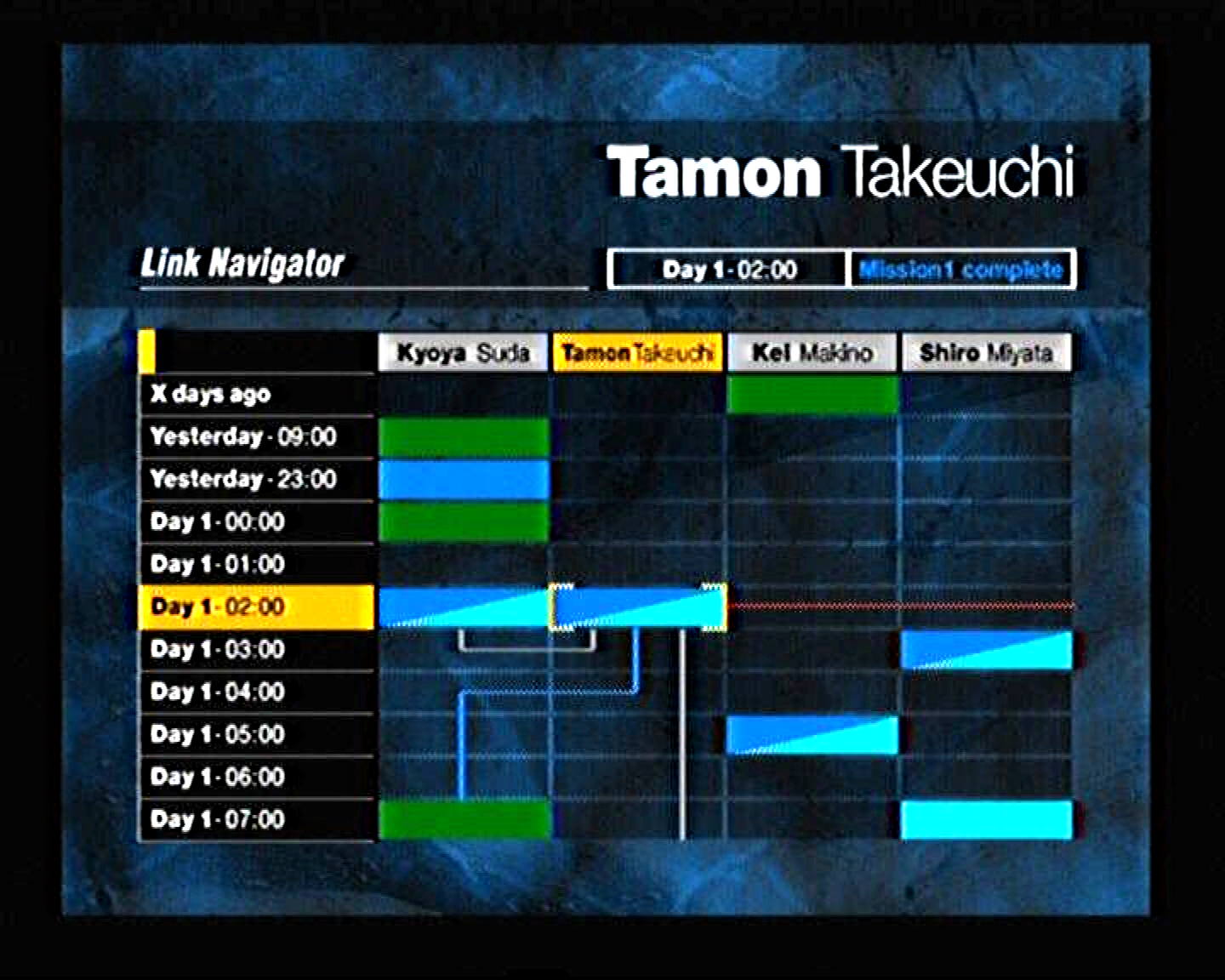
But what all this made me recall was… the Link Navigator from the PS2 survival horror game Forbidden Siren. Screenshot:
I think I’ve shared/joked about this before. This is a tool intended to help you work out what you’ve done while playing the game, with what PCs, and when, and to show what remains, and where, and which characters do things at the same time. To me it looks like one of the coolest things ever, but in practice it’s baffling, making the game’s already hyper-convoluted narrative even more convoluted-feeling. The majority of anecdotes about it online express this kind of confusion.
I’ve had fantasies about something like this that worked and was cool and exciting. It would be overkill for my task-for-today, but I’m just putting it out there again for entertainment or inspiration purposes.
Forgive me if this tangent is too far off your initial remark - in fact, it’s kind of the very opposite of it - but it was the thing that came to mind.
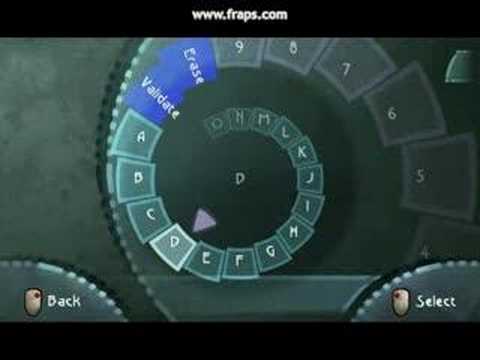
Inputting text on any (non-touch) device with less than a full keyboard is enormously frustrating, ie, entering passwords on a smart TV’s soft qwerty keyboard with a remote control. But, years ago, Beyond Good & Evil did a text input UI thing that worked with console joysticks, that looked horrible but was actually brilliant.
You pulled right or left to advance or reverse the spiral to the letter you wanted, pressed a button to select. It was fast, easy, and intuitive - the best non-keyboard text input method I’ve ever seen. To this day, I wish device manufacturers would implement it.
No worries. I also have that frustration! And I am talking intuitive or unintuitive interfaces. The reason the link navigator came to mind at first was actually for cosmetic reasons.
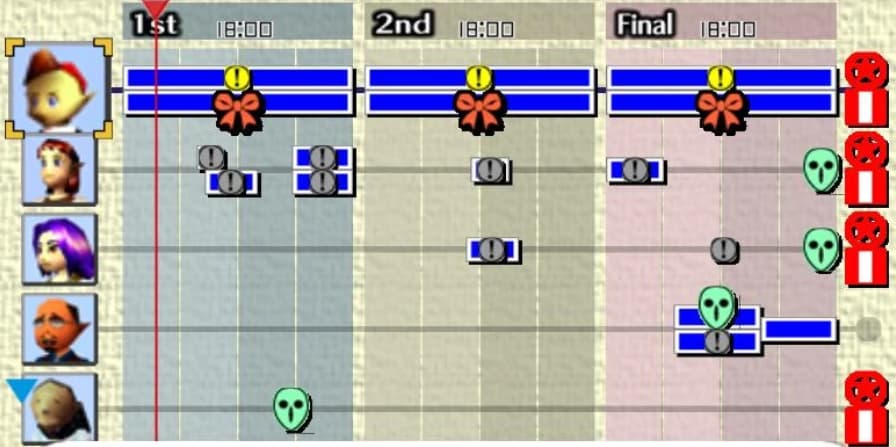
The Forbidden Siren tool reminds me of the Bombers’ Notebook from Majora’s Mask. Similar idea, showing what you’ve done while playing the game, with what NPCs, and when, and showing what remains, and where, and which characters do things at the same time
I think I like everything about Siren…except for actually playing the game itself. I like the vibe. I like the weird technique the game uses for facial textures. I like the sightjacking mechanic as an abstract game design idea. I, like you, like the idea of the schedule thing. Like when I played it for the first time and got to that interface I thought to myself, “Cool, this is very much my jam”.
But pretty much every individual part of actually playing the thing, taken in isolation or as part of the overall experience, is at best meh and a lot of it is either tedious or frustrating.
There’s a similar-in-concept interface in the visual novel 428: Shibuya Scramble that I think works better from a functional standpoint (although I don’t like the aesthetics as much). In fact I vaguely associate that kind of UI with visual novels in general: the link navigators in the various Zero Escape games spring to mind as well. But I think I’ve just enumerated about 90% of the visual novels I’ve ever played, so it’s possible I just have a skewed perspective.
Even on a touch device, text input is a total pain in the anatomy without a full, physical keyboard, even on a resistive touch screen with a good stylus and a working eye… though I’ll admit, the resistive touchscreen with stylus beats every implementation of using a d-pad/joystick to move around an on-screen keyboard I’ve ever encountered and might match hunt and peck on a physical keyboard, but being the best of a bunch of bad options doesn’t make something good.
Using the walkthrough removed the bubblewrap of confusingness from the game and eliminated a lot of time-wasting. Then I was ‘just’ left with the tremendous difficulty of execution. Playing that way over months, I did find it really grueling in my favourite way. Afterwards, I certainly felt like a real man, or a real small small furry creature from Alpha Centauri, take your pick.