The following is wrong, see replies
This is a bit of a tricky case! But here’s what the specs say.
The Glulx VM has no concept of images or graphics at all. Everything it does, it does via text. But a Glulx program can choose an I/O system, and this choice is basically always Glk. Except in a few really weird edge cases (like the Textfyre project), Glulx programs will always be tightly coupled to the Glk interface.
The Glk interface has no way of testing whether a specific image can be drawn or not. It also has no concept of alt text. But a program can ask “are you capable of drawing images in general?” and the particular Glk implementation will say yes or no.
So, when you tell Inform 7 to display an image, what it does is:
- Ask Glk if it can display images
- If yes, display the image
- Otherwise, display the alt text
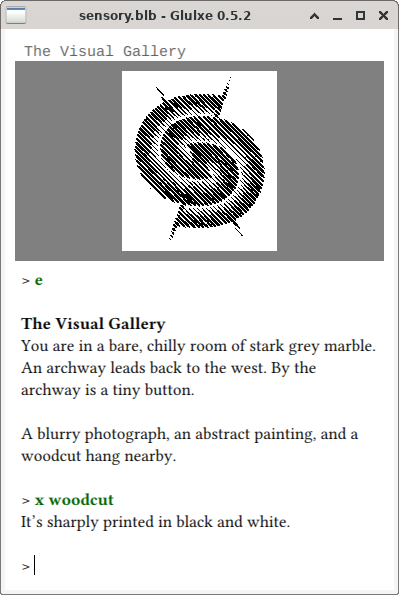
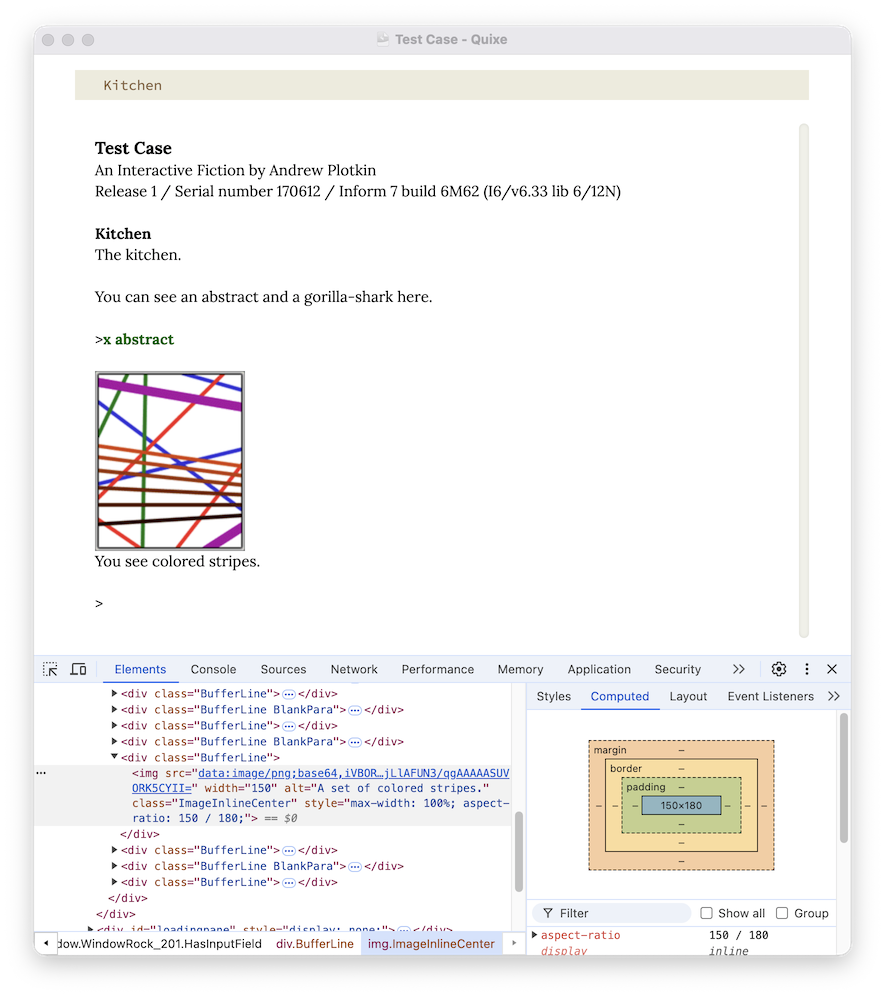
But that’s entirely on Inform’s side. If the Glk implementation is, say, running in a web browser, it has no way of putting the alt text into the image’s alt attribute: it just tells Inform “yes I can display images”, so Inform never prints the alt text anywhere.
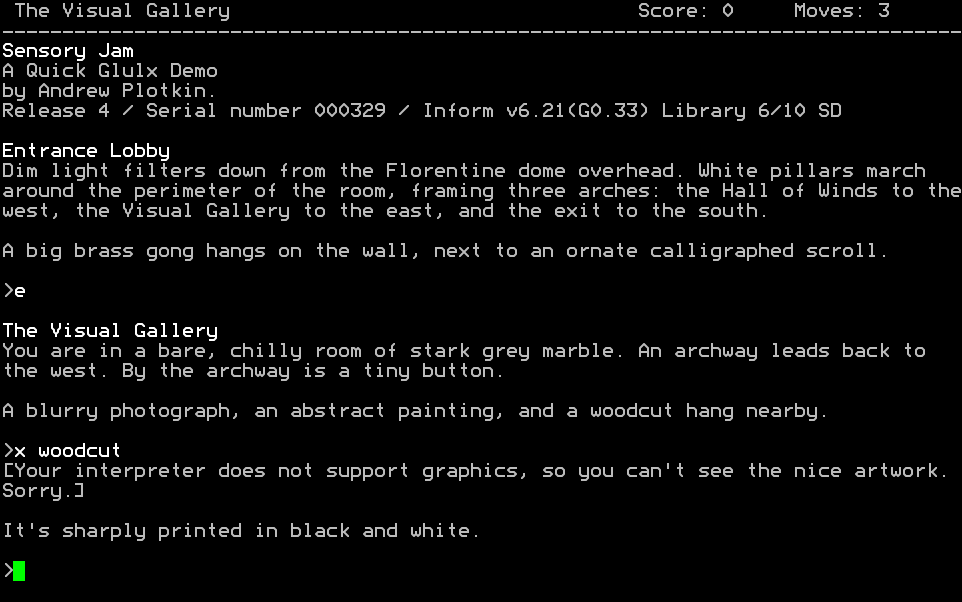
This means that alt text isn’t useful in any interpreter that supports graphics at all, only in interpreters with absolutely no graphics capabilities (like the glkterm version of Glulx shown above). If you want more fine-grained control, you’ll need to do it yourself in Inform 7 code: ask at the beginning “can you see this image (or its alt text)?”, and if the user says no, then print your own descriptions instead of drawing images elsewhere in your code.
This is distinctly not ideal, but it’s the current state of the situation. I might suggest a new Glk call, glk_set_image_alt, which sets the alt-text for the next image printed (as a separate call because there are so many different ways to draw an image now). Implementations for which this is meaningful can then shove it into their <img /> element or whatever, while others ignore it.