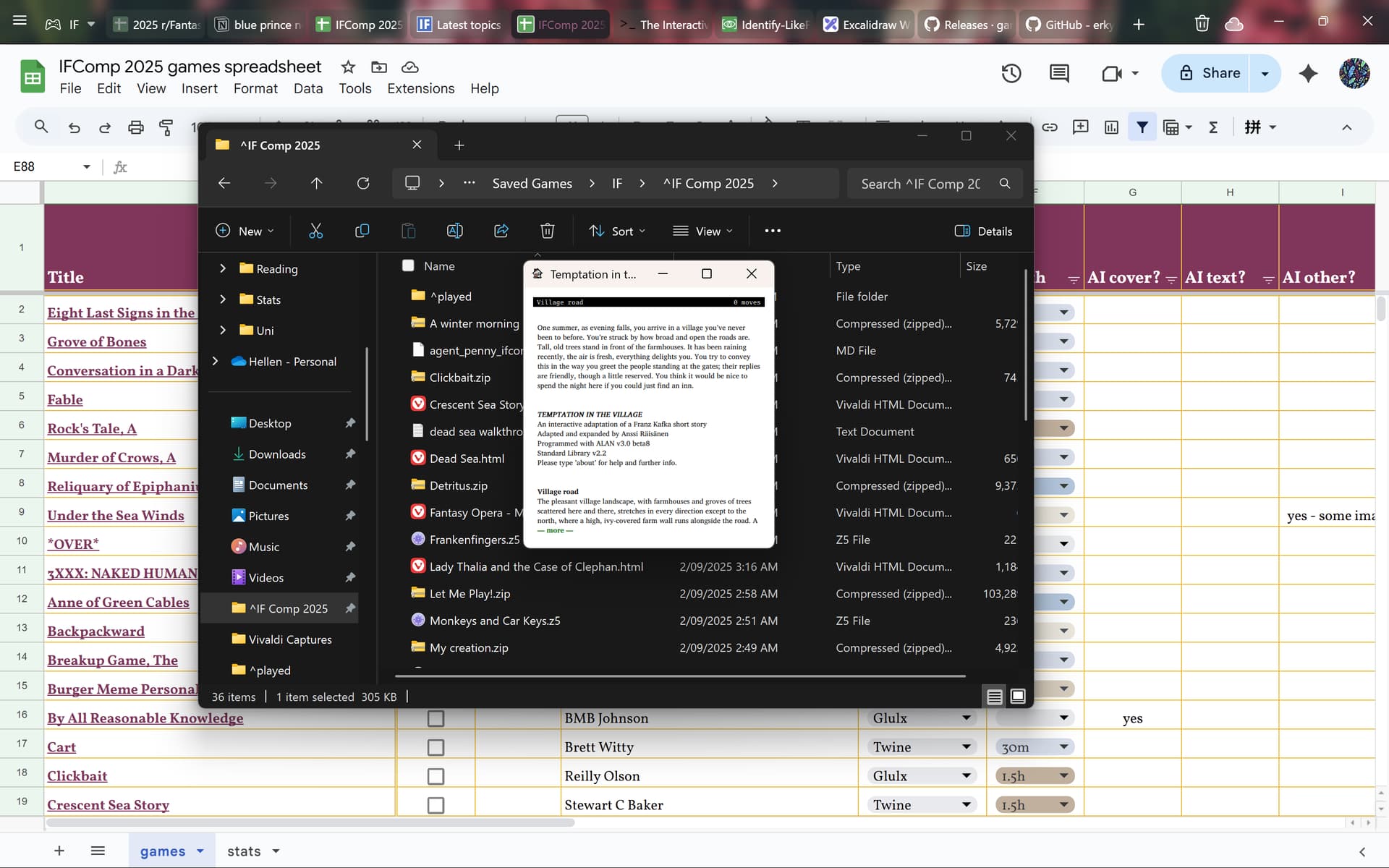
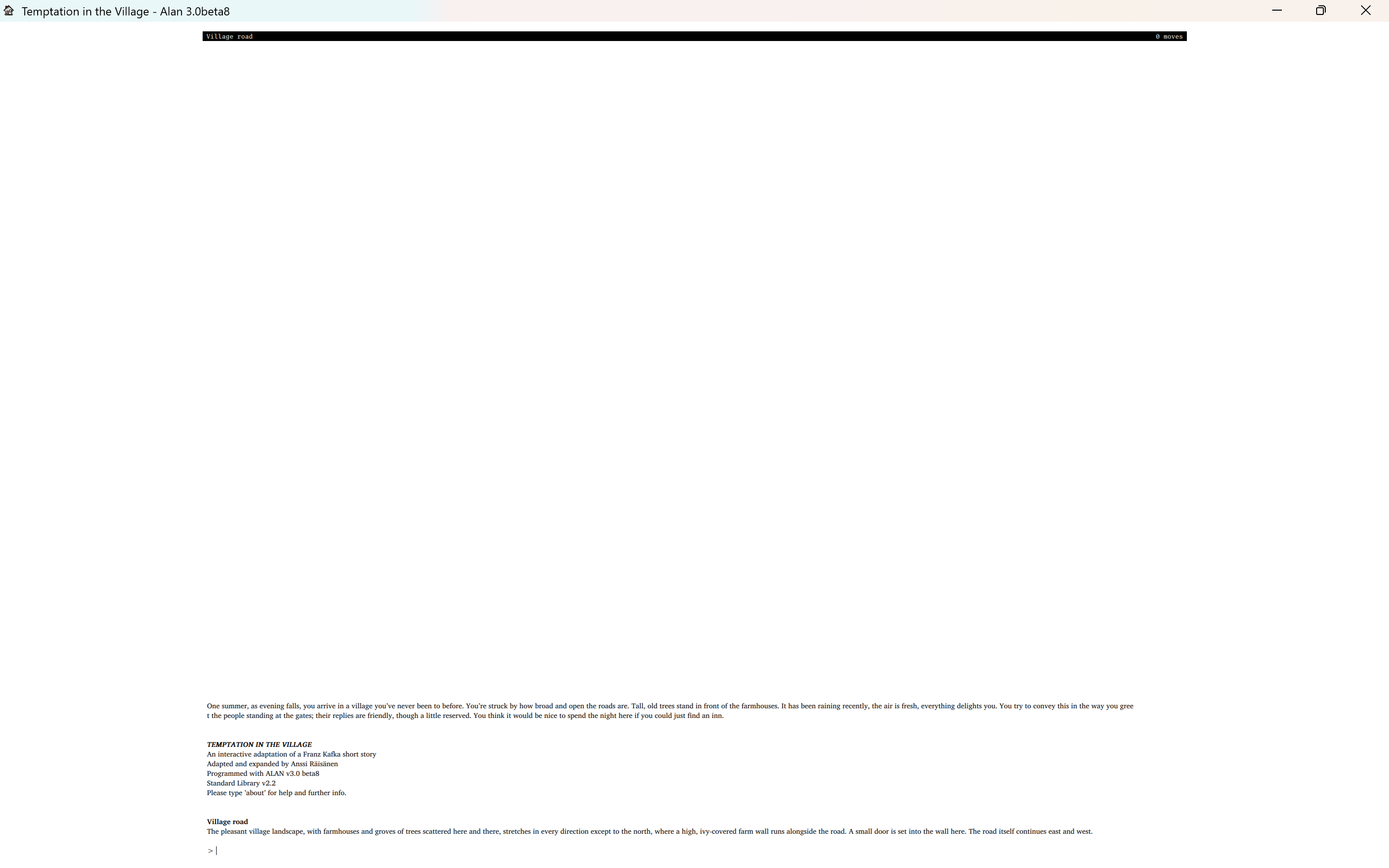
So I’m trying to play Temptation in the Village by Anssi Räisänen. My usual interpreter Lectrote doesn’t support .a3c so I’ve downloaded Gargoyle. However when I launch the game the window is tiny (see screenshot below, 14" laptop screen) and I can’t find any settings to increase the font size. If I full screen the window the font size stays tiny.
Gargoyle is (in)famous for its requirement that you change its settings by opening its config file. If on Windows, look in the same folder as the executable. Open the file garglk.ini . There are a bunch of settings you can tweak in there; definitely font stuff is in there. But it can be hit and miss. Edit some values for fonts etc. then save the file, and close and reopen Gargoyle. If it’s still not to taste, muck around some more and repeat.
I actually have the same problem as OP, and adjusting the font size doesn’t help. I don’t have it set to 0.001pt, it just … shows up that way. It’s like it’s using smaller pixels than every other program on my laptop.
It behaves normally on other devices (as does Fabularium, which uses basically the same config file, on my phone), so I know it’s not just me having trouble with the config file.
Got it, thank you! It does seem like the font size is using a different unit than other programs but setting the font size to 40 worked for me. (also have just spent 20min picking text colours…)
This is probably because all other applications are being upscaled by Windows because you are using display scaling and a HiDPI display.
Applications should indicate whether they handle their own scaling or not, and different update levels of Windows have progressively “improved” automatic upscaling, so behaviour may vary over time unless you never update anything.
If that’s the case (or heck, even if it’s not), Gargoyle does have a zoom config option which will zoom everything as specified. So you can set zoom 2.0 to double the size of everything which will likely allow your font selections to feel “correct” but still be actually readable.
That said, I don’t use a hidpi display and all the code for zooming/hidpi was added by others, so I can’t really get more detailed than this!