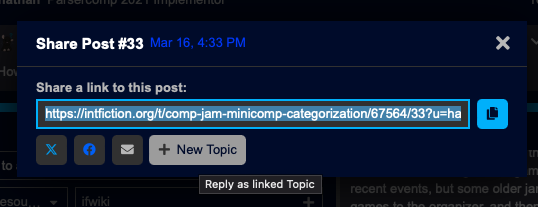
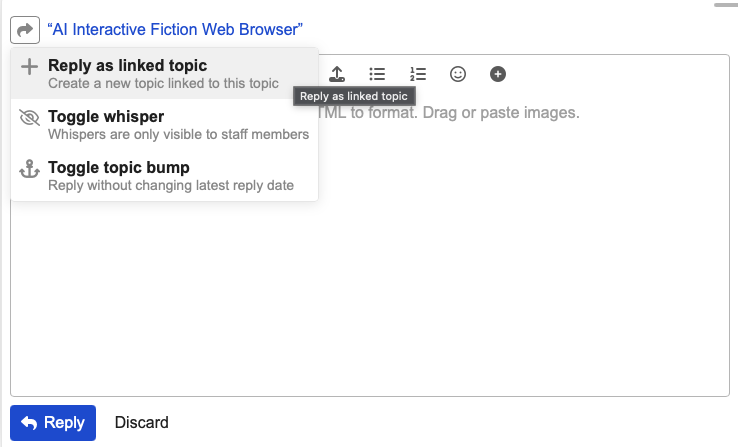
If you start a reply and feel like your message could be its own topic, you can “reply as linked topic” - on mobile click the square with the reply arrow and choose the plus-icon “Reply as linked topic”.
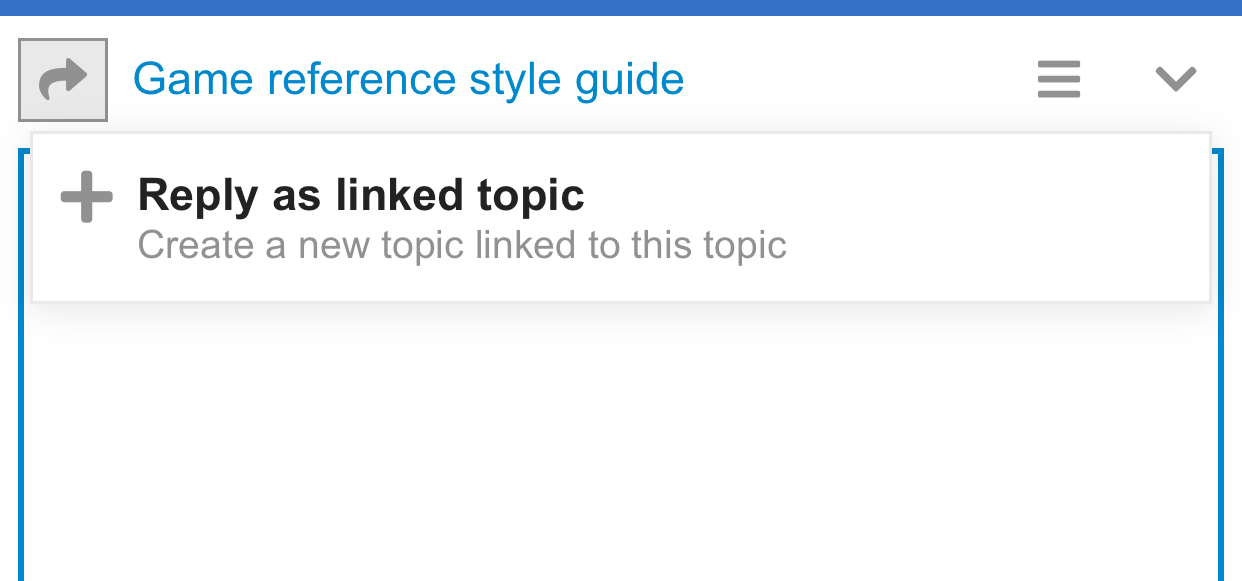
On desktop, click the square with the reply arrow and choose the plus-icon “Reply as Linked Topic” instead of “Reply to Topic”.
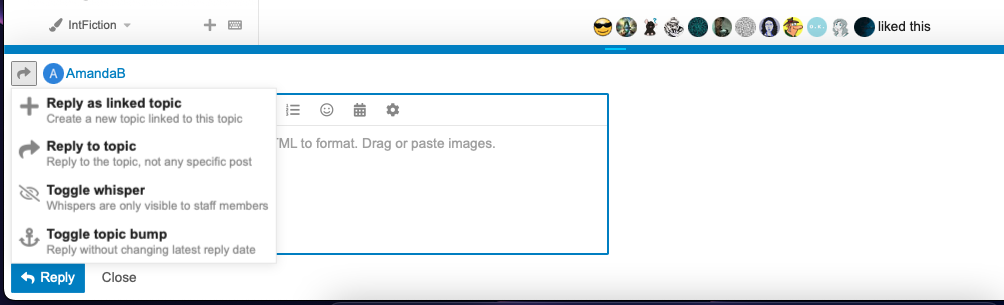
The two topics will have links connecting them. Create your message, give the new topic a title, and quote from the initiating message as necessary.
You can also initiate this in desktop view by clicking the chain-links icon to link to a message and Reply as a linked Topic - click [+ New Topic] - you’re essentially sharing a link to the original post in a new one.
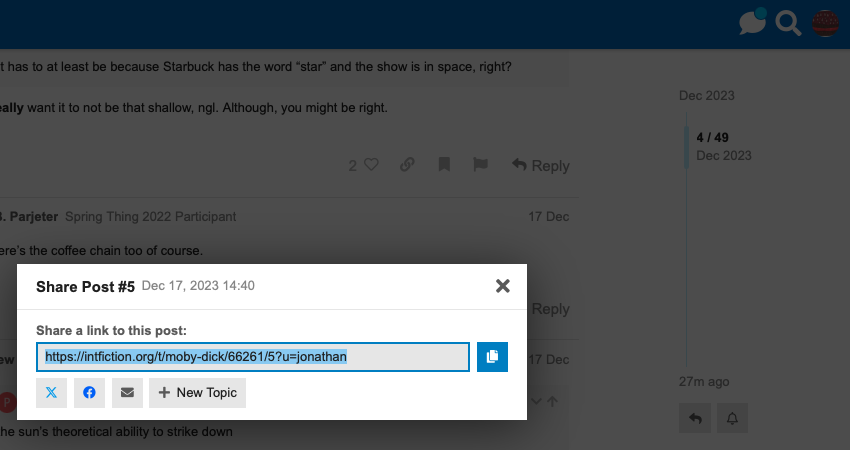
This is a good way to branch discussion instead of derailing a topic. Ideally the people responding will move to your new topic, but if necessary Mods can also transfer replies from one topic to another.
Clicking the chain-link icon under any post will let you copy a link you can paste into another message to refer to another topic.