I found the perfect stock image to use for my cover art!
14 Likes
Is it me, or was the deadline just moved six hours?
Forget it… that was me.
We have moved it. So synchronize your watches.
2 Likes
Helpful. Very much so.
I just like having some (more-or-less) tangible file that I can put in my playlist on my personal machine, and more importantly, that I can put in my personal archive of played games. I like a record of my history in IF in a folder on my own computer.
1 Like
It was nice to have the few extra hours to nail down the cover art. (I’m also glad I started early. EctoComp not overlapping with IFComp is big!)
By the way, how are entries added to IFDB? I have one I’d like to review ASAP but I don’t want to interfere with any automation etc.
1 Like
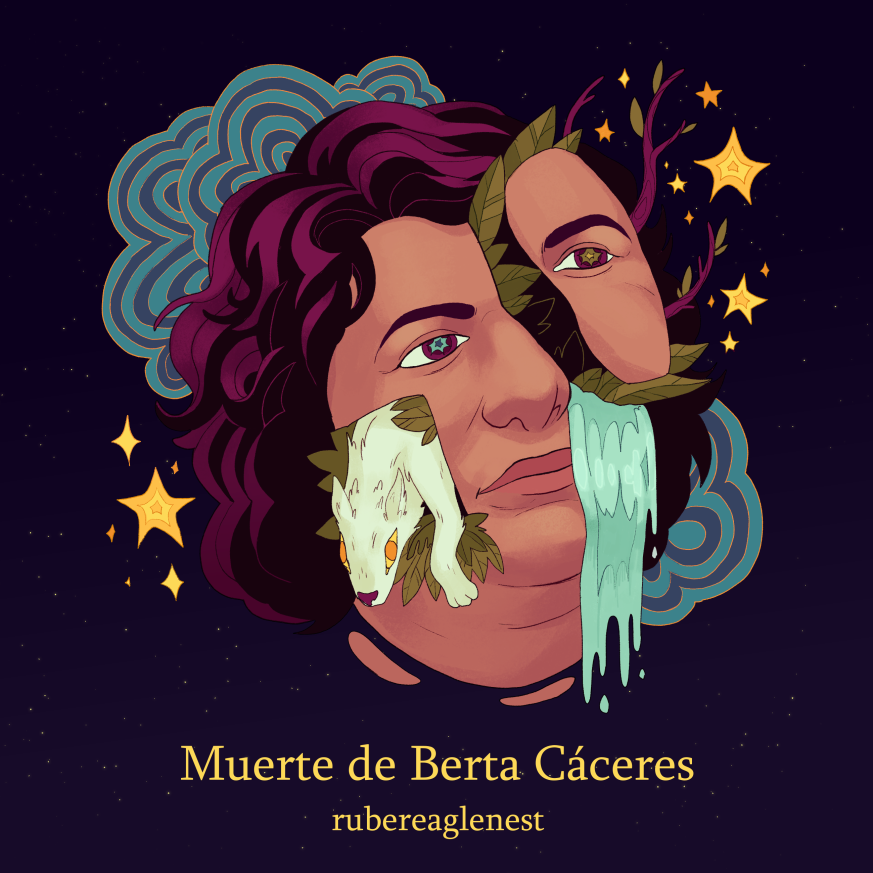
I’m about to add them using Dan Fabulich’s script (here for anyone who’s curious), so they’ll all be up within a few minutes!
5 Likes
All right! I’ll add a downloadable version later today then. I figure uploading a second copy of exactly the same file doesn’t violate the rule against mid-comp updates. (Also better for archiving.)
4 Likes
Maybe I should add this in the other topic, but … I wanted to try for a stretch-goal of rating 31 entries, 1 per day. At the very least I want to have rated more games than the average judge. The second seems like a reasonable goal if someone wants to contribute but doesn’t have all the time/wants to avoid certain types of games/can’t overcome the language barrier (note: it’s awesome there are non-English entries. I’d like to work through them. But it’d require a lot of focus. Maybe I should make time.)
A calculation for right now: I’ve judged 2 games so far, and I checked there were 118 ratings. So the average would be 118/62 = 1.90 and I’d be ahead until there were 124 ratings. Then at 125 I’d be behind.
Also, for those who use Windows and want to remind themselves daily:
command line to cut/paste, adjust /st or specify non-default browser if you want
schtasks /create /tn “EctoComp25” /tr “explorer https://itch.io/jam/ectocomp25” /sc daily /st 09:00
(backslash-quote for specific browser e.g. "\C:\Program Files\Mozilla Firefox\firefox.exe")
Then, once the comp’s over,
schtasks /delete /tn "EctoComp25"
3 Likes
I fear my entry (a Twine game, “Annual Country Market”) may be browser-only also, as I don’t see a download option when I log into the site. I thought I had all the selector buttons pressed for download or online play. Does itchio really require two separate files to make them browsable vs HTML, or have I not adjusted my settings correctly?
1 Like
The moment when you discover you forgot to upload a game’s file entirely. :') since it’s the same file I thought I had uploaded prior to submitting, I hope this isn’t disqualifying
1 Like
Yes, itch requires for you to upload a browser version and a downloadable version separately
3 Likes
I just added a downloadable copy to my entry. You just need to rename the file before you upload it a second time to itch otherwise it will just overwrite the existing file (with itself  ) .
) .
6 Likes
Yes, fixing this is definitely fine!
3 Likes
OK, I added a downloadable version to my itchio page. It seems very strange to me that there is no way to make a single file both downloadable and playable in browser, since they are literally the same zipped file with different names.
I’ll add that when I play games during the IF competition, my preference for browser play is so strong that I actively avoid games which don’t have a browser based version. It never occcured to me that there are people who feel just as strongly in the other direction.
7 Likes
To be fair, the voting patterns bear out in your favor - if you look at historical IFComp vote totals since ~2020 anything not playable in browser gets less attention. So it makes sense the download-preferring contingent isn’t as visible. I’m glad people have spoken up though, since even though Itch’s interface leaves something to be desired it’s still pretty easy to upload a copy.
(That reminds me, I’ve been meaning to mess around with my tasks.json file and see if there’s a way to generate two copies of a Twine HTML file whenever you build - we playtested our IFComp game through Itch and had one playtester who preferred the downloaded version, which would occasionally get out of sync with the online version because we had to manually recreate it each time. There’s gotta be a way to automate it…)
3 Likes
In my case it’s a pragmatic concern: most of my opportunities to play through a two-hour game are during long drives, when I won’t have wifi.
4 Likes
I’m impressed that you can drive and play IF at the same time 
5 Likes
If you use butler (the itch.io command-line tool, which is terrific, although I often forget to use it…) you can push the same source to two different “channels” – I’ll often call them web and download: and butler will take either a directory or a zip file so I’ll usually do something like:
butler push build/ JoshGrams/ink-vn-lite:webbutler push build/ JoshGrams/ink-vn-lite:download
After the first time you push, you do have to go into the web interface to set up the channels’s properties initially: if you have win or mac in the filename I think it’ll set those automatically but there’s nothing for web? But once they’re set up you can just push.
3 Likes