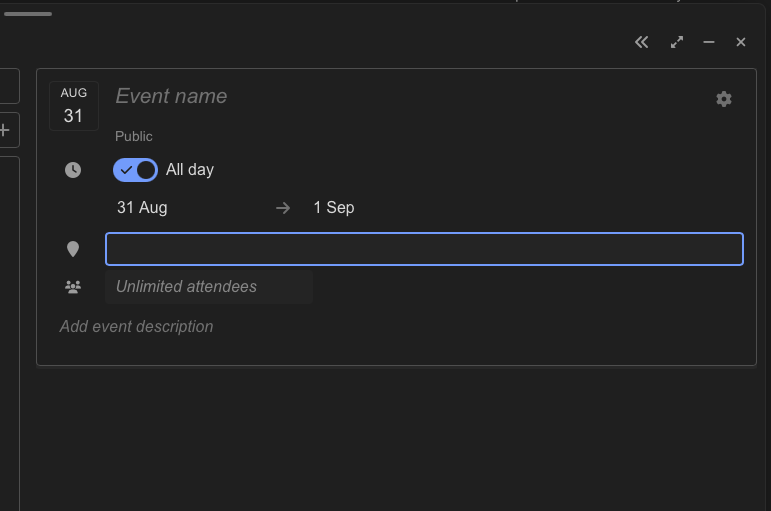
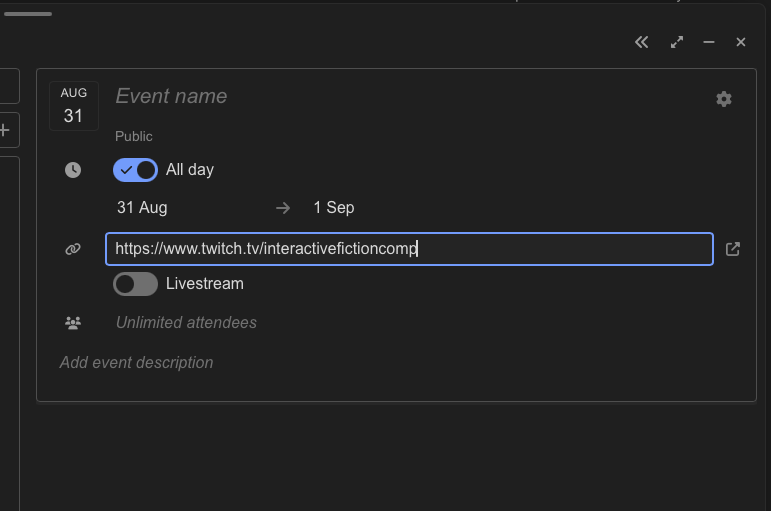
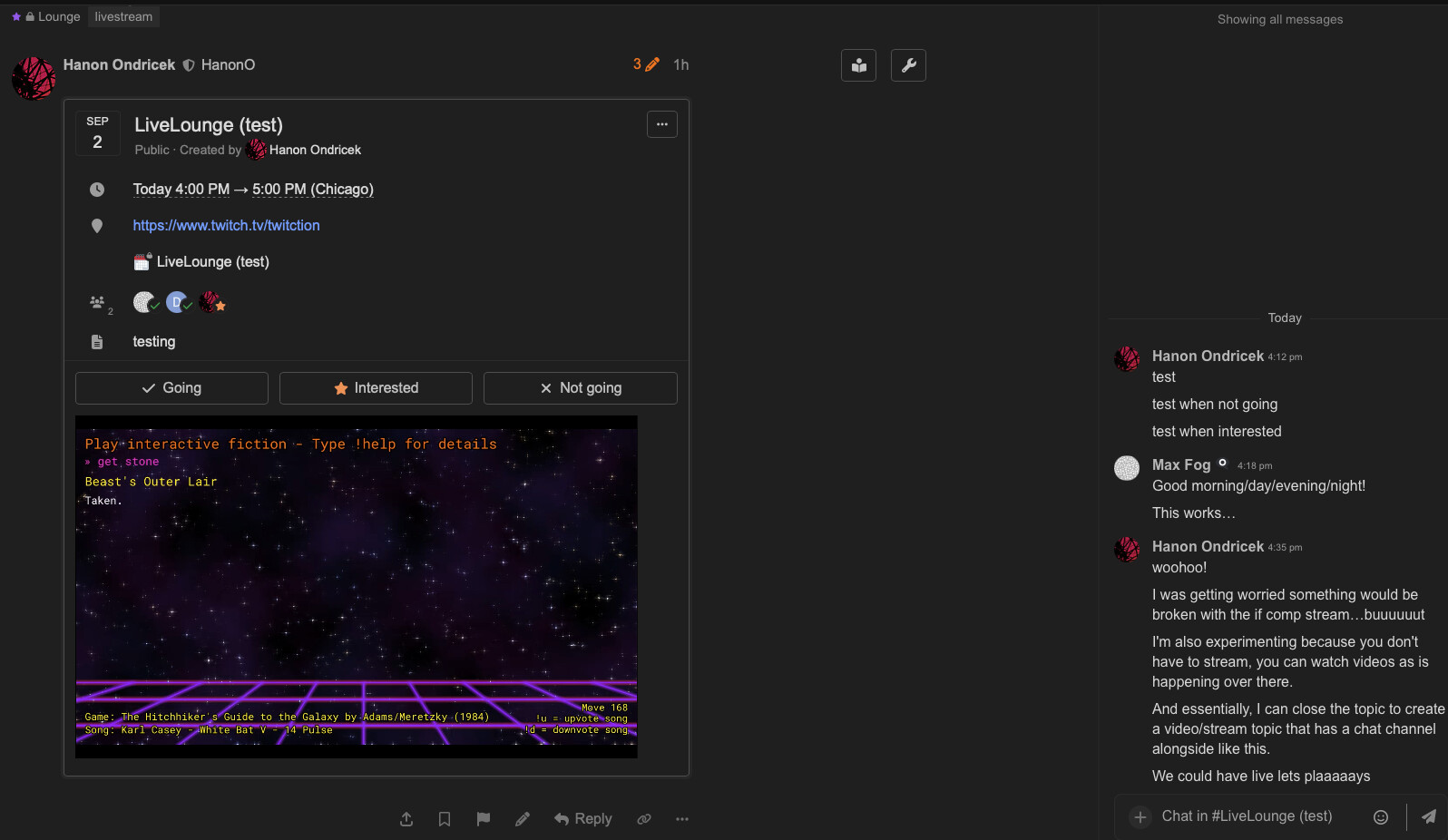
The calendar at the top of the “Events” category is the easiest way to quickly create an event by clicking the date and filling out the dialog displayed in the message it creates. You can also add normal message body text before or after the event code created by the dialog.
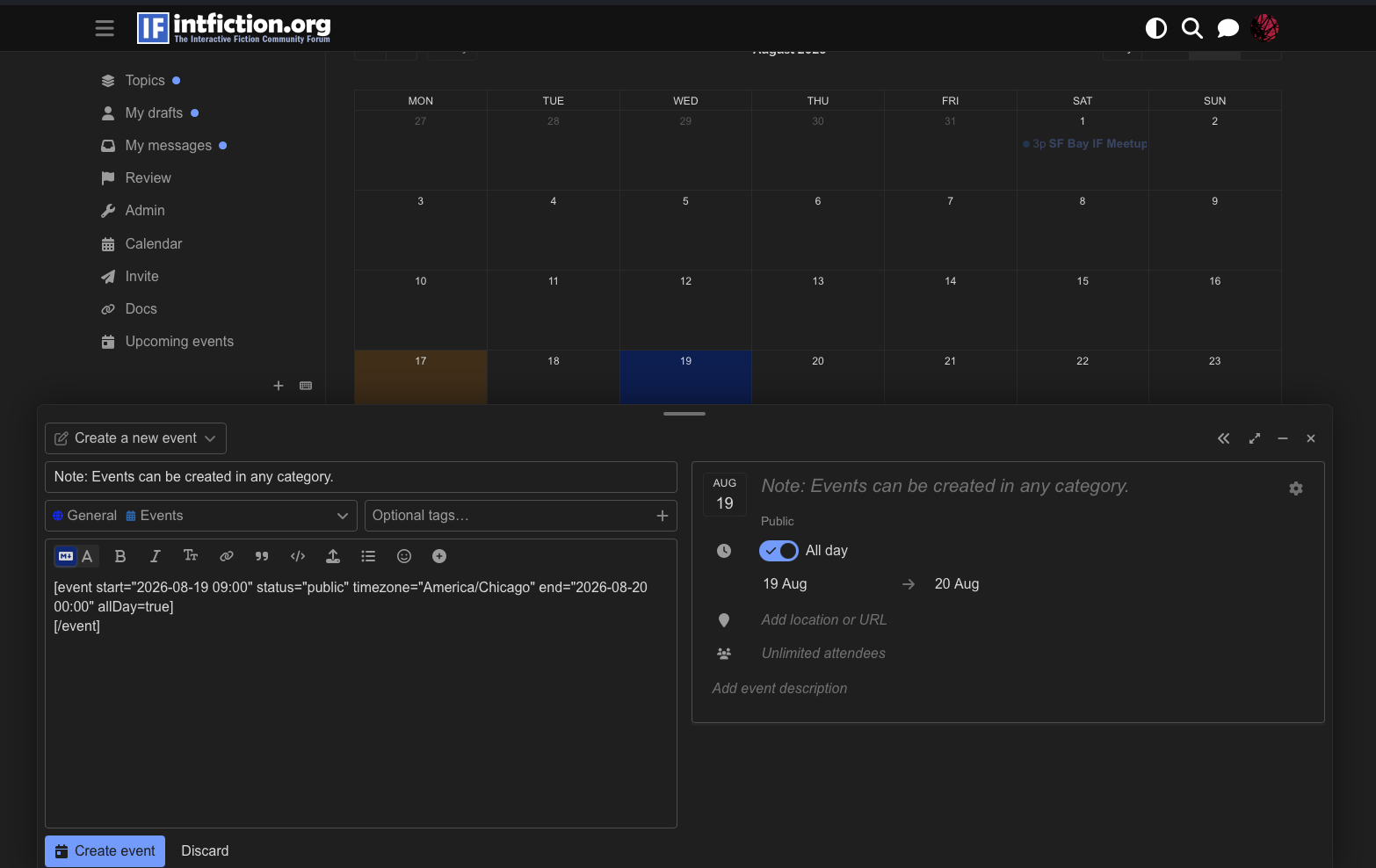
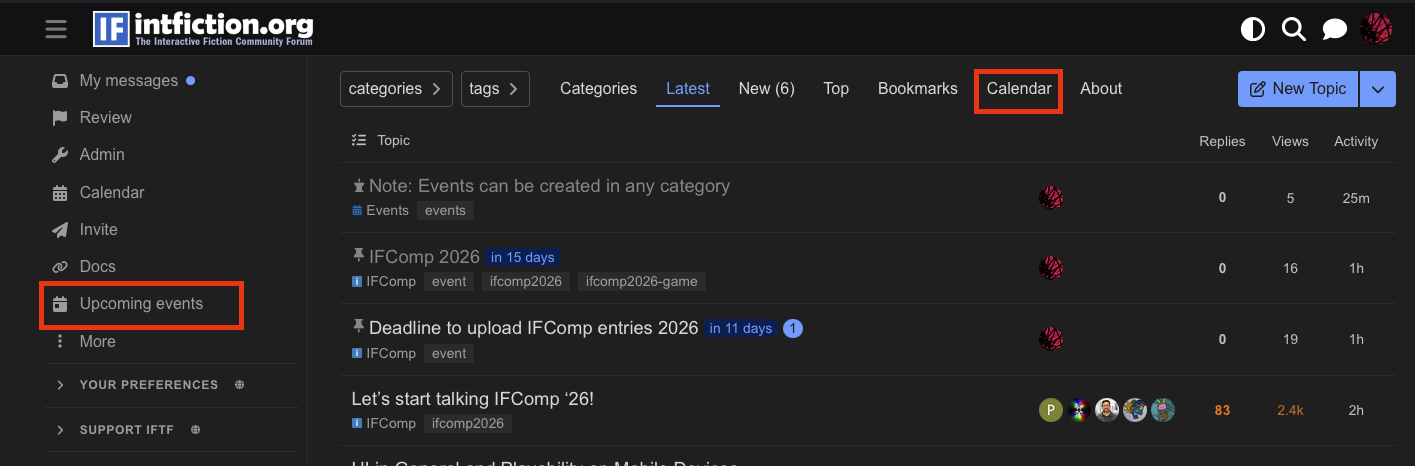
The calendar at the top of the Events category will only show Events posted in General > Events - however if you click the “Calendar” link at the top of any main forum page or “Upcoming Events” in the left sidebar, it will show a calendar with all scheduled events in every category.
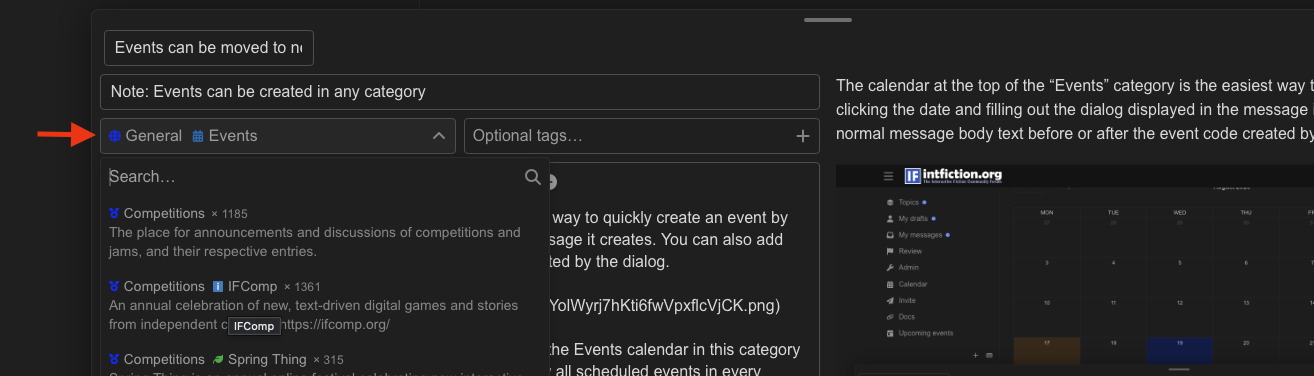
Once your message with the event is created and posted, you can edit your message and change the category if you’d like the event/announcement message post to be displayed in a more relevant category.
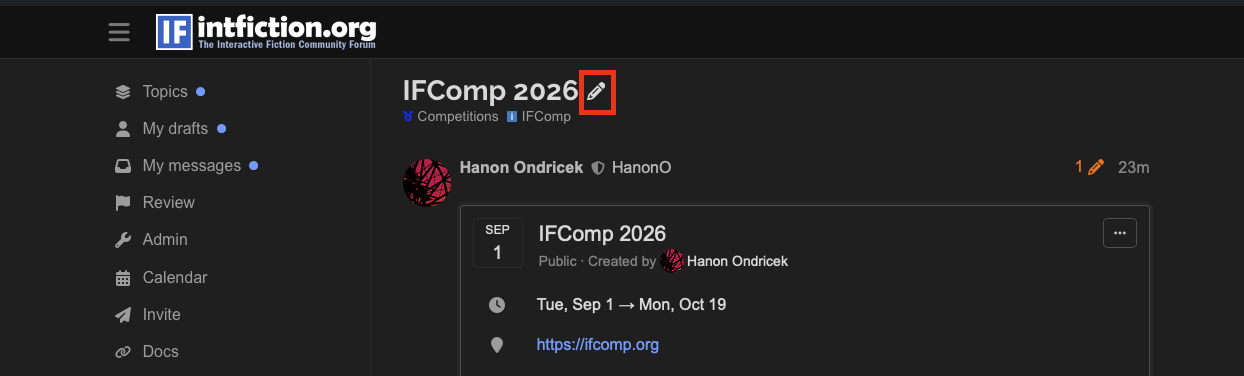
Or, if you are a regular user and can see the pencil/edit icon when hovering a topic title, you can create your event here, then click the pencil and move the event message to the correct category where you want the event/message to live in.
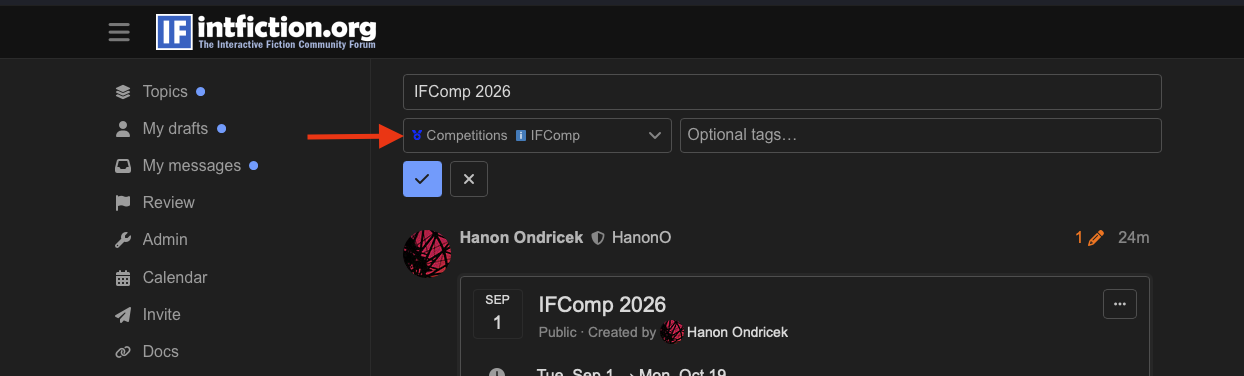
It is also recommended and helpful to also apply the event tag to make it easy to locate posts that have event code in them.