I’m thinking of using Twine for a story-heavy, low-complexity project. I used to know a little .css and javascript, but it’s been a few years, so actual working code (and a description of where to put it) would be helpful. Already found answers to a couple of my questions, but here are two that remain open:
The text-align: justify; tag isn’t working. I tried putting it in the body section and in a p section. No luck. What am I doing wrong?
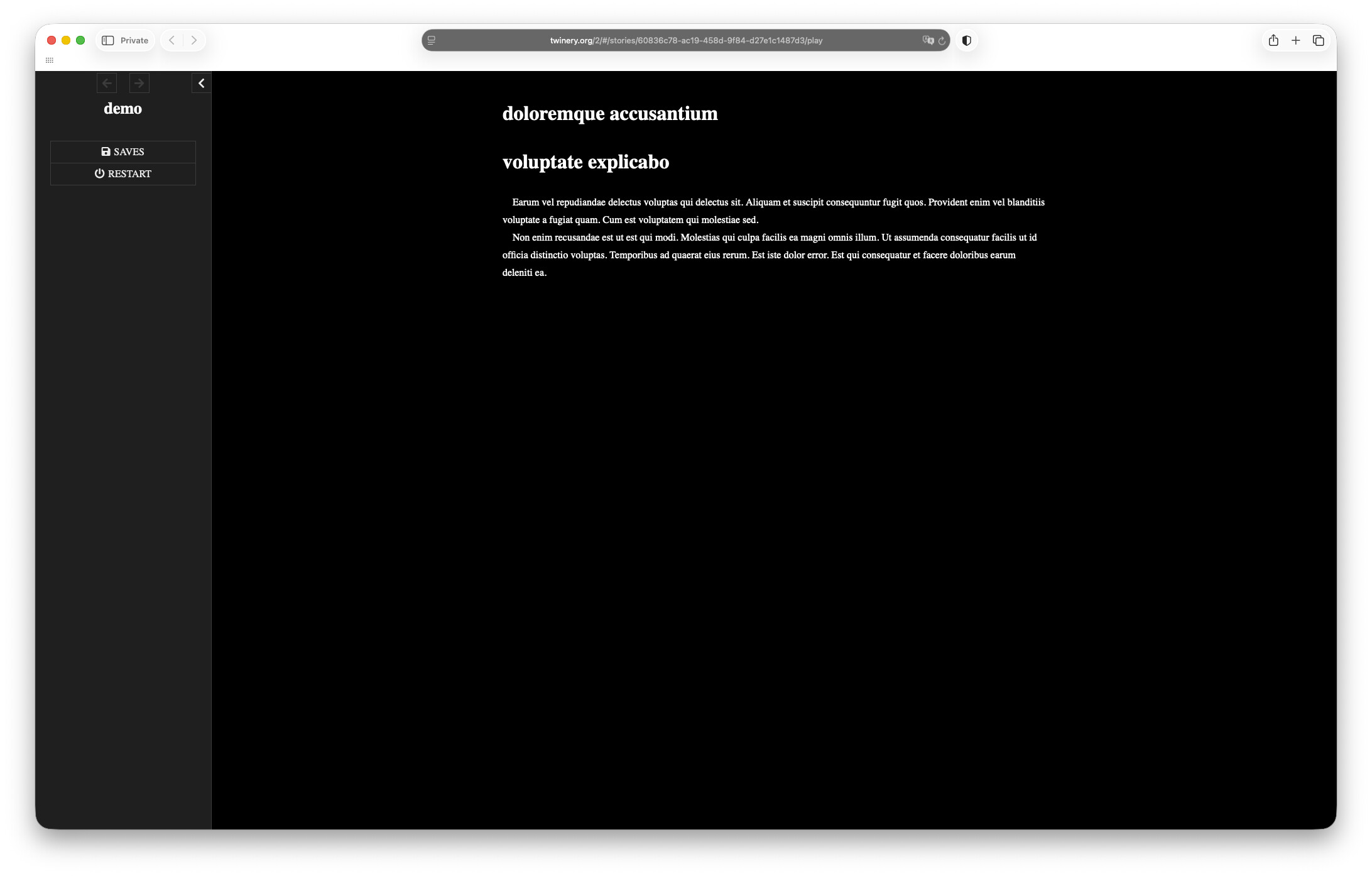
I’d like to have all paragraphs indented (except where I specify otherwise) and no extra blank line space between paragraphs. How would I do that?
Assuming you’re using the Twine editor, open your project and go to Story > Stylesheet. Put your CSS in the “Story Stylesheet” box that opens when you click on that.
That’s the SugarCube default, no need to do anything.
rh’s CSS will have the text displaying in whatever is the default serif font on the user’s end, generally Times New Roman at least on Windows, but you can specify a particular one if you want:
Thanks, folks. The project is moving along. I still don’t know how to justify paragraphs rather than have them ragged right. This isn’t essential, but I’d prefer it. text-align: justify just plain doesn’t work. I’m thinking it’s probably being overridden by something in one of Twine’s default stylesheets. Any suggestions?
Hi, I’m not certain if this would be a good compromise, but manonamora on itch.io has a settings template, and it includes a justify option. To save you time I’ll post the specific parts here but I want to make clear that it’s not my work, so I won’t try to tidy it up by removing the notes they made for it. This will make a toggleable setting for the default and justify alignment.
In the javascript:
var settingtextAlign = function () {
if (settings.textalign) { // setting is true
$(“html”).addClass(“justified”);
// if enabled, the setting with add the class [.justified] to the page
// the class defined in the StyleSheet will justify the text.
} else { // setting is false
$(“html”).removeClass(“justified”);
}};
Setting.addToggle(“textalign”, {
label : “Change Text Alignment”,
desc : “If enabled, the text will be justified”,
default : false,
onInit : settingtextAlign,
onChange : settingtextAlign
});
In the stylesheet:
.justified .passage {text-align: justify;}
Hmm… did you add the Config.cleanupWikifierOutput = true; to your Story JavaScript? Without that, you won’t have HTML P tags, you’ll just have line break tags making it look like paragraphs, so the P styling won’t apply.
Alternatively you could put the justify styling on .passage { text-align: justify; } which seems to be where the built-in styling has left instead?
Yeah, it’s complicated, unfortunately. Have you seen Grim Baccaris’s Twine Grimoire (of which there are now three volumes)? It has full explanations, and reference code for a bunch of common situations.
Also, if you don’t know about the inspector tools in desktop browsers (usually F12 or Control+Shift+I brings them up, or you can right-click the document and choose Inspect to jump to a particular element), they’re super useful for seeing which styles apply, once you get the hang of the tool. And they let you modify styles live, though there’s (AFAIK) no way to get that directly back into your Twine code. But it’s often useful for experimentation.