background-image
The background-image property is a powerful instrument—for good or for ill! Most obviously, we can use it to apply a background image to any specified element or class. This sort of application is simple to enact. If we want to incorporate a specific background image for the .BufferWindow, it’s as simple as this:
this is the BufferWindow background rule:
	css-set-fast ".BufferWindow; background-image; url('marbles.webp')";
Because Bisquixe usually uses relative pathing, this example will look for a file called “marbles.webp” in the same directory as our index.html file. For housekeeping purposes, we might rather keep CSS images in another folder called “figures.” That’s easily done!
css-set-fast ".BufferWindow; background-image; url('Figures/marbles.webp')";
Whenever our project executes the required css-set-fast phrase, background-image will be assigned the relevant value.
By default, the image will repeat as needed to fill the entire space. With smaller images, this can create a “tile” effect.
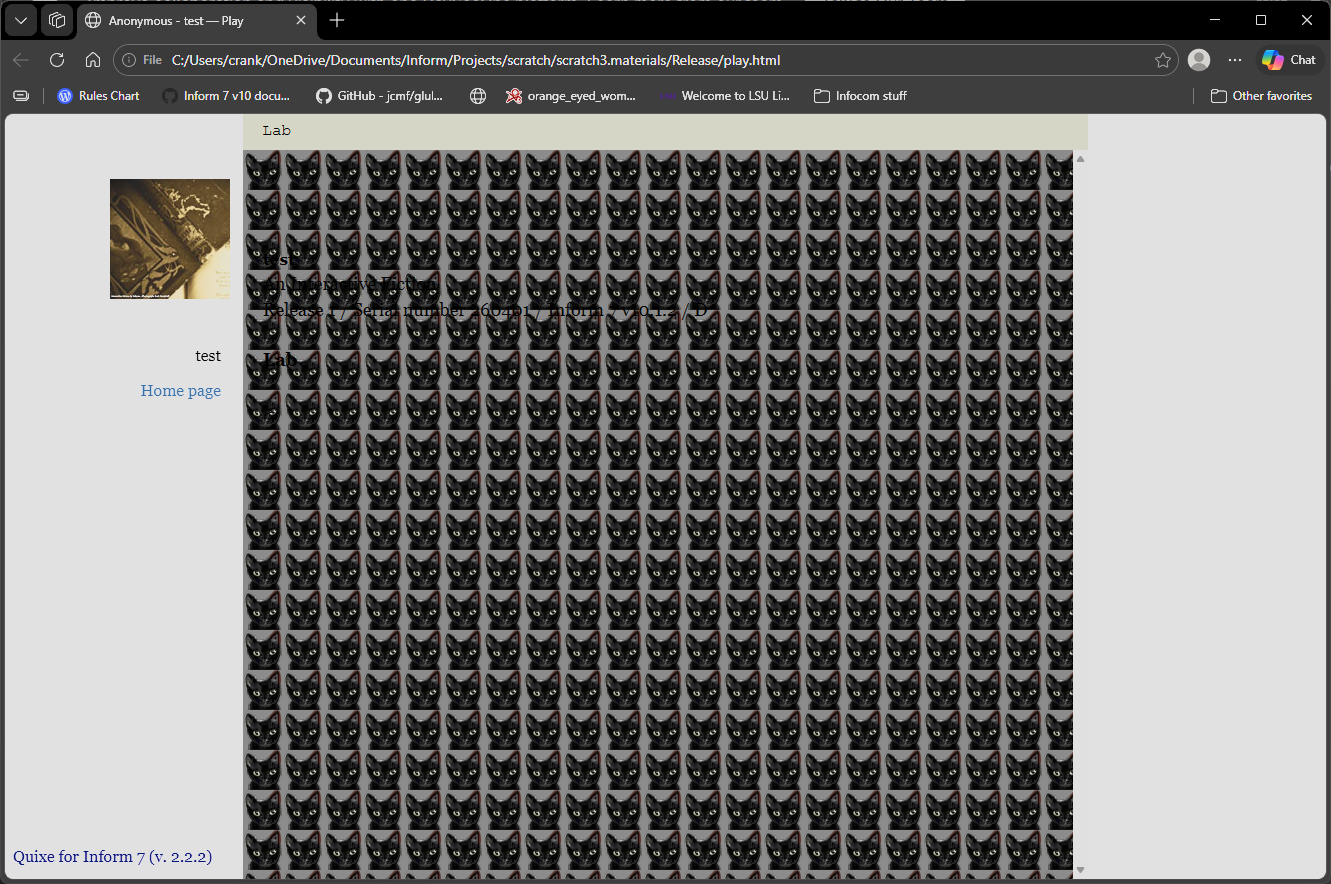
The above example is impossible to read, and I hope it illustrates the risks involved in specifying background images. As always, the key is achieving the right level of contrast between background and foreground.
There are several properties that affect the reader’s experience of a background image, though we will only discuss three here.
background-color: if our background image is transparent or has transparent parts, our chosenbackground-colorwill show through.background-size: specifies the way that the background should be sized. Note that ourbackground-repeatvalue should be set afterbackground-sizesince our CSS is set dynamically based on order processed. If needed, we can set a pixel height or size based on percentage of the screen.background-repeat: we can specify whether or not our image displays once or repeats to fill its container. The default value isrepeat. Whileno-repeatis likely the most common option, the possibilities can be reviewed here.
We can also apply a background image to a specific text or portion of a text. To do so, we first create a style. As always, the name can be anything we choose. I’ve chosen marbles.
to say mClass:
	set-any-class "marbles";
From there, we can specify a background-image, font-size, and background-repeat.
when play begins:
	css-set-fast ".BufferLine; white-space; pre-wrap";
	css-set-fast ".Style_marbles; font-size; 36px";
	css-set-fast ".Style_marbles; background-repeat; no-repeat";
	css-set-fast ".Style_marbles; background-image; url('Figures/marbles.webp')";
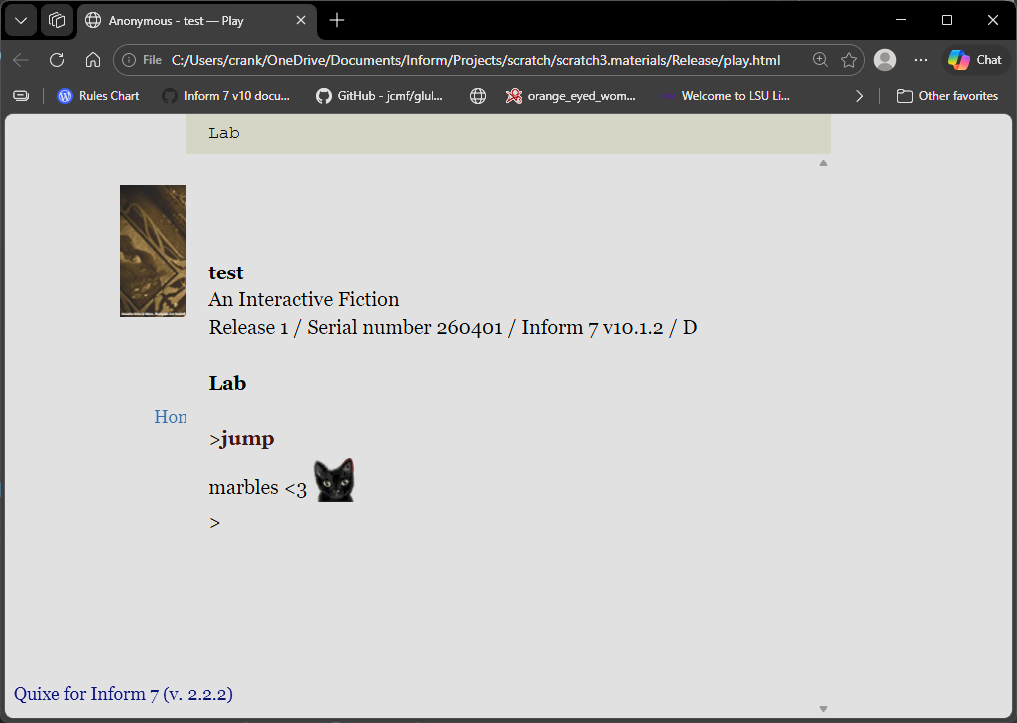
This will allow us to use code to apply an inline background. Here, we use this style to fill in empty spaces with a background image.
to say marbles:
	say "marbles <3 [mClass]     [roman type]";
The result: