The new release of Adv3Lite, version 2.2.2, is now available for download from https://github.com/EricEve/adv3lite/archive/refs/tags/v.2.2.2.zip. This contains a number of bug fixes and feature tweaks, mainly aimed at game author convenience. A link to an online version of the changelog will follow in due course.
Yes! Very nice update. I am really liking the enhanced testing features.
One thing I have noticed is that the input line now has the following:
<font face=”tads-input”>input </font>
The font is a very small Times New Roman, I think. It is a stark contrast to the body font I am using.
How can I override this font to match what I am using for the body font?
Thank you in advance and thank you for this update!
I’m not seeing this discrepancy between the command (input line) font size and the body font, and I suspect it has to do with the way your interpreter is set up, so you may want to start by seeing if you can tweak your interpreter’s settings (in the HTML-TADS interpreter I’m using this can be done through the ‘Themes’ menu, but you may be using a different ‘terp). You can change the input-font in adv3Lite by modifying inputlineStyleTag and overriding the values for htmlOpenText and htmlCloseTextbut do bear in mind that what players will see will depend on their interpreter settings.
I’m afraid I’m not seeing anything amiss with the input font when I use the testall command, and I don’t know what’s different about your setup that might be causing this, so I’m unable to offer any more suggestions.
The font issue was indeed in the terp. Thanks for your help on that. On to a new issue. I am attempting to use the new template for actor states.
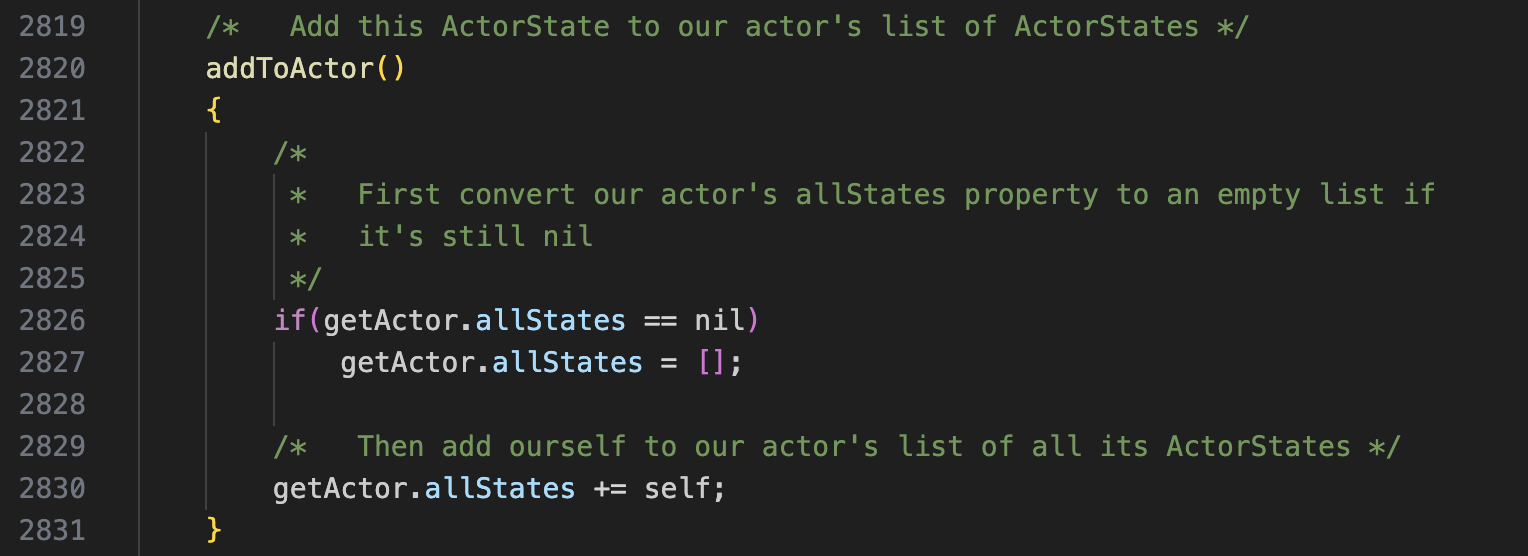
This simple code that I copied from the change log is throwing a run time error. Here is the original code. In my project, the character obj is mama as opposed to jane.
I don’t get a problem with this code unless I define the mama object as a Thing instead of an Actor. Might that be what you’ve done? That does give this runtime error.
mama : Actor 'Mama; kind pretty smiling mom mam; woman; her' @cottage
"Mama is tall, thin and very strong, both physically and mentally. She keeps the house orderly with kindness and compassion. "
specialDesc = nil

;
I still don’t get a run-time error, but setting specialDesc = nil on the mama object is a bad idea, since it breaks the mechanism that uses the specialDesc on the current ActorState.