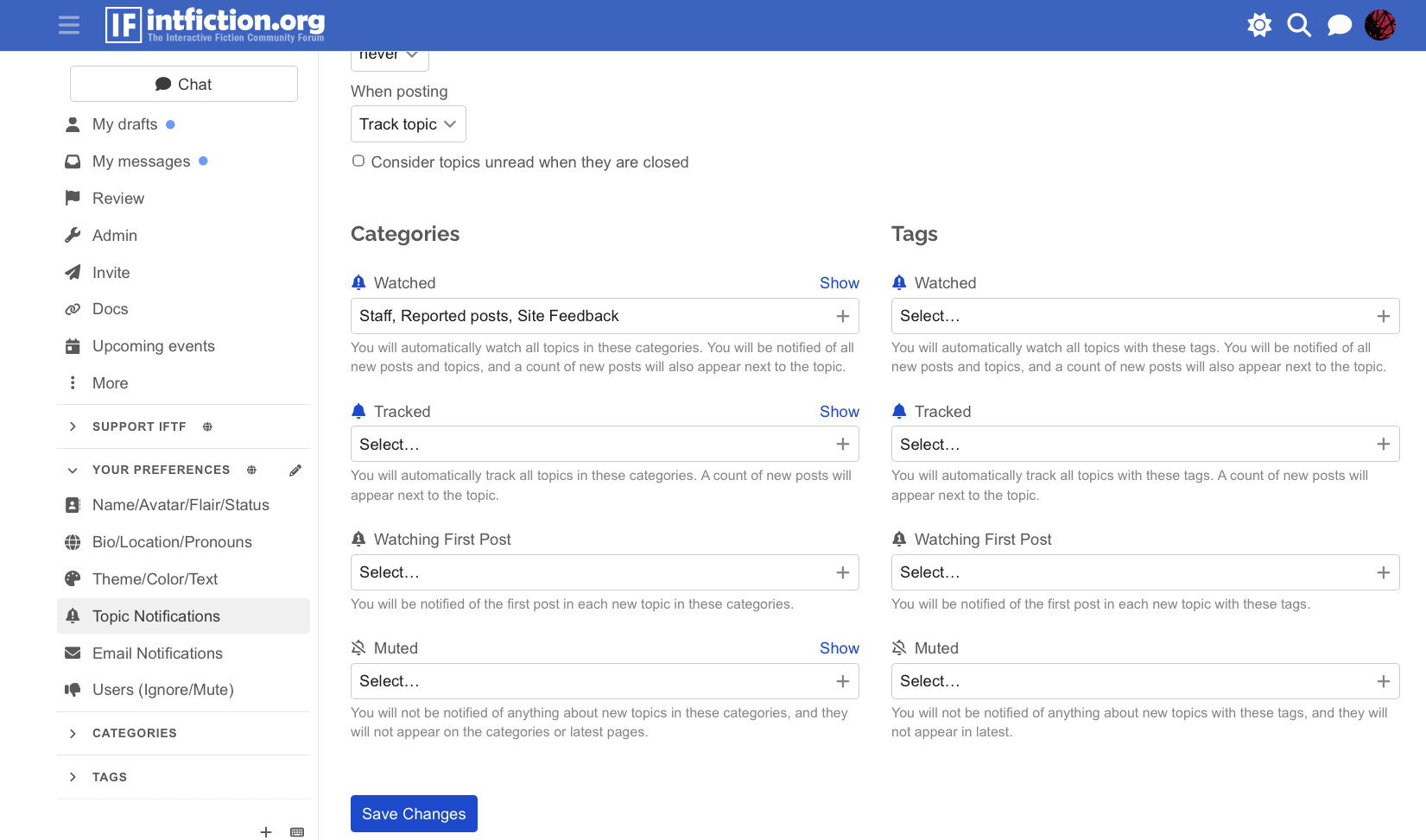
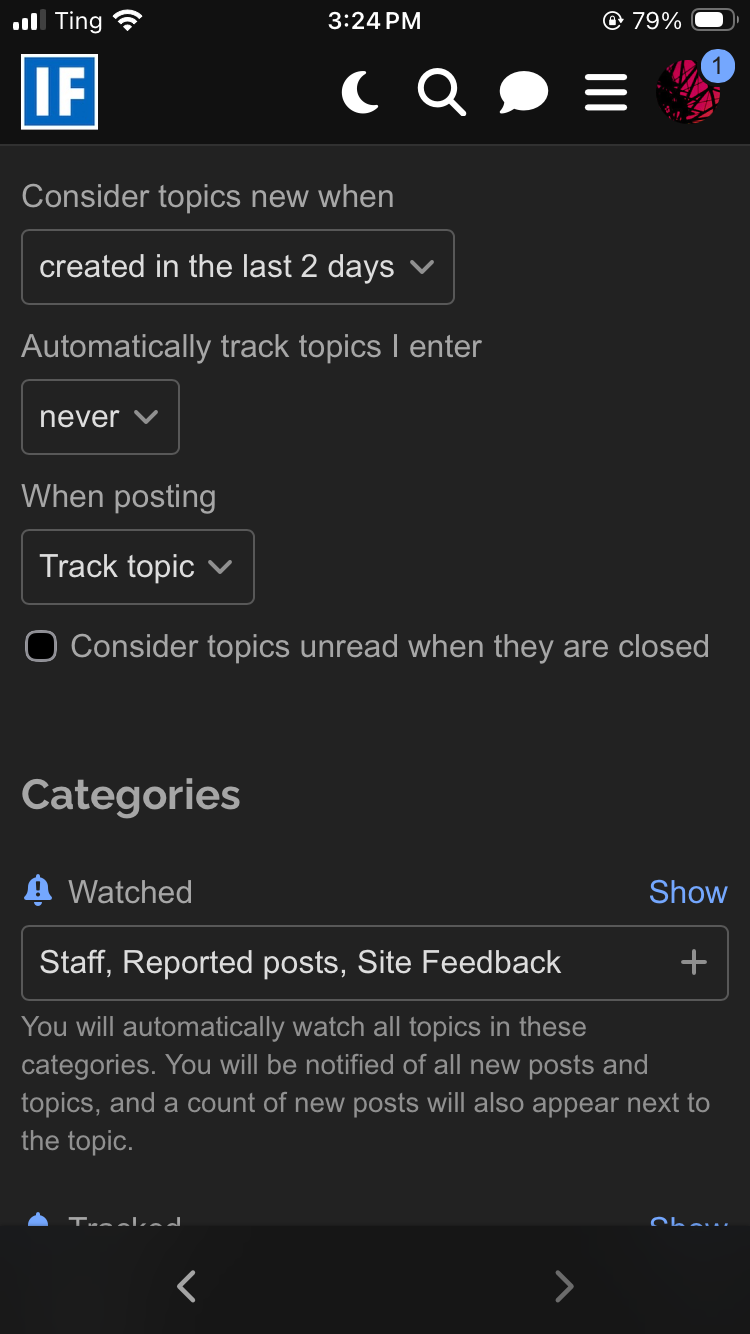
It was literally the first thing I did when I came. Along with muting other stuff I know for sure I’m not interested in.
But it’s kinda funny to see my own topic be ignored, there in your screenie. Even more funny to know that, since I mute the tag too, I myself would not see my own topic come up!
You can also go to your preferences (click your avatar at the top right, then the person icon for Profile, then Preferences, then Tracking, and down at the bottom of the right hand column there’ll be a list of the tags you’ve muted, and you can add or remove tags.

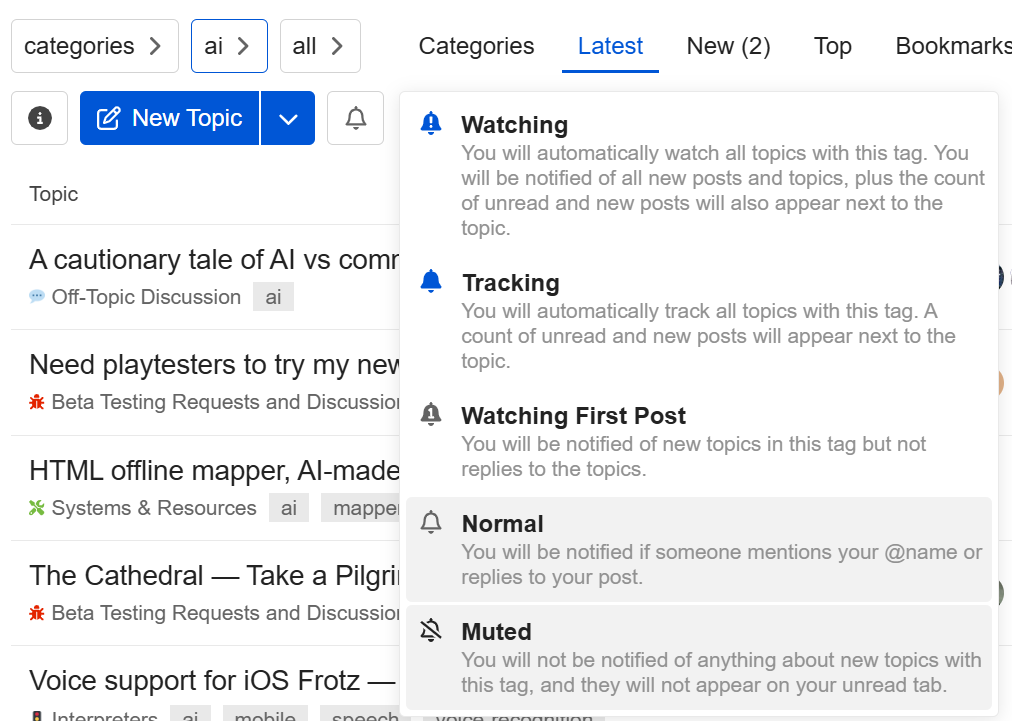

 Even more funny to know that, since I mute the tag too, I myself would not see my own topic come up!