Good point - I tested and this does work in Chrome (which I don’t use, it’s basically spyware).
I couldn’t get it to work in either Safari nor Brave, even though both supposedly offer translation.
With Firefox it didn’t auto-detect the Spanish (I guess because there’s also English on the page?) but when I did it manually it worked, though it took about 10 seconds to translate two sentences.
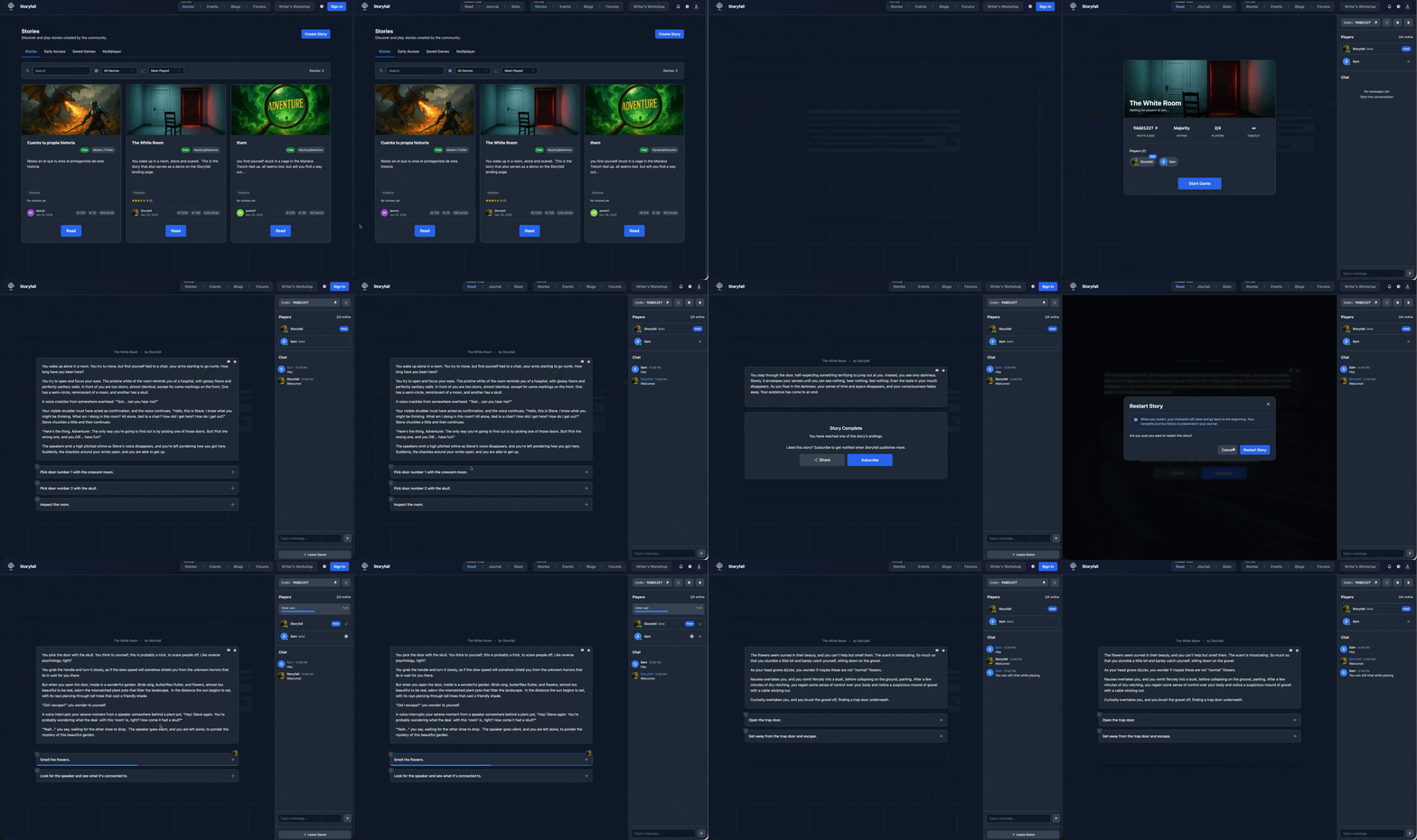
I added my first iteration of voting-based multiplayer games! I’m really excited about this. It makes ANY story on Storyfall multiplayer-capable, without requiring any additional work from the writer. You can just go and create a multiplayer game from any published story, share the invite code or link, and your friends can join and play it with you! You can set whether voting is by majority or unanimous consent, and also add a voting timeout. I even added a chat!
I’m still working on some other multiplayer features that will allow writers to create stories with different characters and inter-twining stories, but that’s a different kind of game entirely and will take me a while to figure out the mechanics for.
I’d appreciate any help testing for bugs - I’ve tested quite a bit but real-time server networking can get complicated.
A few new features launched over the past couple of days:
Avatars for variables, NPCs, and factions.
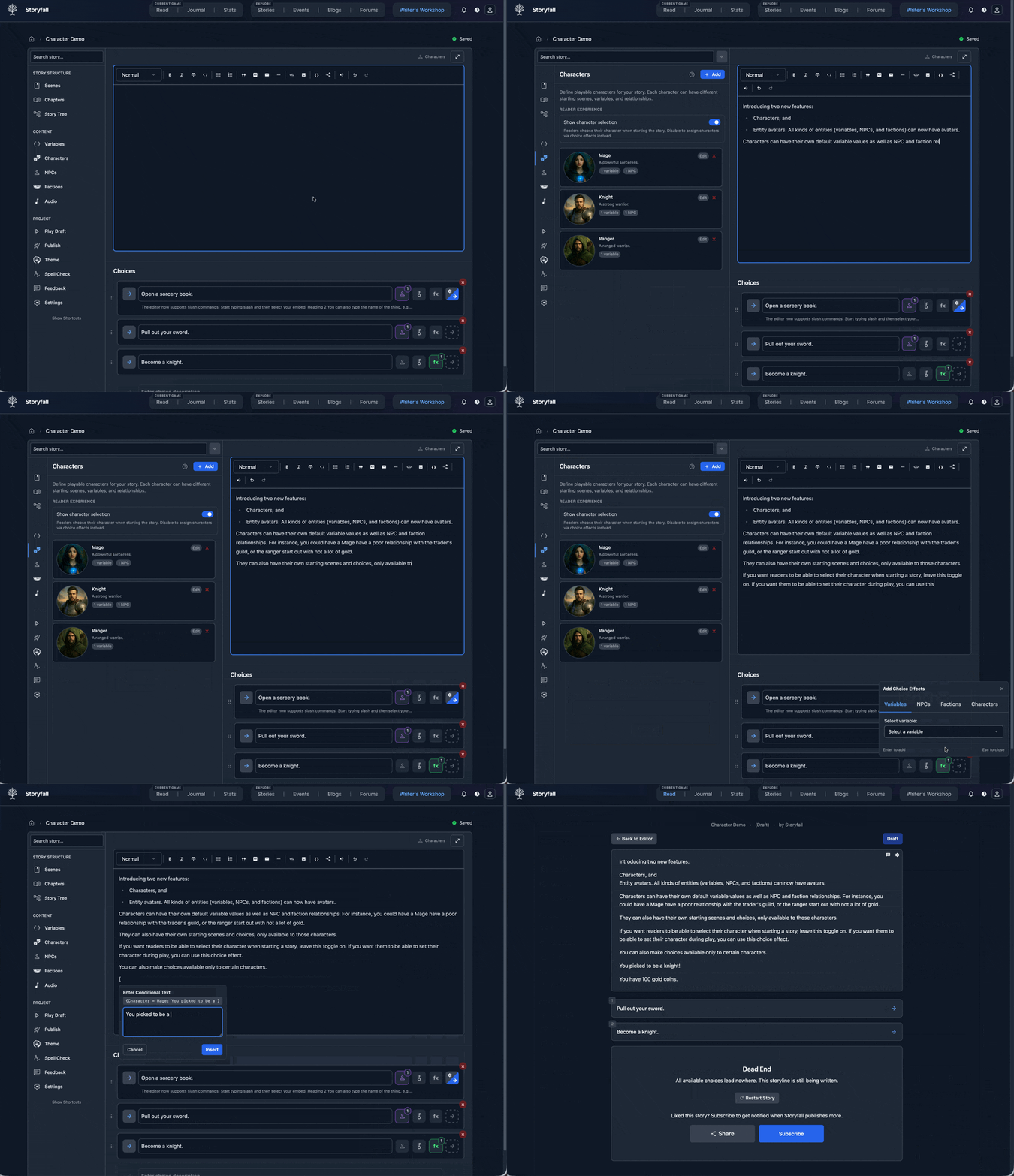
Characters. You can create characters the reader can pick from, either when starting a game or later on. Characters can have their own starting (default) variable values as well as NPC and faction relationships. You could have characters be things like “classes” (mage, knight, ranger, that king of thing) or named characters, or perhaps even something else entirely. Characters can also have different starting points in the story (as in they start on a different scene). You can also set some scenes and choices to only be available to specific characters. Plus, you can filter the story tree to highlight choices and scenes specific to a particular character. This enables more advanced single player games but it’s also the foundation for some more advanced multiplayer features I’ll be working on where people would be able to simultaneously play as different characters within the same game, with their choices affecting each other. More on that later as I’m still working out the details.
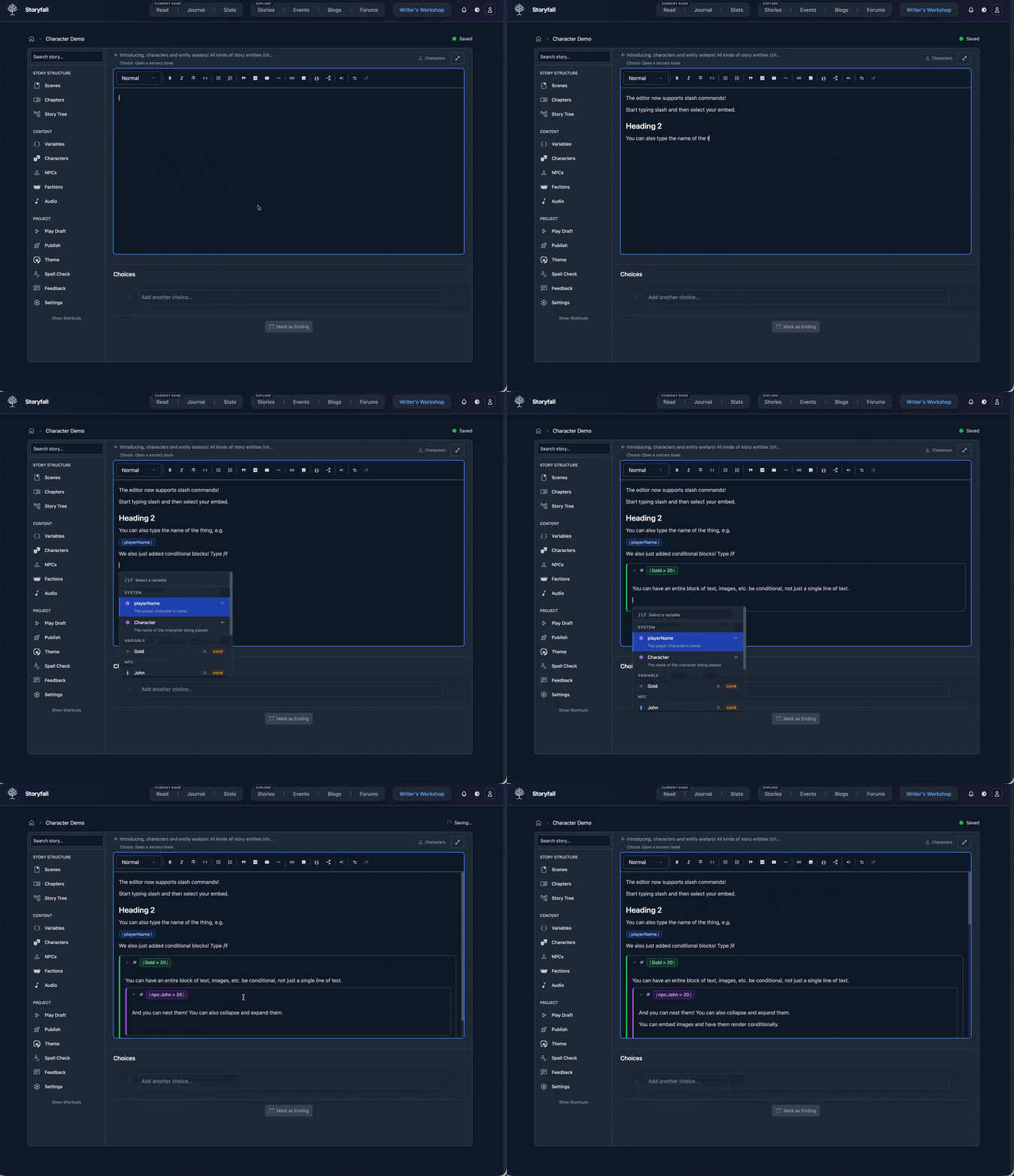
Slash commands. This is an editor staple - instead of having to use a toolbar at the top (which is still available), you can just type / and pick from any number of headings, embeds, etc.
Conditional blocks. Previously you could render conditional text using variables by typing something like {gold > 20: You’re rich!} but now you can also type /if and insert an entire conditional block. The block can have any of the other editor embeds, including nested variables, images, headings, etc., and even more nested conditional blocks!
Multiplayer co-op games are in! This builds on the character feature I recently released, so you can create intertwining multiplayer games where different players play as different characters at the same time. I also added the ability to have “sync points” where the characters have to wait when they get there until everyone reaches a sync point. (This could be something like a dungeon door that needs to be opened for instance.)
I created a very simple co-op example game here. If you don’t have a buddy to play with, just open a second private browser tab and paste the invite link there to check it out! (and please forgive the bad writing, it’s just a demo)
This is cool. Firstly, i had to paste the invite link into a different browser. Presumably this is what you get, since each browser will remember its own state.
For multiplayer;
Mary is told John arrives before he does. This works because the John game always branches to that state, but that’s because the demo doesn’t have a lot of branching. Having one person read something about another player before it happens will be a problem in general.
I liked the way the game does the sync points. But they also presume that the event will actually happen. Ie that the other player(s) will actually get there. What if they quit? What if they get other choices?
Good points - I think what I’d need to add is a new condition for conditional text that checks whether a particular character is at the scene. That way text about another character getting there only appears at the moment they get there, which would feel a lot more immersive and correct.
As far as branching - yeah, sync points are really there for stories that converge at some scene/room. They’re optional so I’d say if you have a story where convergence isn’t guaranteed, you could just skip them - though I think as a narrative device it’s nice to have everyone meet up every now and then; but it really depends on what story you’re writing.
Edit: you should be able to use the same browser if you open a private tab/window which won’t remember your cookies and local storage.
You don’t even need to register to play around with this feature. Not everything maps perfectly of course, for instance Twine hyperlinks end up being choices at the bottom of the scene - and custom macros and JS are skipped entirely, but this is a good start I think. It would at least make it significantly easier to re-host a Twine or Ink story on Storyfall, fix up a few things, and, for instance, enable multiplayer gaming for free!
Also tagging @J_J_Guest and @Draconis since we discussed this feature earlier in the thread and I thought you might be interested.
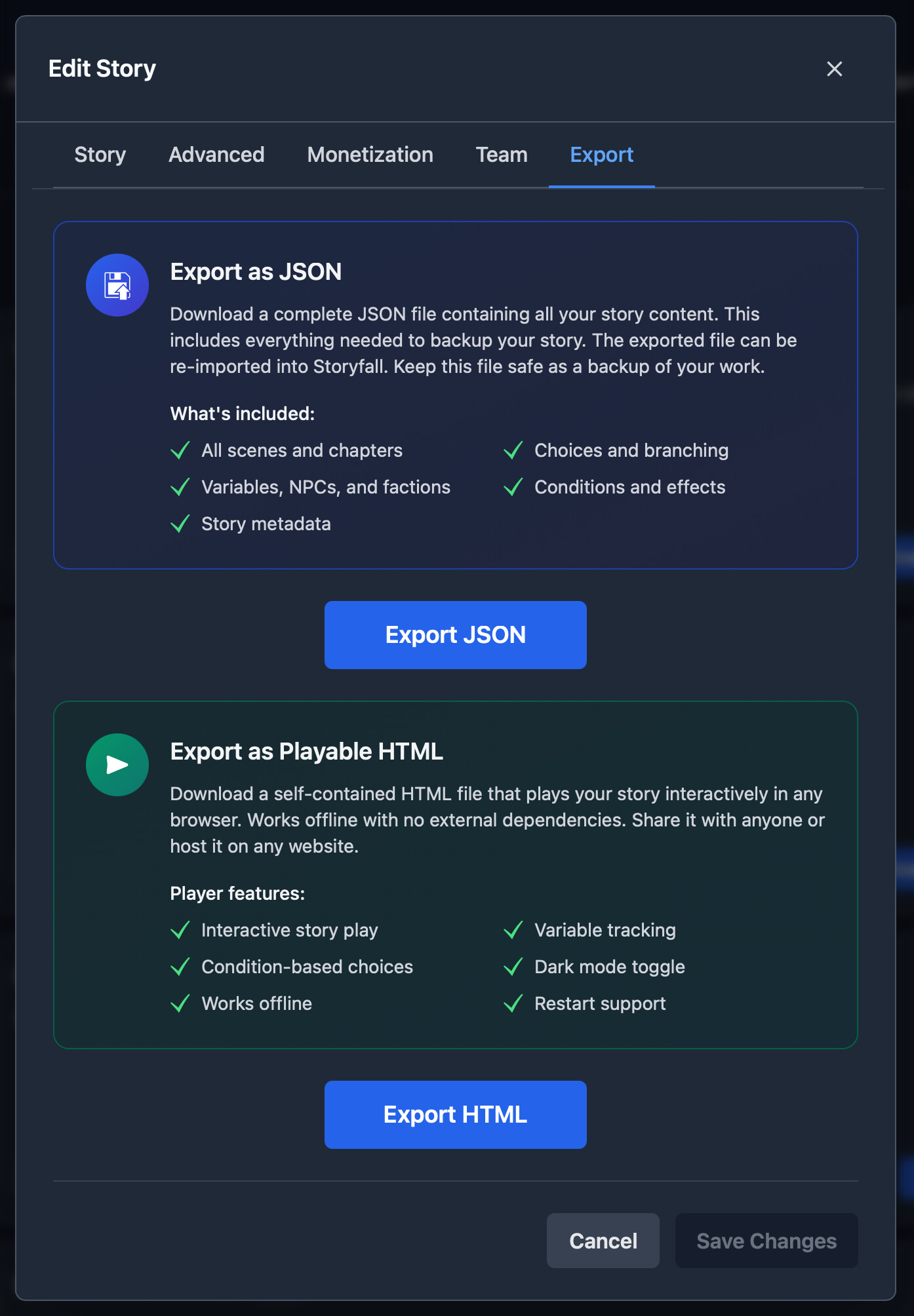
The other thing I added is the ability to export games as HTML. I already had a JSON export system but all that was useful for was backing up and re-importing your story into Storyfall. The HTML export produces a standalone file that’s playable offline or can be hosted on a web page. This is also a WIP and isn’t 100% up to feature parity with the storyfall.com player, but it does most things, including variable substitutions and choice effects (e.g. you choose something and it increments some variable).
Hopefully this alleviates some concerns folks had about “what happens if Storyfall implodes one day” - and it should make it easier to move your work both in and out of Storyfall. I don’t like walled gardens and prefer to give writers the ability to go somewhere else if they want.
I just posted this month’s dev diary. I think this is the longest one yet! Been a busy month. I’ve added two kinds of Multiplayer games, characters, translations and full i18n support, docs, twine & ink imports, HTML standalone playable exports, NPC/faction/variable images, slash support in the editor, conditional /if blocks, complex AND/OR conditional variables, and much more!
I also spent some time optimizing the website. I improved several slow SQL queries, dramatically reducing loading time for larger stories in the editor, and overhauled the way images were served on the website. I now create lower-res images of anything uploaded and pick whether to serve the full resolution image or the smaller versions based on the actual size of the image displayed. For instance, if there’s a small 40px avatar on a page, there’s no need to download the full 1.5mb original to display it.
These changes have made the website load about an order of magnitude faster, and reduced bandwidth used too, which is important for users on limited internet or using their cell service.
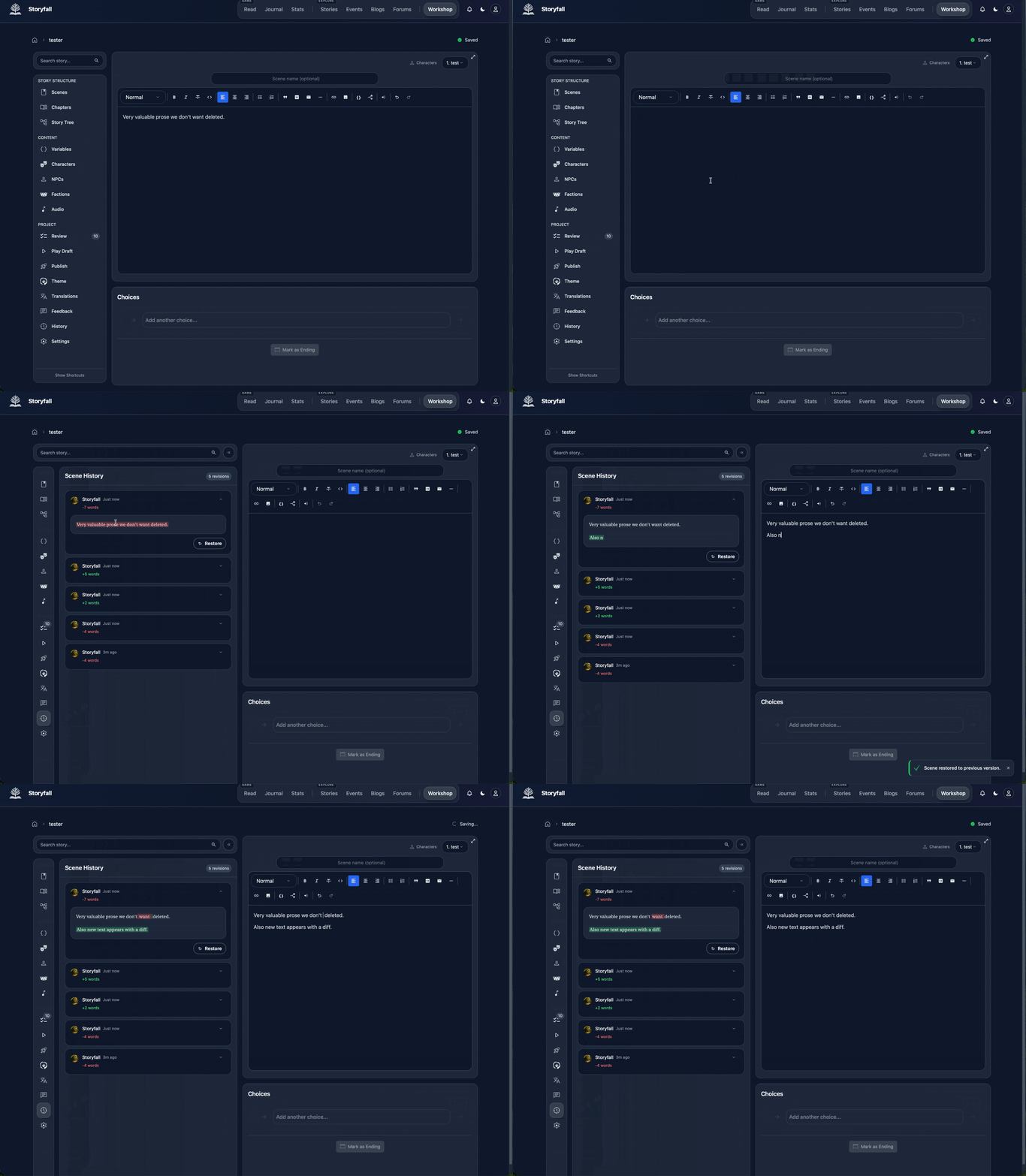
Storyfall now supports scene text history! Every time you navigate away from a scene in the editor (either to go to another scene, or to refresh the page, or just go somewhere else on the website), the editor will save a snapshot of that scene’s text, with proper diff support.
This means if you accidentally delete something you didn’t mean to and navigated away from the page (so that the editor’s built in ctrl/cmd+z function doesn’t work anymore), your scene text is still saved.
Proper green and red diffs are displayed too, which is handy.
The other benefit is that once the Storyfall real-time collaborative editor (think similar to how Google Docs works) launches in the next few days (if I can get the bugs fixed, hah), it’ll be possible to see what other writers collaborating on your story are changing.
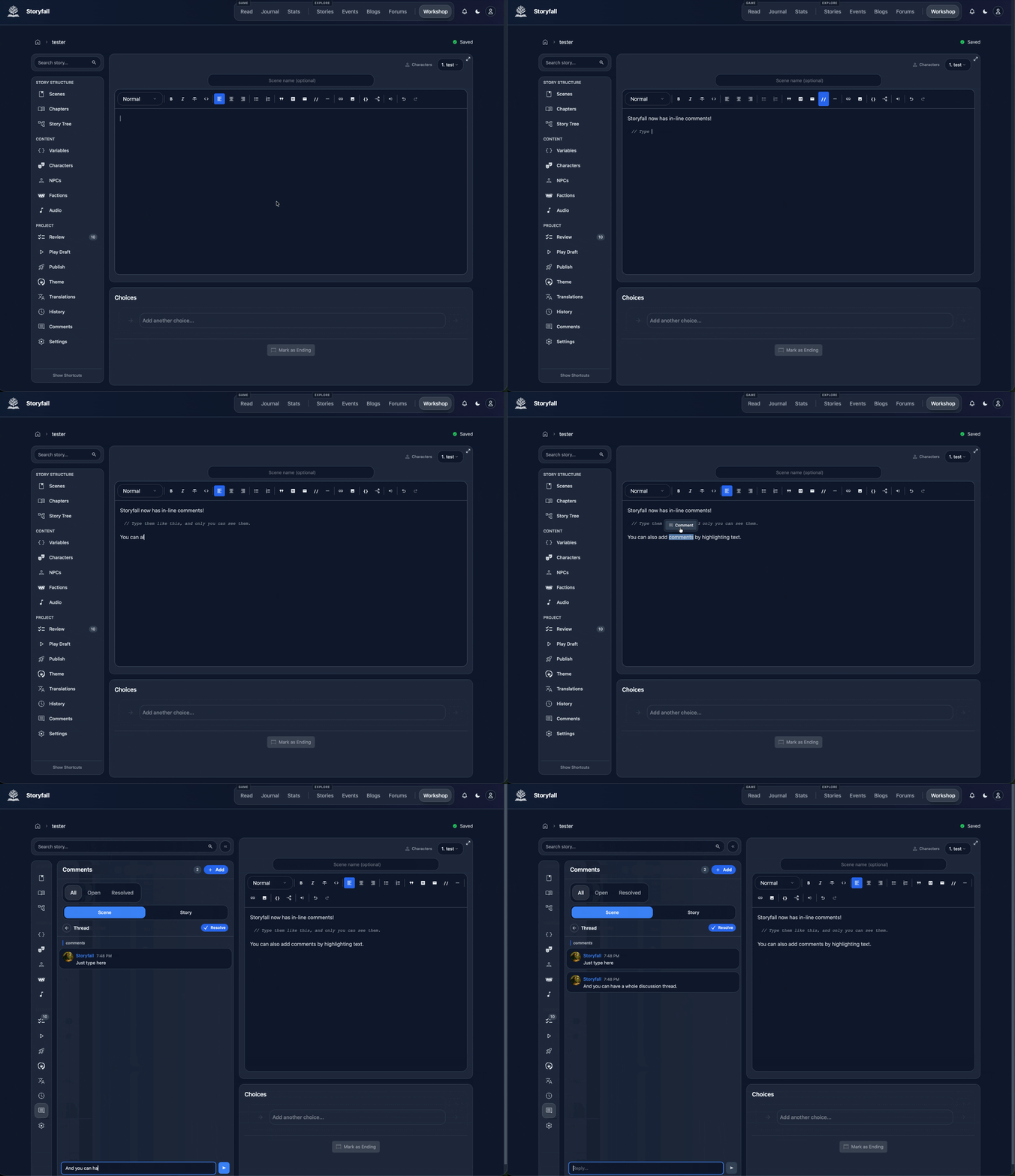
Had a recent request for the ability to add comments, so I added two different versions, double slash // in-line comments and comments you can leave by selecting text and clicking the comment button that pops up. The second type will be especially handy for the collaboration feature where you can have entire conversation threads about specific text with another writer on your team.
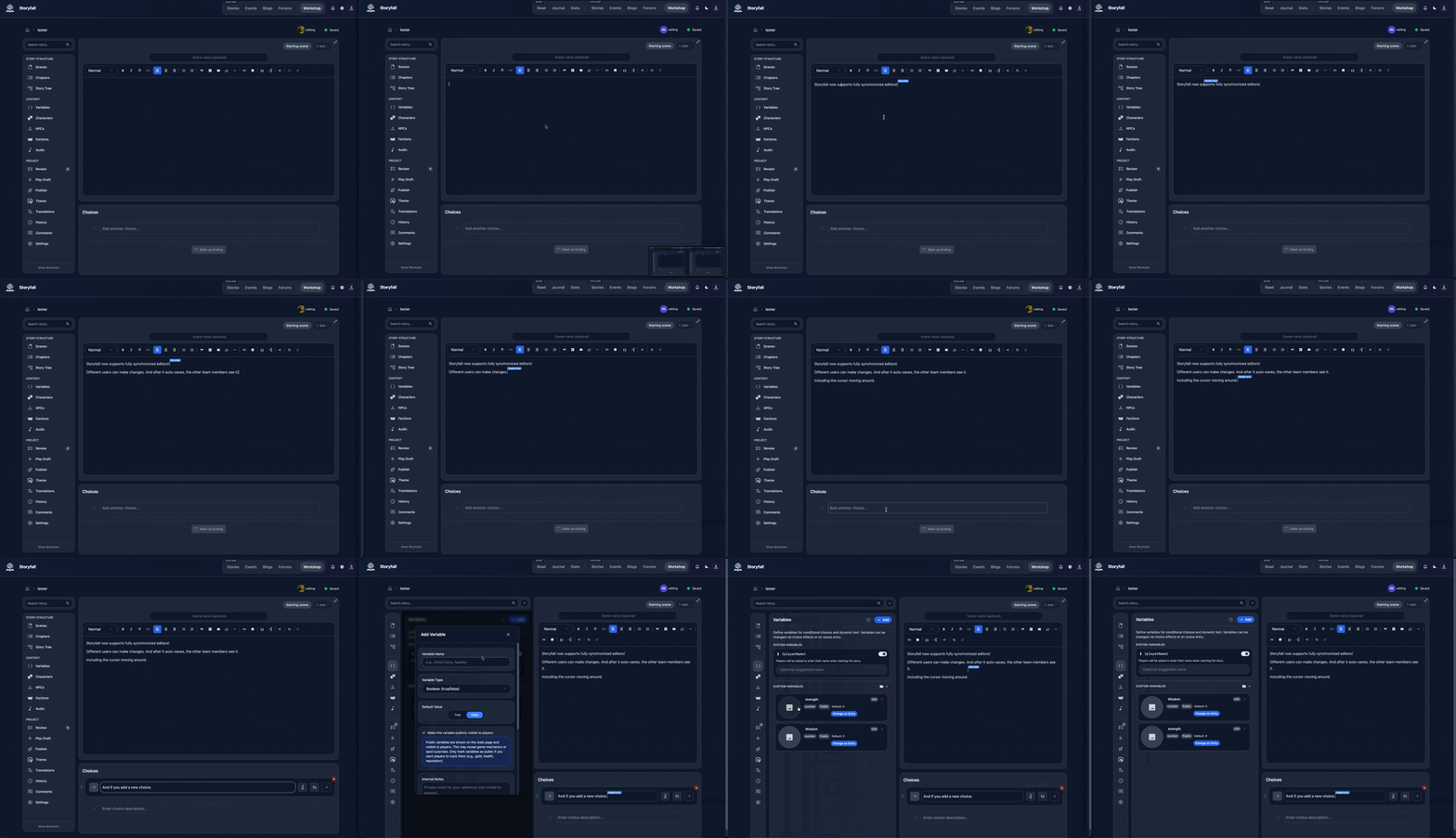
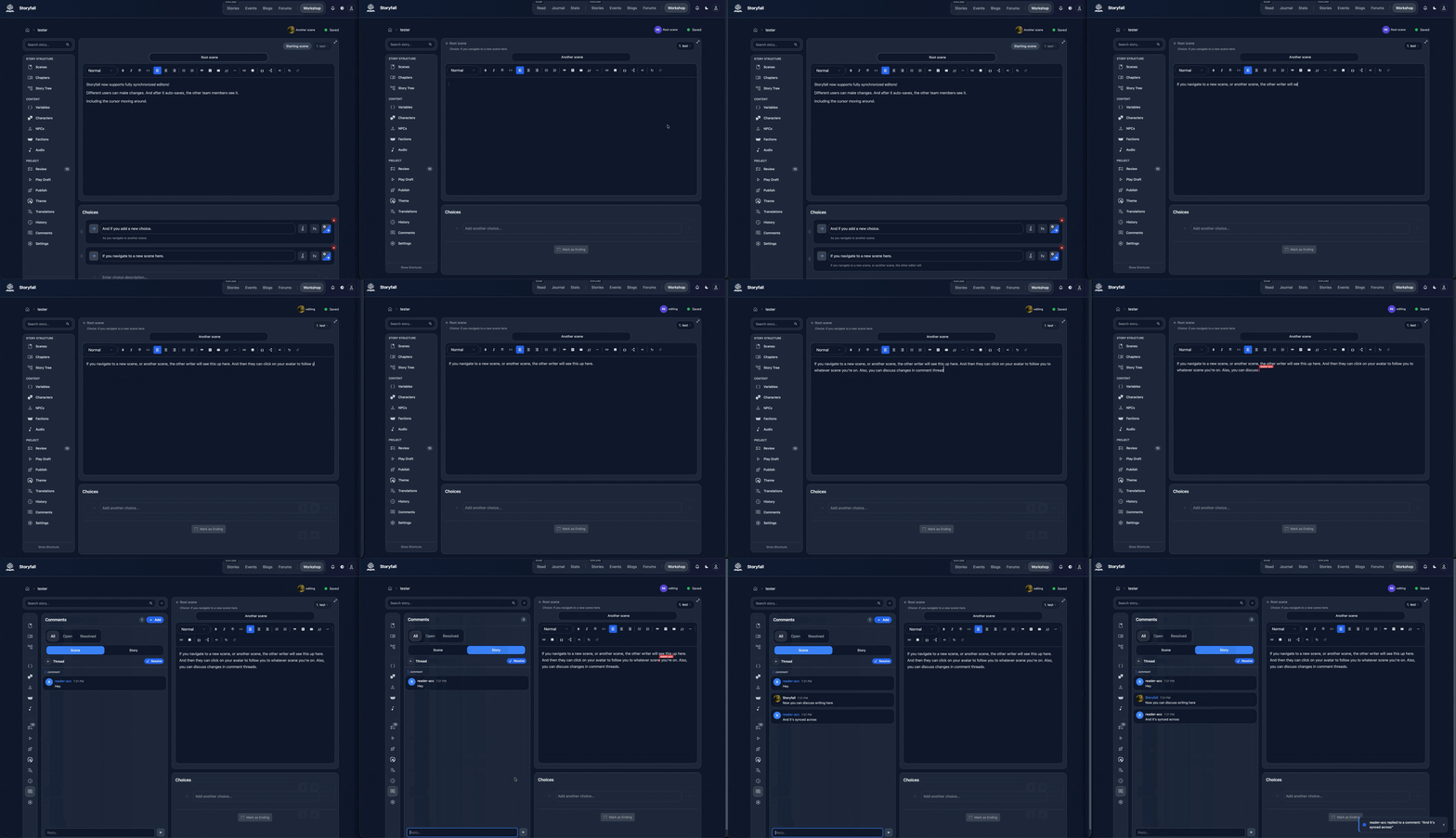
Fully collaborative editor is now live! Still working out a few bugs but it’s basically good to go. You need to add someone else to your team as a writer, and then It works like google docs - you see the other writers’ cursors as they move around the scene or choices, you can see which scene they’re editing and jump straight there, changes are reflected for all the other writers, you get scene revision history with diffs and whoever made the change, and you can comment on text and discuss things in threads, just like a chat!
If you’re not editing live, any comments left by other team members will end up in your regular in-app notifications dropdown, and in your email, depending on how you setup your notification preferences.
This was kind of a fun stretch goal I had for the editor - there’s probably not a ton of people looking to collaborate in real-time on interactive fiction, but I like synchronized functionality like this and I was able to re-use some of the code from the multiplayer modes. I’m curious if anyone ends up using this for any collaborative stories - let me know if you do!